EN-45
Protecting Images/Video Clips
Set the data to read-only to prevent images from being erased by mistake.
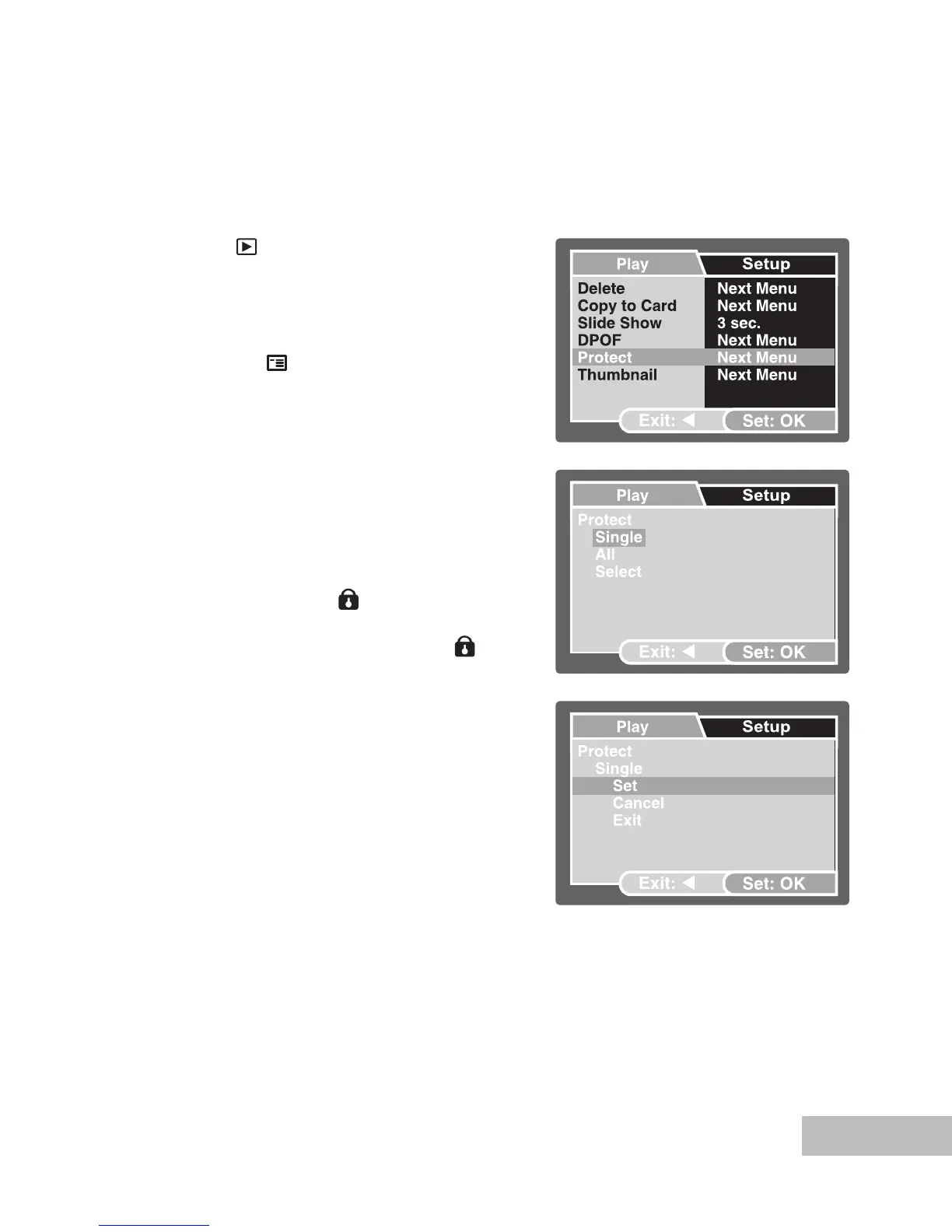
Protecting Images
1. Press the [
] button.
The last recorded image appears
on the LCD monitor.
2. Select the image that you want to
protect with the / buttons.
3. Press the
/ button.
The playback menu is displayed.
4. Select [Protect] with the
/ buttons,
then press the OK button.
5. Select [Single] or [All] with the /
buttons, then press the OK button.
6. Select [Set] with the
/ buttons,
then press the OK button.
Press continuously the button to
return to the playback mode.
The protect icon [
] is displayed
with the protected image.
When [All] has been selected, [ ]
is displayed with all the images.



 To Next Page