EN-41
VIDEO MODE
Recording Video Clips
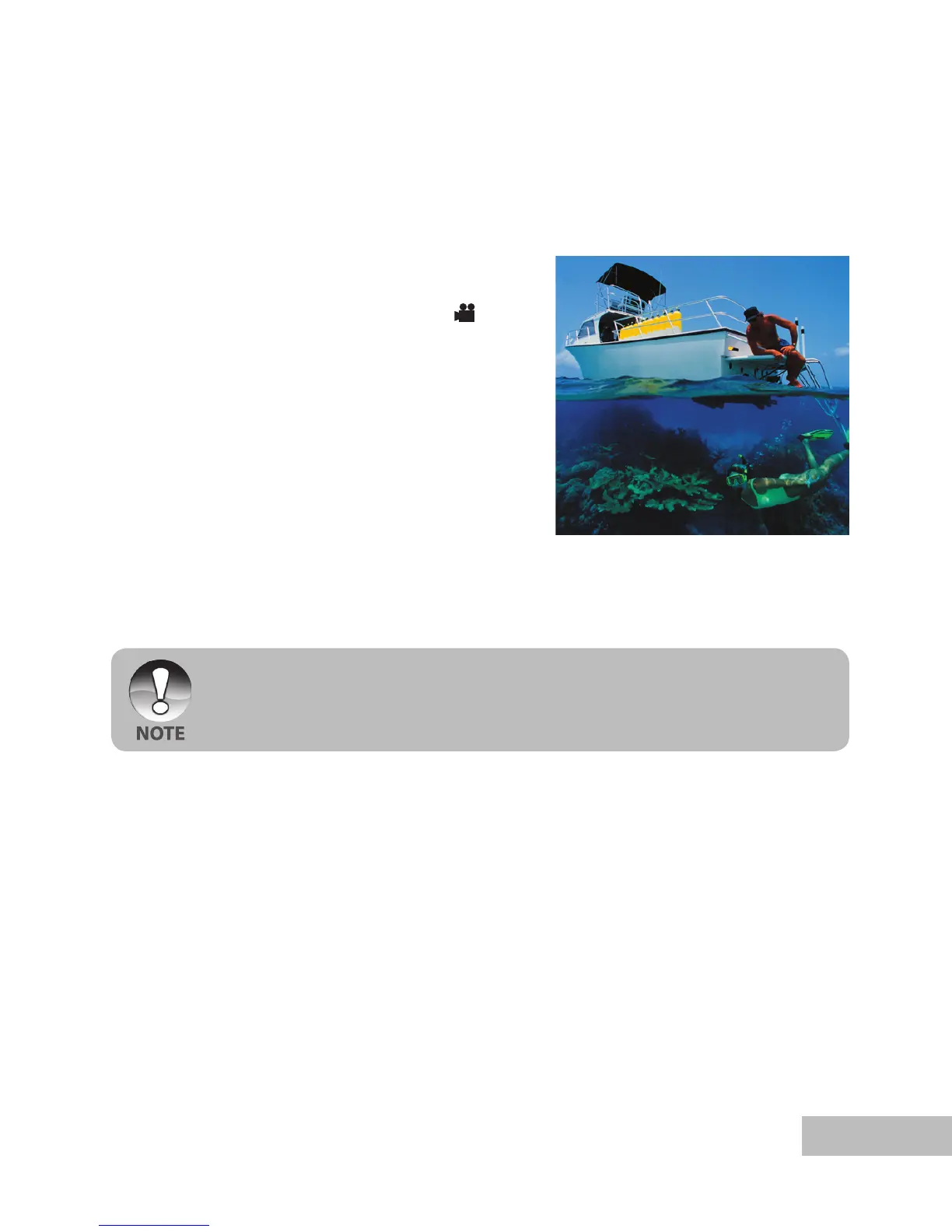
This mode allows you to record video clips with sound via built-in microphone.
1. Press and hold the
OK button until the
camera turns on.
2. Press / MODE and switch to [ ]
mode.
3. Press the shutter button to start
recording.
4. To stop recording, press the shutter
button again.
When recording a video clip, the flash cannot be used.
You will need sufficient lighting for good quality video. In low light conditions, use
a video light (optional accessory) to illuminate the subject.



 To Next Page