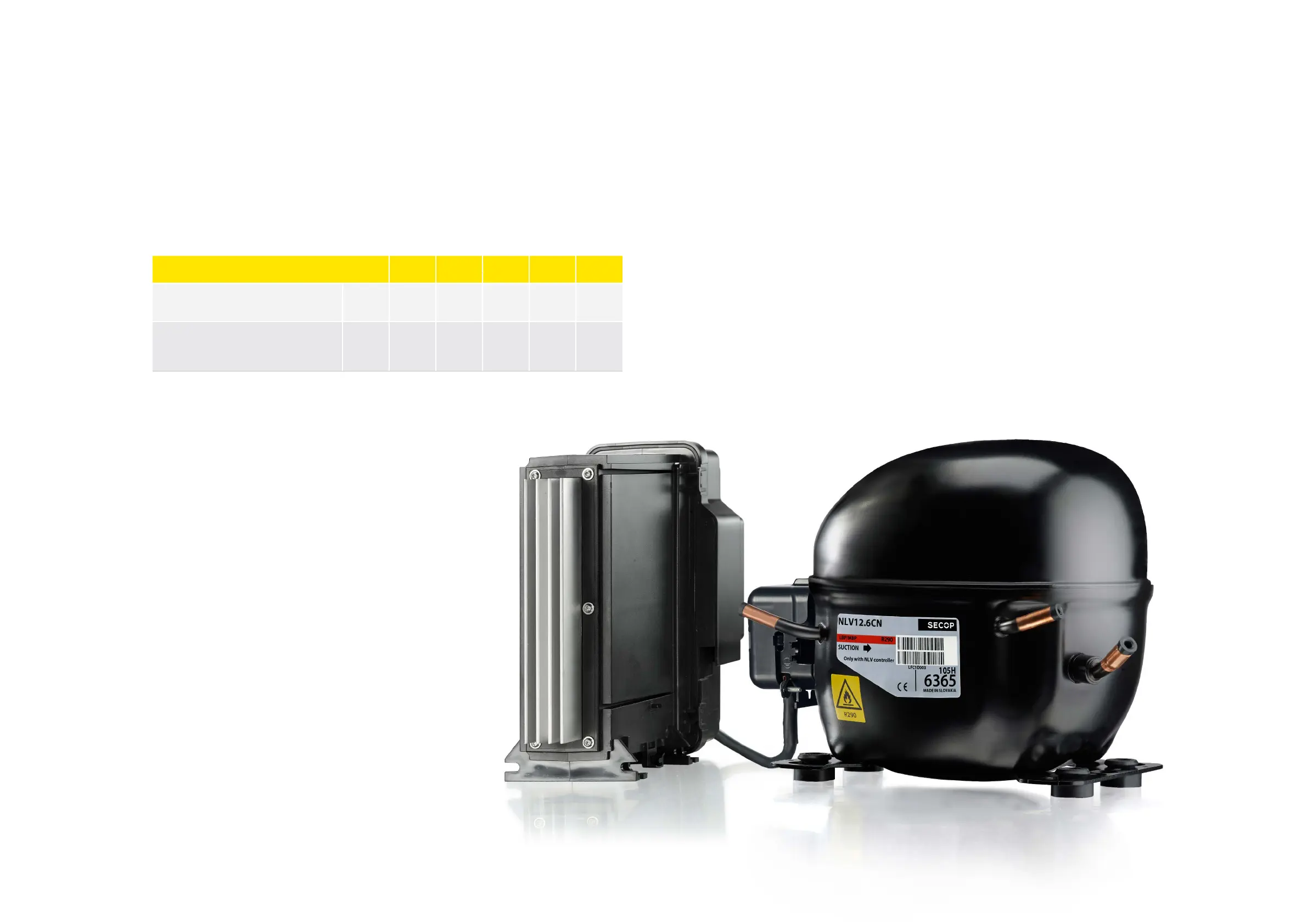
XT Controllers for NLV-CN Compressors
4.23.
Storing and
Restoring to
Factory Settings
The NLV controller contains a “Store to factory” and “Restore to factory” function. With this function it is
very convenient for the OEM to program the NLV with their own factory settings. Furthermore, it helps
the service engineer to restore a controller of cooling application in case of “lost overview” making
modifications or optimizing settings on site.
Functional description:
Storing settings as factory settings “Store to factory setting” (P31) is only possible with an OEM login, the
restore function “Restore to factory settings” (P30) is also enabled for the service engineer.
Restrictions:
When activating the “Restore to factory” function, all actual settings in the NLV controller will be
overwritten immediately.
Parameter Function Code
Multiple
Apps
Min. Max.
Default
Setting
Unit
Restore the controller settings with the factory
settings for the selected application mode.
1 = action
P30 - 0 1 0 -
Replace the controller factory settings with the
present settings for the selected application
mode.
1 = action
P31 - 0 1 0 -
Page 56 / 57



 To Next Page