Administration Methods
Print Server User Manual Windows 29
For a perfect text output of your emails and attachments, make sure
that the text encoding of the printer corresponds to that of the
email client.
Security
If you want to change parameters or do an update for print servers
that have a write protection (see: 84), you also need a password.
Enter the password into the first line of the email body. Note the
following syntax:
password: <password>
Parameter Changes
Parameter changes are integrated into the email body with the fol-
lowing syntax:
<parameter> = <value>
The syntax and values can be obtained from the parameter list, see:
162.
Example 1
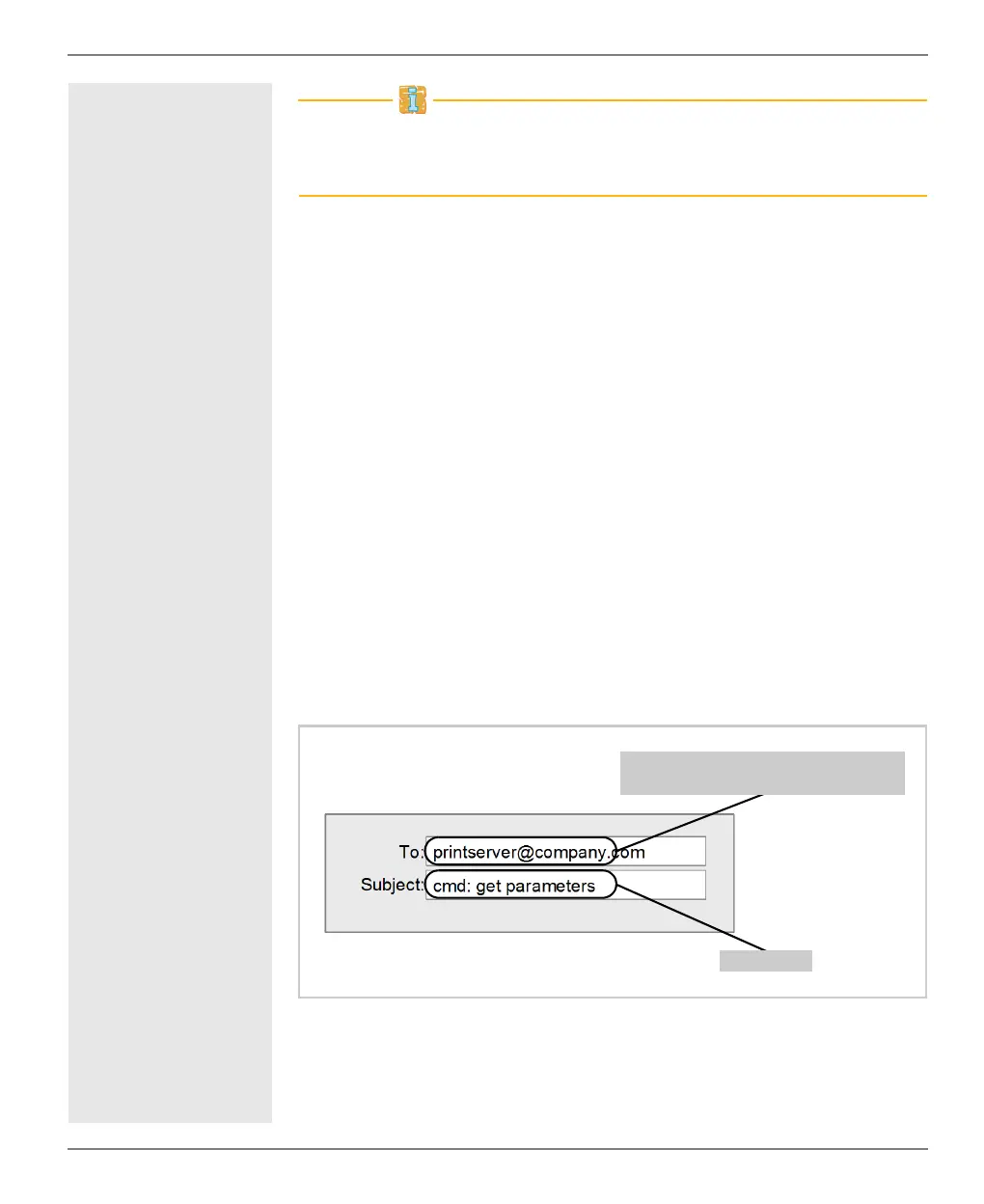
This email causes the print server to send the parameter list to the
sender of the email.
Fig. 3: Administration via Email - Example 1
Example 2
This email causes the printer that is connected to the port 'LPT2' or
'USB2' of the print server to print the attachment of the email. The
Command
Email address of the print server as
configured on the POP3 server.



 To Next Page