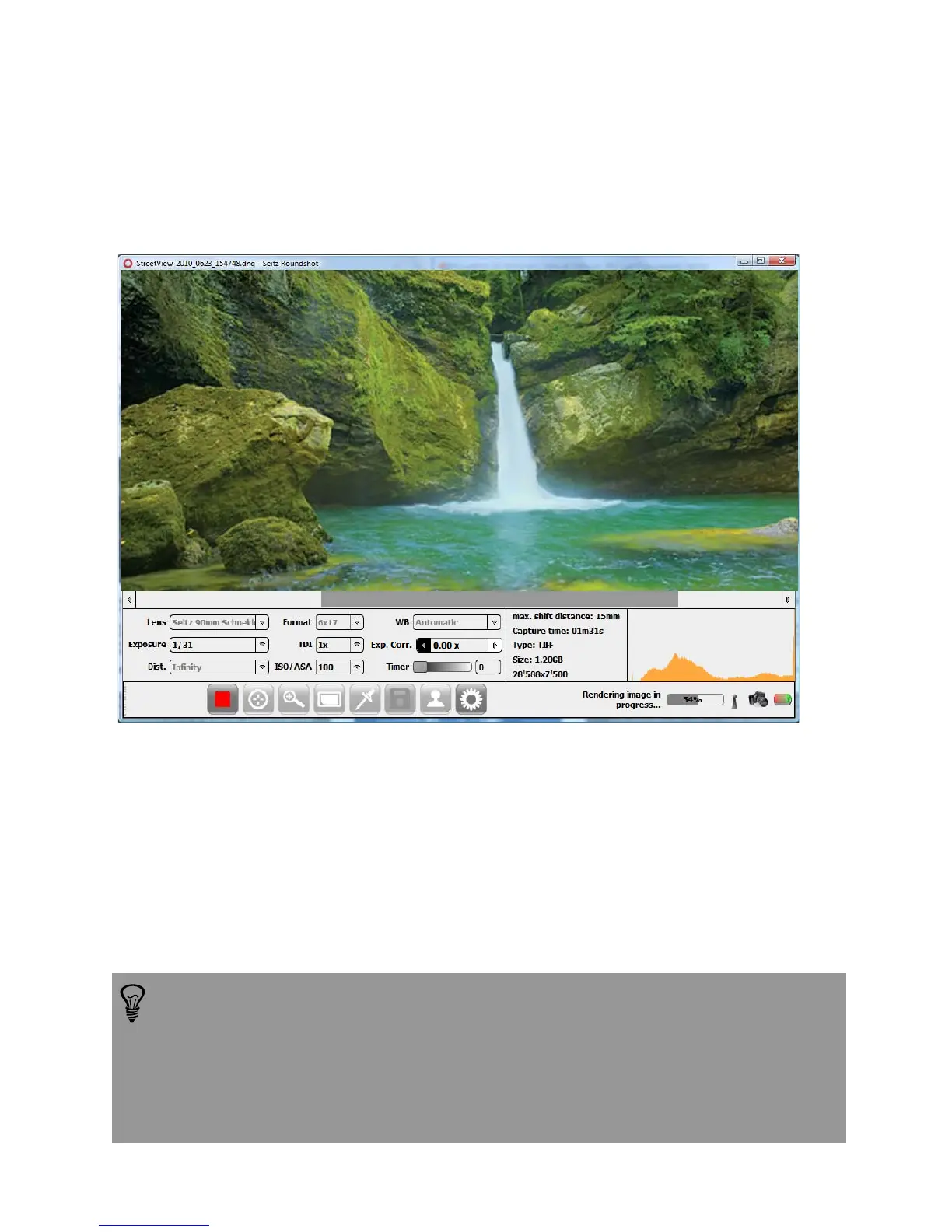
Once the scan and preview are complete, additional post-processing steps can be
performed on the image such as:
• White balance (automatic, choose in picture or presets)
• Histogram stretching (if active in parameter menu)
• Black adjust (for longer exposures when a black value interpolation is required)
The ongoing rendering process is shown on the lower right corner of the window.
These post-processing steps can be launched automatically right after the scan (for
example: Automatic white balance) or some post-processing parameters can be
changed and then be applied to an existing scan (for example: „Choose in picture“
white balance, new contrast values).
These post-processing options are explained in more detail below.
For image-taking we recommend to focus on framing the image (angle),
exposure and on sharpness and saving the image as a raw file (dng). All
other adjustments such as white balance, histogram stretching, HSL etc.
can be done conveniently on a calibrated screen at home / in the studio.
Please refer to chapter 5 for detailed explanations on the ideal workflow
(post production).
Instruction Manual Seitz 6x17 Digital - version 4.05 - May 2013- © by Seitz Phototechnik AG / Switzerland www.roundshot.ch page 23



 To Next Page