4.8 … program the scheduler (continued)
Once the Jobs are programmed correctly, it is necessary to start the scheduler.
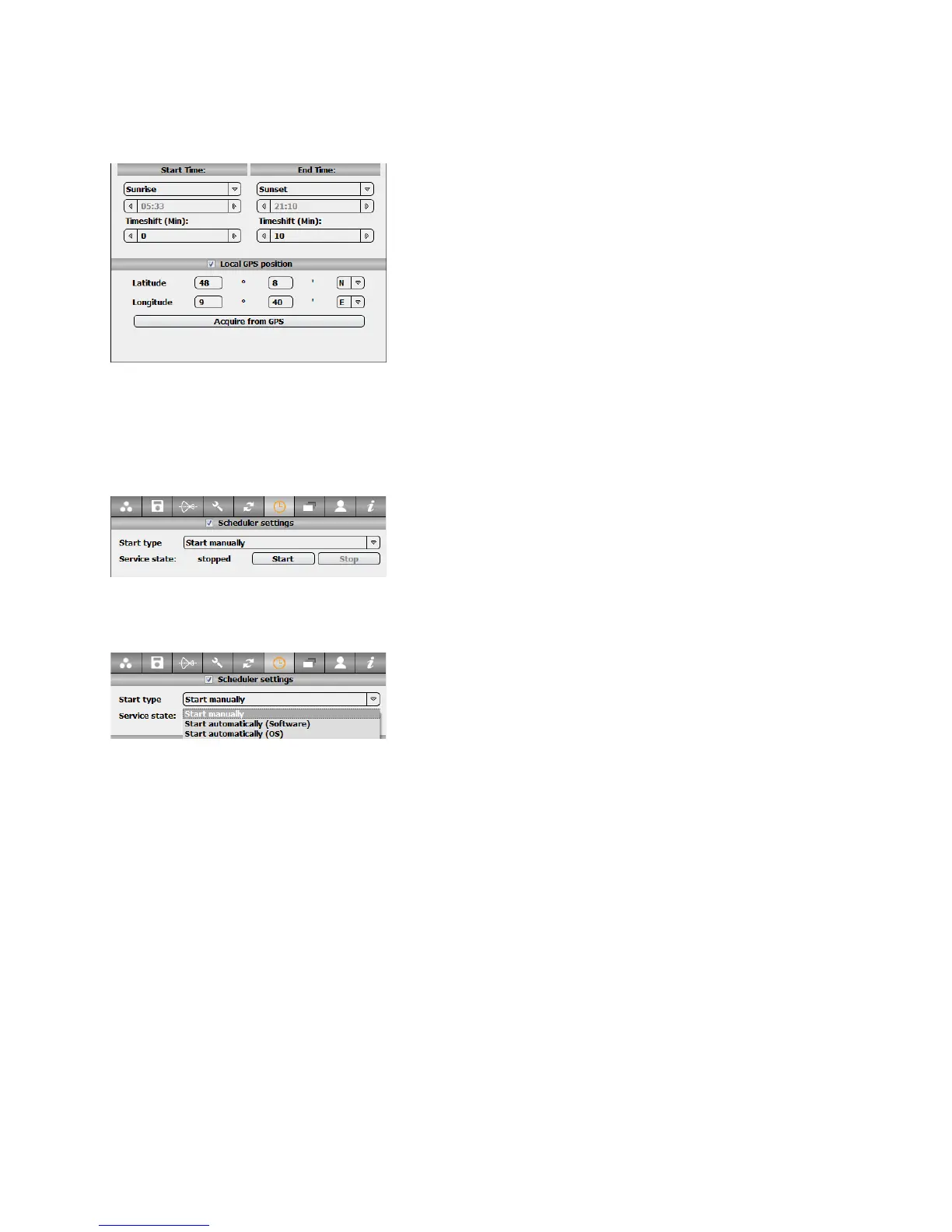
In the scheduler settings section, the following
start-up options can be selected:
•
Start Manually (default): this option is
recommended for testing when the Scheduler
should not be launched automatically (for
example when closing the software)
• Start Automatically with software: this option
allows the scheduler to start as soon as the
Roundshot software is started
• Start Automatically with operating system:
this option allows the scheduler to start as soon
as the computer is restarted. This is used for
Livecam applications.
For all types of jobs, the start/end times can be
generated automatically according to the GPS
location of the camera.
Enter the local GPS coordinates and select
sunrise/sunset for example. The effective start/end
times will change automatically according to the
location throughout the season. This is useful to
create projects over a longer time frame (for
example a year).
Instruction Manual Seitz 6x17 Digital - version 4.05 - May 2013- © by Seitz Phototechnik AG / Switzerland www.roundshot.ch page 58



 To Next Page