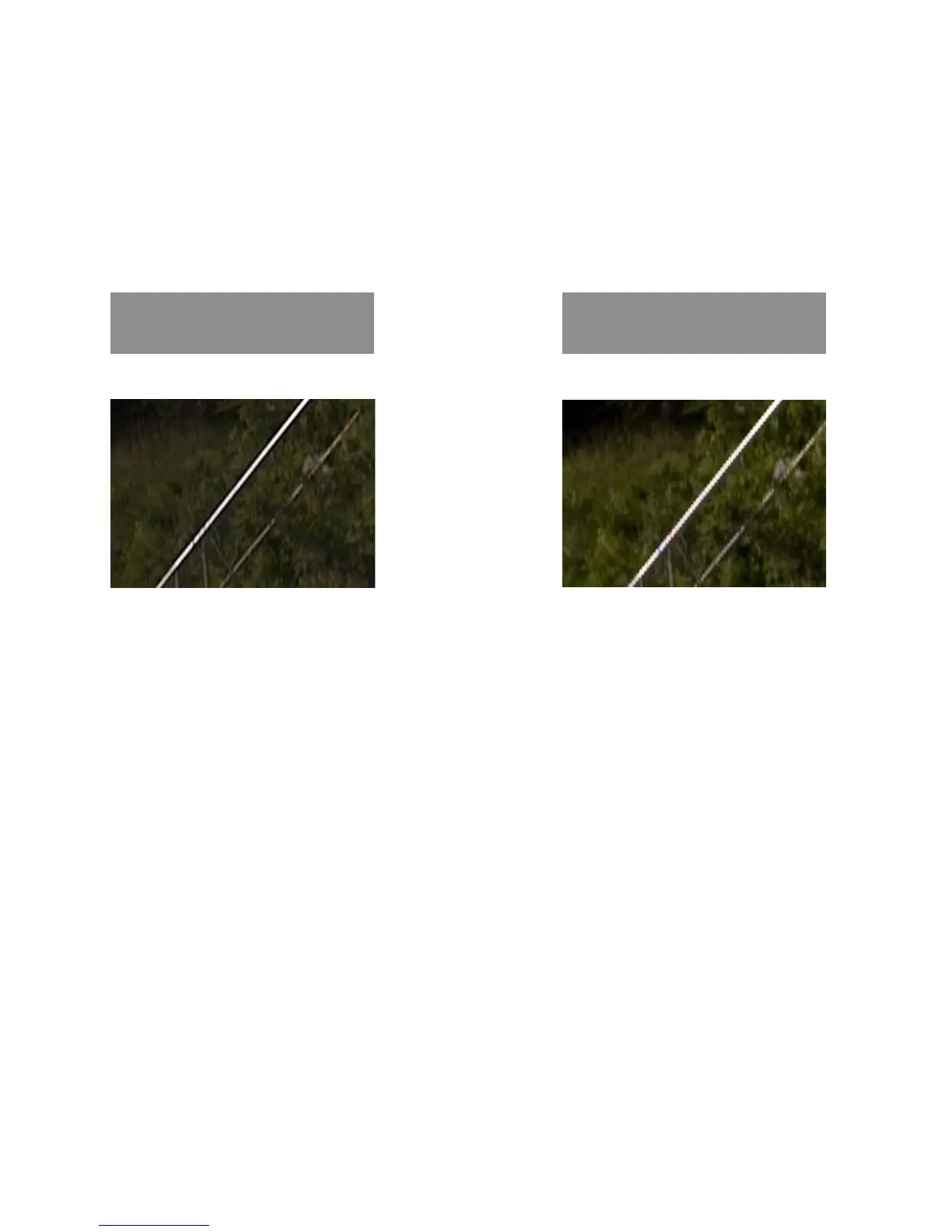
The Seitz raw converter gives best results for the raw conversion. We therefore
recommend to convert the dng raw file in the Seitz raw converter (including white
balance, tone mapping, colour noise removal). As a next step open the image in Adobe
Photoshop for additional retouching (for example for sharpening).
Raw conversion in
Seitz raw converter
* The Seitz D3 digital scan back has a non-Bayer pattern and the Seitz Roundshot D3 raw conversion applies a sensor-specific algorithm.
Other raw converters apply a linear interpolation (no sensor-specific algorithm).
Diagonal lines are smooth (straight) lines after raw conversion in the Seitz software.
When converting the image in other software it is possible that staircase artefacts
appear.
Raw conversion in
Other software
5.2 RAW workflow: Seitz raw converter (continued)
Instruction Manual Seitz 6x17 Digital - version 4.05 - May 2013- © by Seitz Phototechnik AG / Switzerland www.roundshot.ch page 66



 To Next Page