Image navigation and basic editing
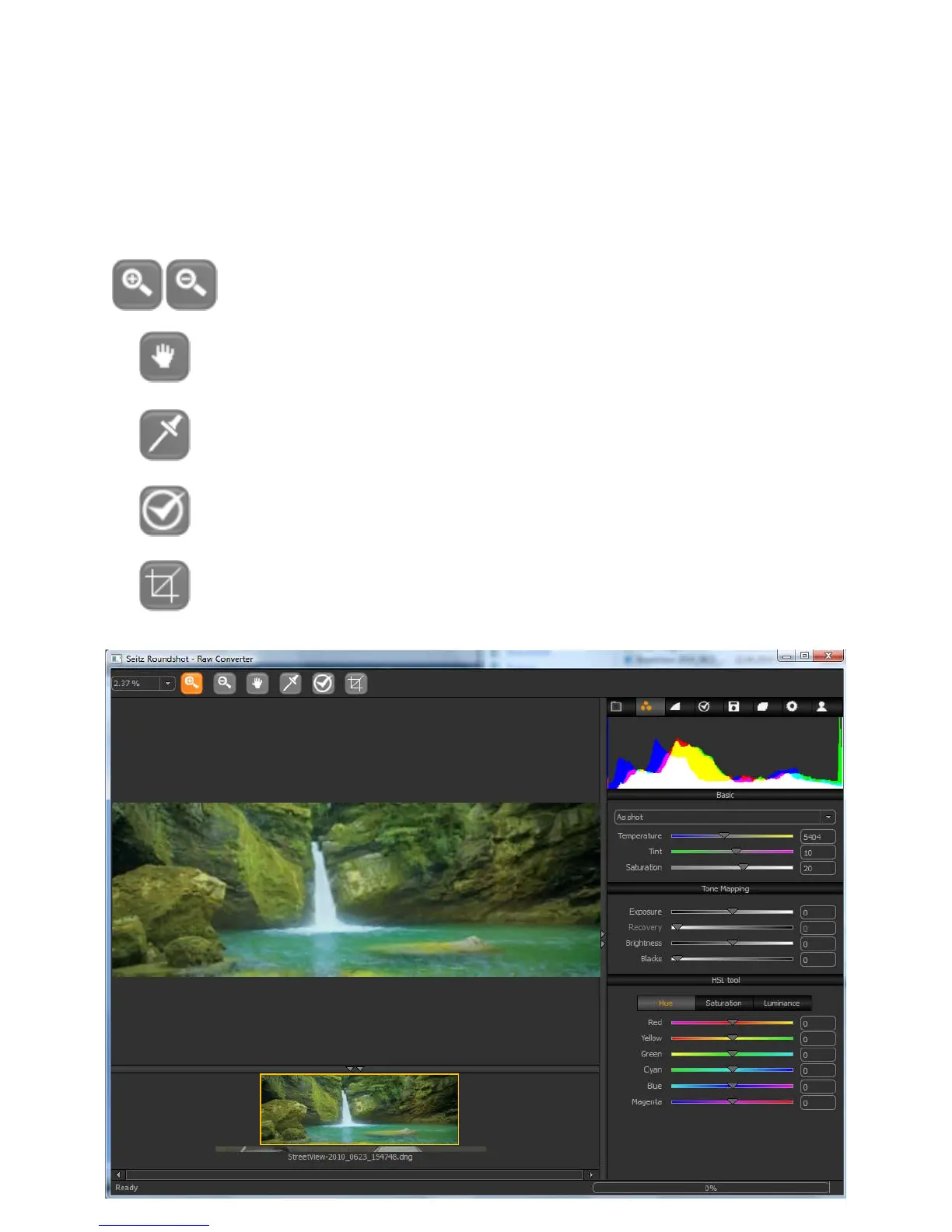
Using the “Tool bar” it is possible to navigate in the image and to apply some basic
editing commands:
Zoom in/out: Also possible with “X + mouse click” for zoom in or “C +
mouse click” for zoom out
Navigation hand: Slides the image in the viewer. Also possible with
“Space + mouse slide”
Choose in picture white balance: Select a point within a grey region
of the image for specific white balancing
Details window tool: Creates a preview of the image at 100% with all
details filters applied (sharpening, noise removal ...)
Cropping tool: Defines the part of the image to be exported. The raw
image itself is never cropped
5.2 RAW workflow: Seitz raw converter (continued)
2008-09-15-1631.dng
Instruction Manual Seitz 6x17 Digital - version 4.05 - May 2013- © by Seitz Phototechnik AG / Switzerland www.roundshot.ch page 69



 To Next Page