30K Motorcycle Bluetooth Communication System with Mesh Intercom™
| 23
MENU
3. GETTING STARTED
Button
Functions
Downloadable
Sena Software
Legend
Powering On
and Off
Charging
Checking the
Battery Level
Volume
Adjustment
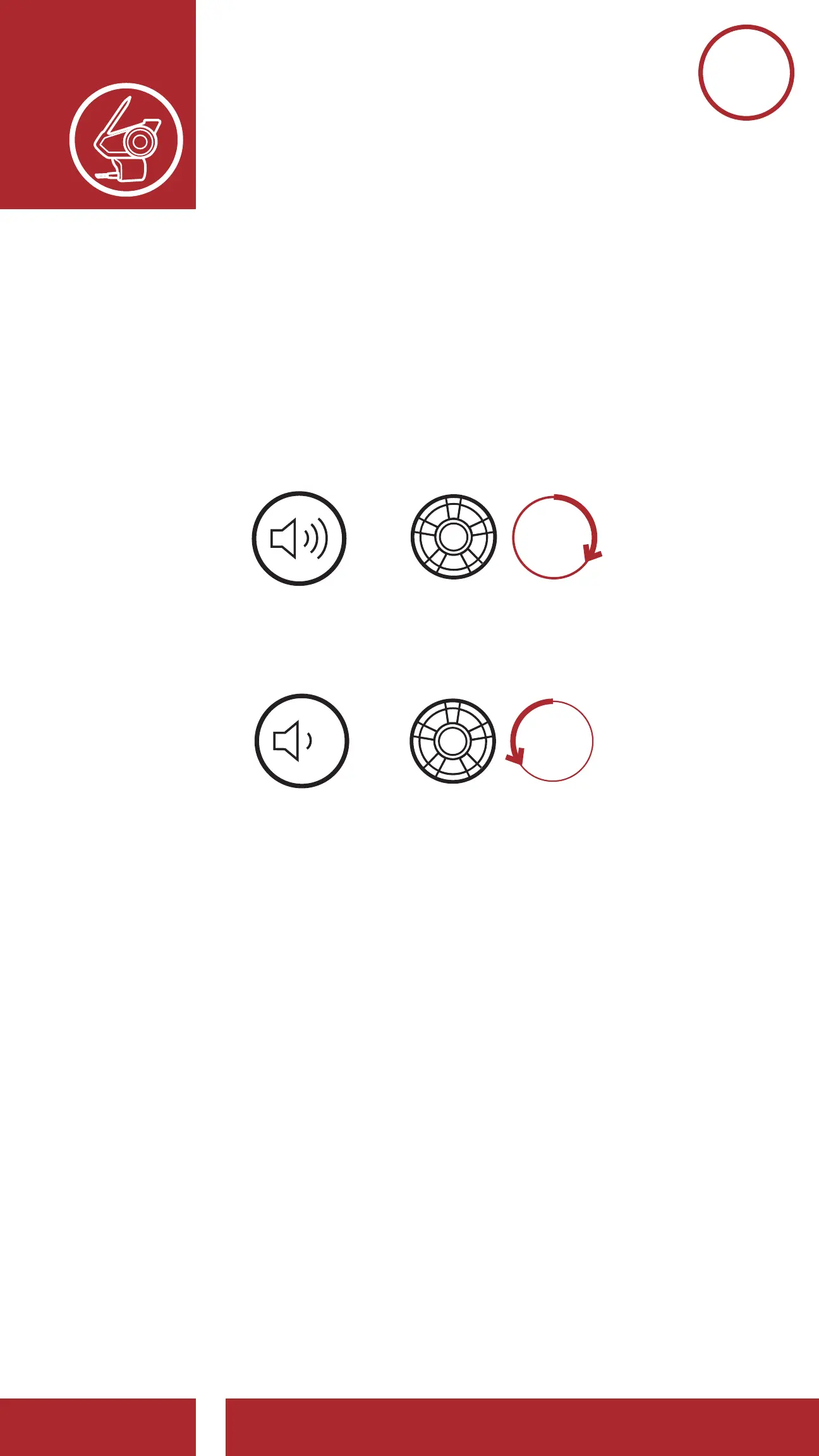
3.7 Volume Adjustment
You can raise or lower the volume by rotating the
Jog Dial clockwise or counterclockwise. Volume is
set and maintained independently at different levels
for each audio source (i.e., phone, intercom), even
when the headset is rebooted.
Volume Up
Volume Down
ROTATE
R
=
VOLUME UP
ROTATE
L
=
VOLUME
DOWN



 To Next Page