30K Motorcycle Bluetooth Communication System with Mesh Intercom™
| 50
MENU
7. MESH INTERCOM
What is Mesh
Intercom?
Starting Mesh
Intercom
Using the
Mesh in Open
Mesh
Using Mesh in
Group Mesh
Enable/
Disable Mic
Toggling
Open Mesh/
Group Mesh
Mesh Reach-
Out Request
Reset Mesh
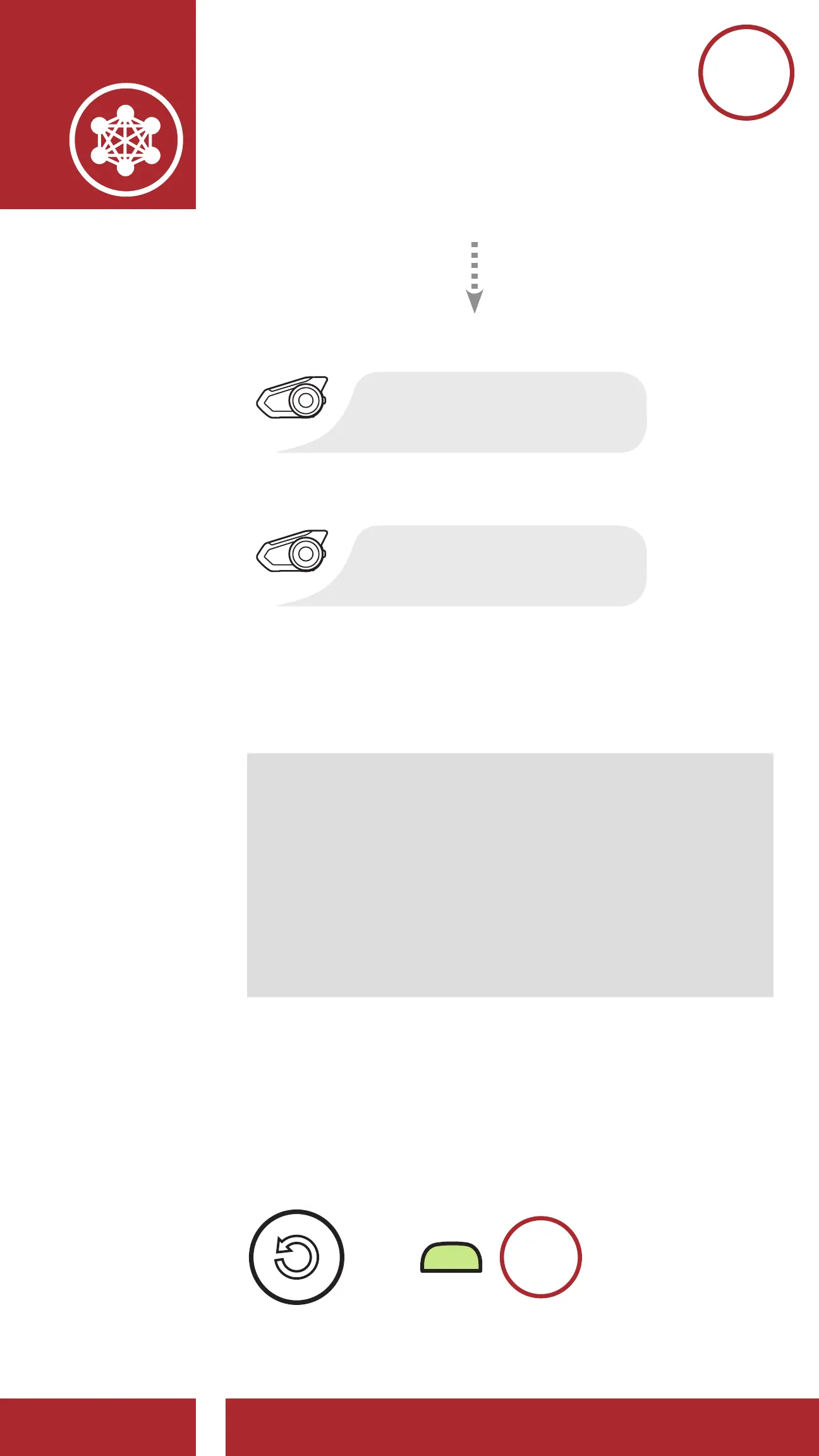
[Caller]
“Mesh reach-out
request”
[Nearby Friends]
“Mesh intercom
requested”
3. Friends who receive the request message need
to manually turn on their Mesh Intercom using
the headset’s Button or the Sena Motorcycles
App.
Note:
• *: Up to 100 m (109 yds) in open terrain
• To use the Mesh Reach-Out Request function,
you (caller) who sends a request message
and the friends who receive the request
message must update the headset to the
latest firmware version and the app to the
latest version.
7.8 Reset Mesh
If a headset in an Open Mesh or Group Mesh
resets the Mesh, it will automatically return to Open
Mesh (default: channel 1).
=
M
8s
HOLD



 To Next Page