30K Motorcycle Bluetooth Communication System with Mesh Intercom™
| 48
MENU
7. MESH INTERCOM
What is Mesh
Intercom?
Starting Mesh
Intercom
Using the
Mesh in Open
Mesh
Using Mesh in
Group Mesh
Enable/
Disable Mic
Toggling
Open Mesh/
Group Mesh
Mesh Reach-
Out Request
Reset Mesh
Note: If the Mesh Grouping is not
completed within 30 seconds, the current
members will hear low-toned double
beeps and the new member will hear a
voice prompt, “Grouping failed.”
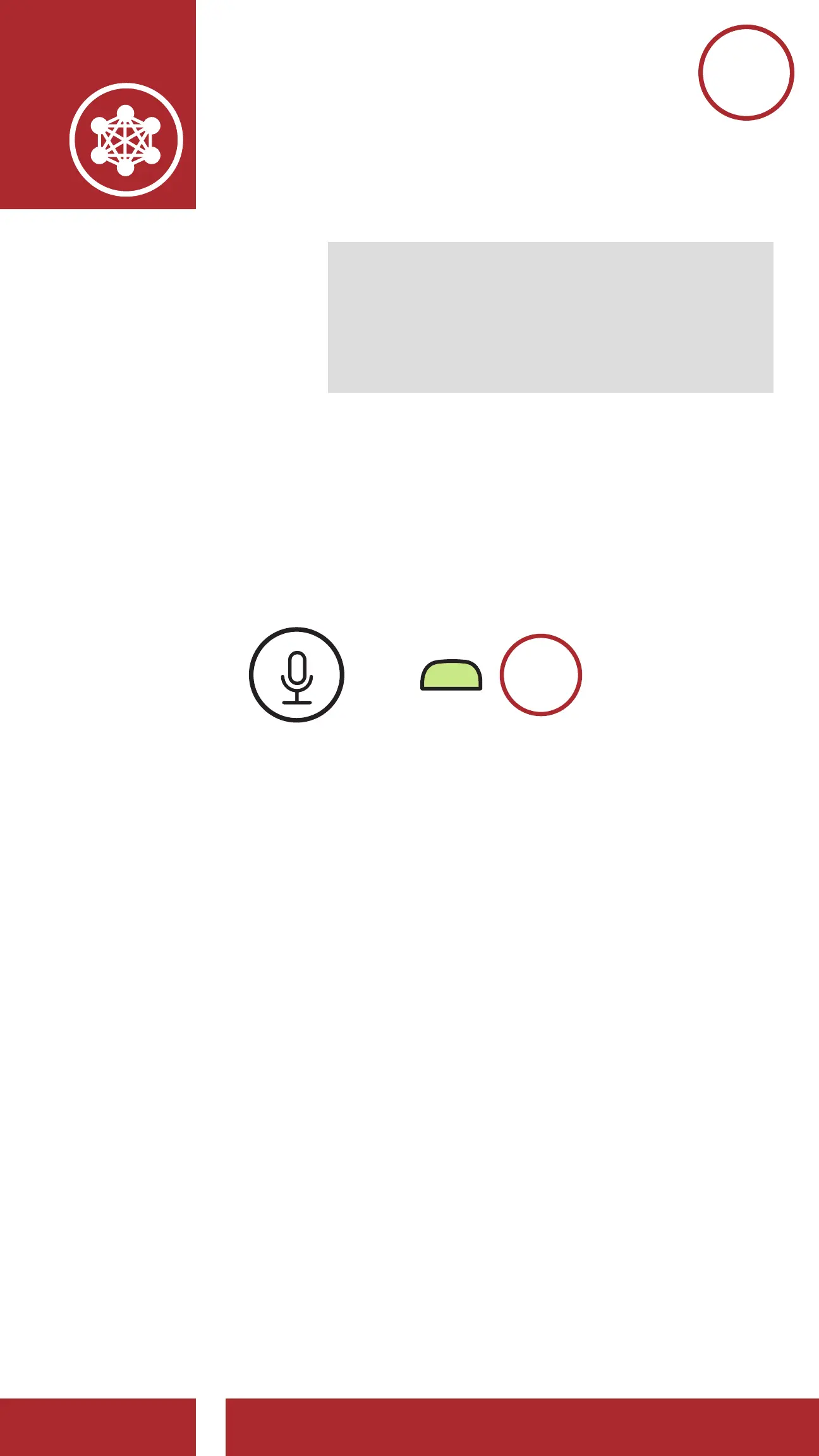
7.5 Enable/Disable Mic (Default: Enable)
Users can enable/disable the microphone when
communicating in a Mesh Intercom.
Enable/Disable the Microphone
=
M
1s
HOLD
7.6 Toggling Open Mesh/Group Mesh
Users are able to toggle between Open Mesh
and Group Mesh without resetting the Mesh. This
allows users to keep the Group Mesh Network
connection information while in Open Mesh.
Users can toggle to Group Mesh to communicate
with participants from the stored Group Mesh
Network connection information.



 To Next Page