30K Motorcycle Bluetooth Communication System with Mesh Intercom™
| 47
MENU
7. MESH INTERCOM
What is Mesh
Intercom?
Starting Mesh
Intercom
Using the
Mesh in Open
Mesh
Using Mesh in
Group Mesh
Enable/
Disable Mic
Toggling
Open Mesh/
Group Mesh
Mesh Reach-
Out Request
Reset Mesh
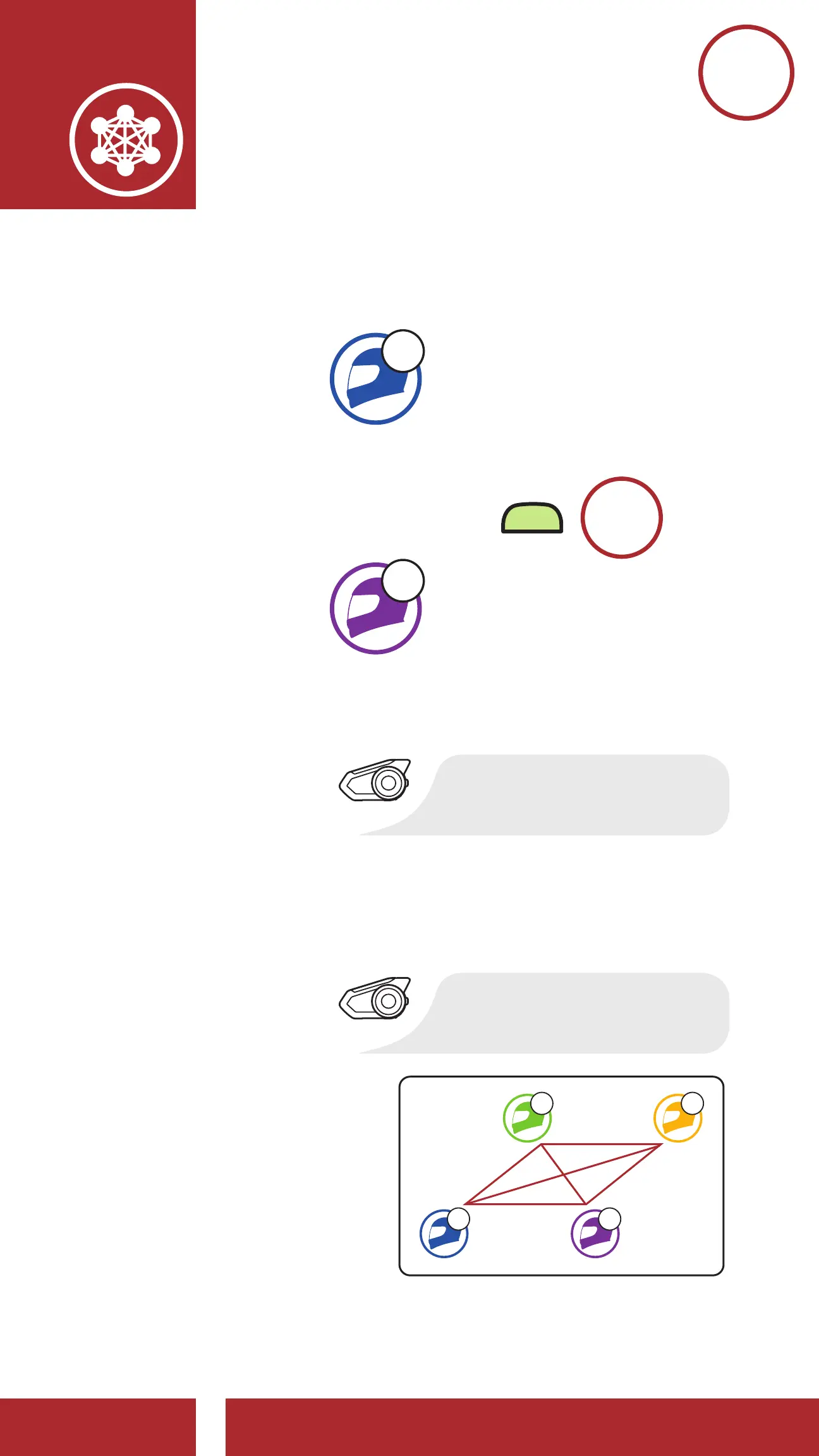
1. One of the current members and a new
member enter into Mesh Grouping to join
the Existing Group Mesh.
C
YOU
(NEW
MEMBER)
and
=
M
5s
HOLD
E
CURRENT
MEMBER
IN GROUP
MESH
“Mesh grouping”
2. The headsets complete Mesh Grouping.
The new members will hear a voice prompt
as their headsets automatically switch from
Open Mesh to Group Mesh.
“Group Mesh”
D F
C E



 To Next Page