30K Motorcycle Bluetooth Communication System with Mesh Intercom™
| 41
MENU
7. MESH INTERCOM
What is Mesh
Intercom?
Starting Mesh
Intercom
Using the
Mesh in Open
Mesh
Using Mesh in
Group Mesh
Enable/
Disable Mic
Toggling
Open Mesh/
Group Mesh
Mesh Reach-
Out Request
Reset Mesh
7. 2 Starting Mesh Intercom
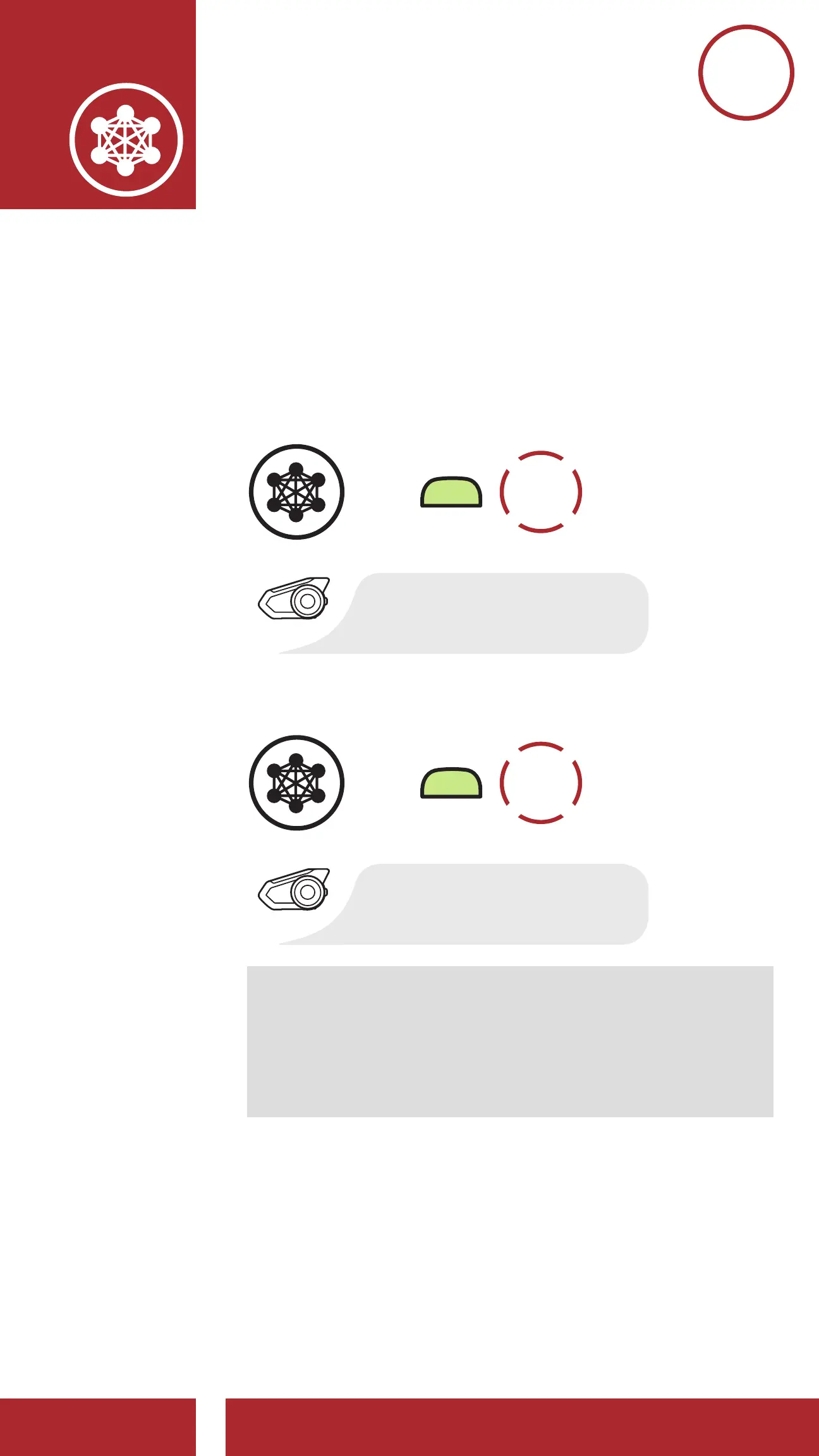
When Mesh Intercom is enabled, the 30K will
automatically connect to nearby 30K users and
allow them to talk to each other.
Mesh Intercom On
=
M
1x
TAP
“Mesh intercom on”
Mesh Intercom Off
=
M
1x
TAP
“Mesh intercom off”
Note: Open Mesh and Group Mesh cannot
communicate with the previous modes
Public Mode and Private Mode. In case of
no communication, the headset should be
upgraded to the latest firmware.
7.3 Using the Mesh in Open Mesh
When Mesh Intercom is enabled, the headset will
be in Open Mesh (default: channel 1) initially.



 To Next Page