30K Motorcycle Bluetooth Communication System with Mesh Intercom™
| 81
MENU
13. TROUBLESHOOTING
Fault Reset
Factory Reset
Please visit sena.com for answers to frequently
asked questions. This detailed online FAQ section
deals with troubleshooting, illustrates case studies
and contains tips on using the headset.
Click Here to Visit sena.com
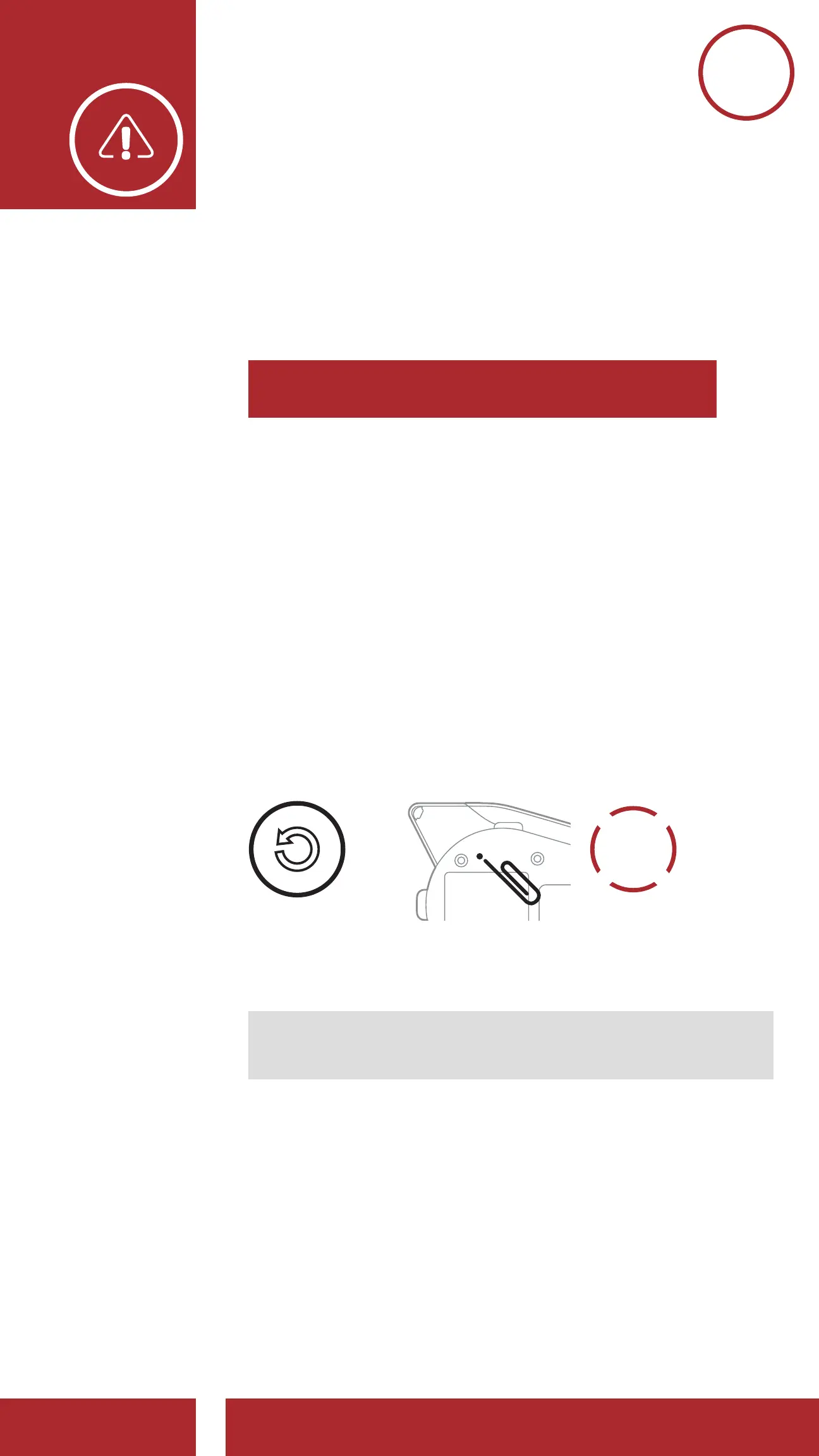
13.1 Fault Reset
When the headset is not working properly, you can
easily reset the unit:
1. Locate the Pinhole Fault Reset Button below on
the back of the main unit.
2. Gently insert a paperclip into the hole and
tap the Pinhole Fault Reset Button with light
pressure.
=
FAULT
RESET
3. The headset will shut down.
Note: Fault Reset will not restore the headset to
factory default settings.
13. TROUBLESHOOTING
CHAPTER1



 To Next Page