30K Motorcycle Bluetooth Communication System with Mesh Intercom™
| 49
MENU
7. MESH INTERCOM
What is Mesh
Intercom?
Starting Mesh
Intercom
Using the
Mesh in Open
Mesh
Using Mesh in
Group Mesh
Enable/
Disable Mic
Toggling
Open Mesh/
Group Mesh
Mesh Reach-
Out Request
Reset Mesh
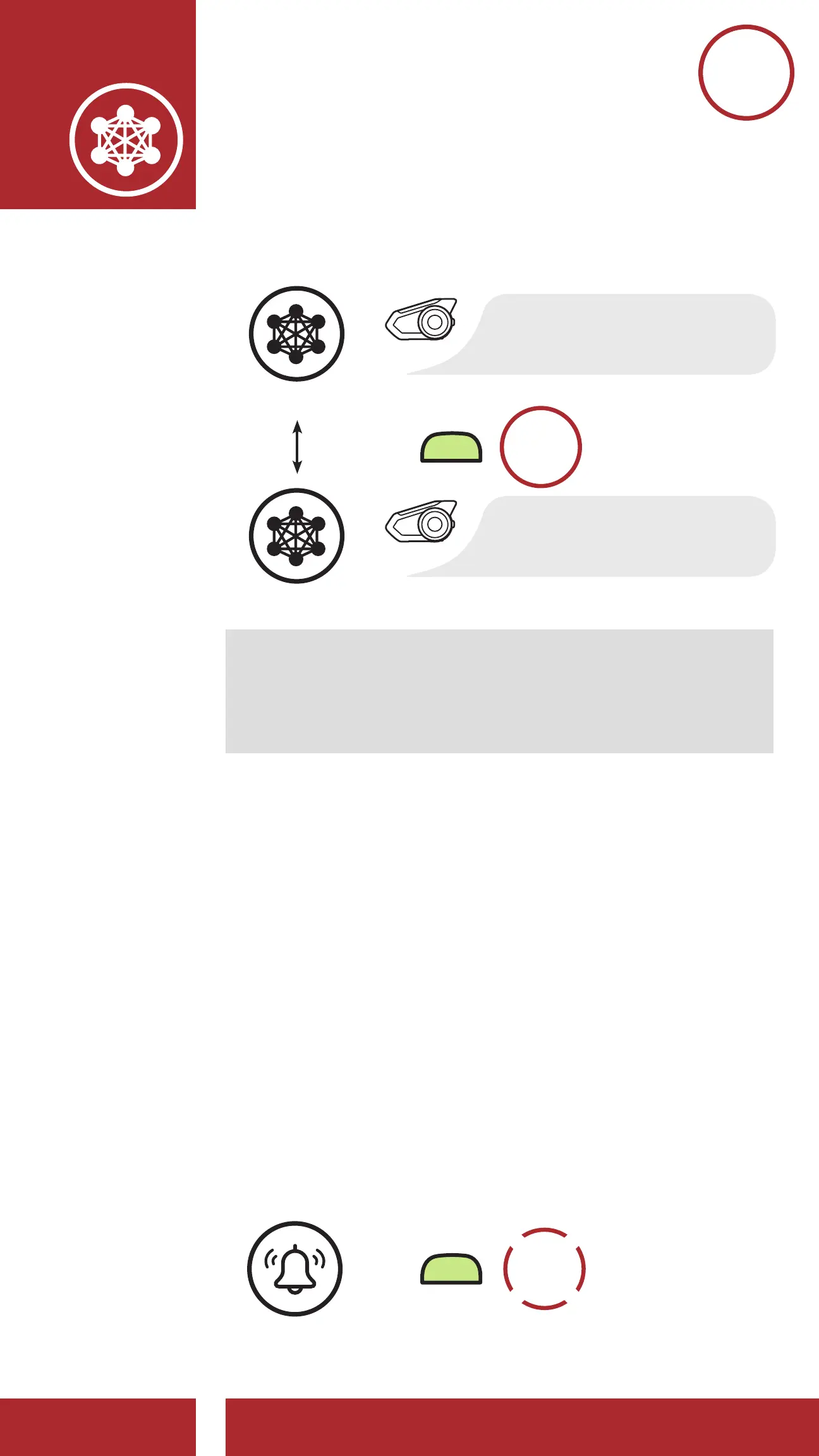
Toggle Between Open Mesh and Group Mesh
“Open Mesh”
Open Mesh
=
M
3s
HOLD
“Group Mesh”
Group Mesh
Note: If you have never participated in Group
Mesh, you cannot toggle between Open Mesh and
Group Mesh. You will hear a voice prompt, “No
group available.”
7.7 Mesh Reach-Out Request
You (caller) can send a request message to turn on
the Mesh Intercom to nearby* friends who have it
turned off.
1. If you want to send or receive a request message,
you need to enable Mesh Reach-Out on the
Sena Motorcycles App. Please refer to Section
12.2: “Software Configuration Setting.”
2. While your headset’s Mesh Intercom is on,
you (caller) send a request message using the
headset’s Button or the Sena Motorcycles App.
[Caller]
=
M
3x
TAP



 To Next Page