30K Motorcycle Bluetooth Communication System with Mesh Intercom™
| 46
MENU
7. MESH INTERCOM
What is Mesh
Intercom?
Starting Mesh
Intercom
Using the
Mesh in Open
Mesh
Using Mesh in
Group Mesh
Enable/
Disable Mic
Toggling
Open Mesh/
Group Mesh
Mesh Reach-
Out Request
Reset Mesh
Note:
• If the Mesh Grouping is not completed
within 30 seconds, users will hear a
voice prompt, “Grouping failed.”
• If you want to cancel during the Mesh
Grouping, tap the Mesh Intercom
Button or the Phone Button.
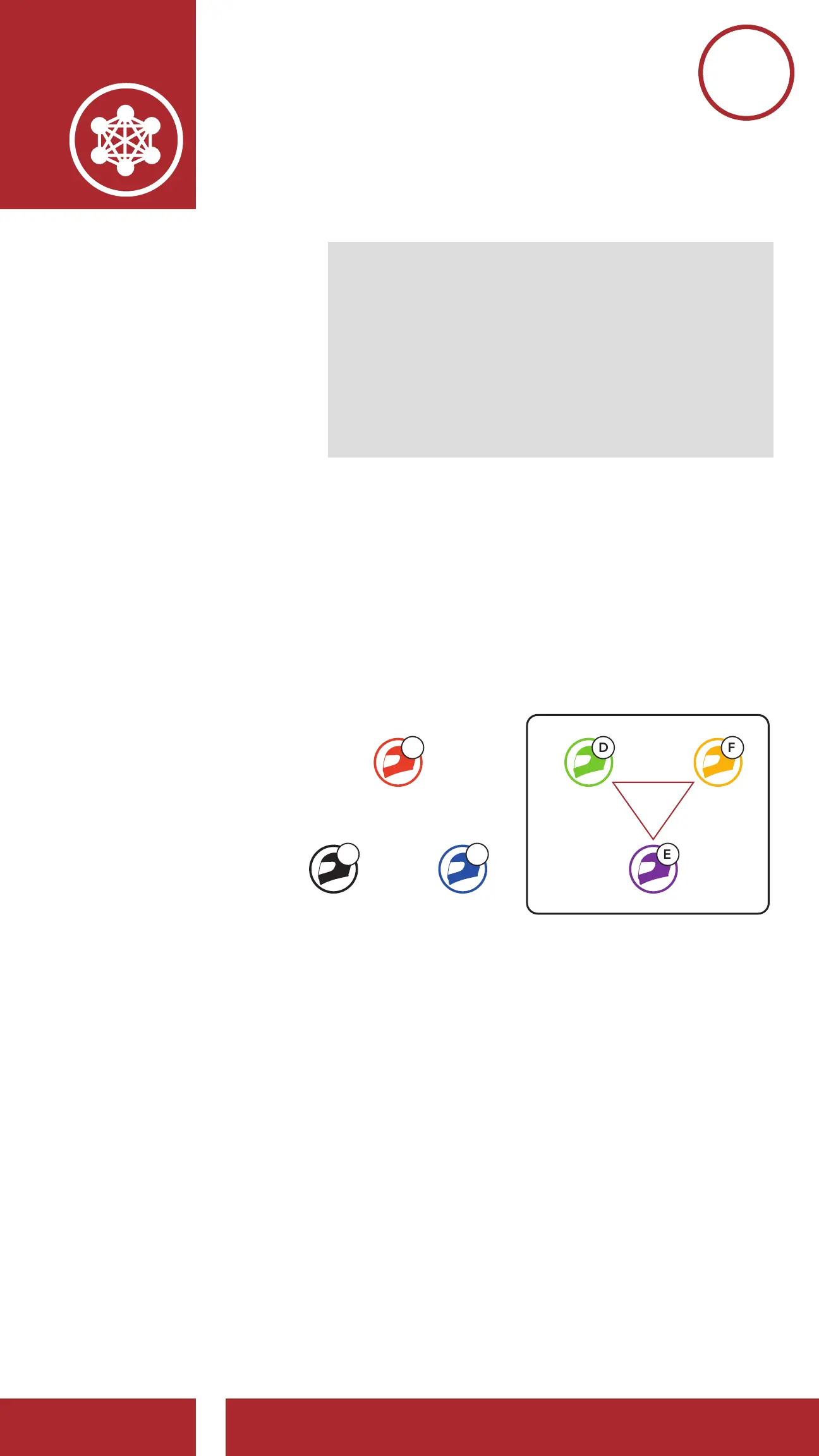
7.4. 2 Joining an Existing Group Mesh
One of the members in an Existing Group
Mesh can allow new members in Open Mesh
to join the Existing Group Mesh.
A
D
C
FB
E
Existing Group Mesh
and Current Members
New Members



 To Next Page