30K Motorcycle Bluetooth Communication System with Mesh Intercom™
| 72
MENU
12. CONFIGURATION
Headset
Configuration
Setting
Software
Configuration
Setting
12.1 Headset Configuration Setting
The headset can be configured by following a series
of voice prompts. Further details about each of
these settings will be explained on the following
pages.
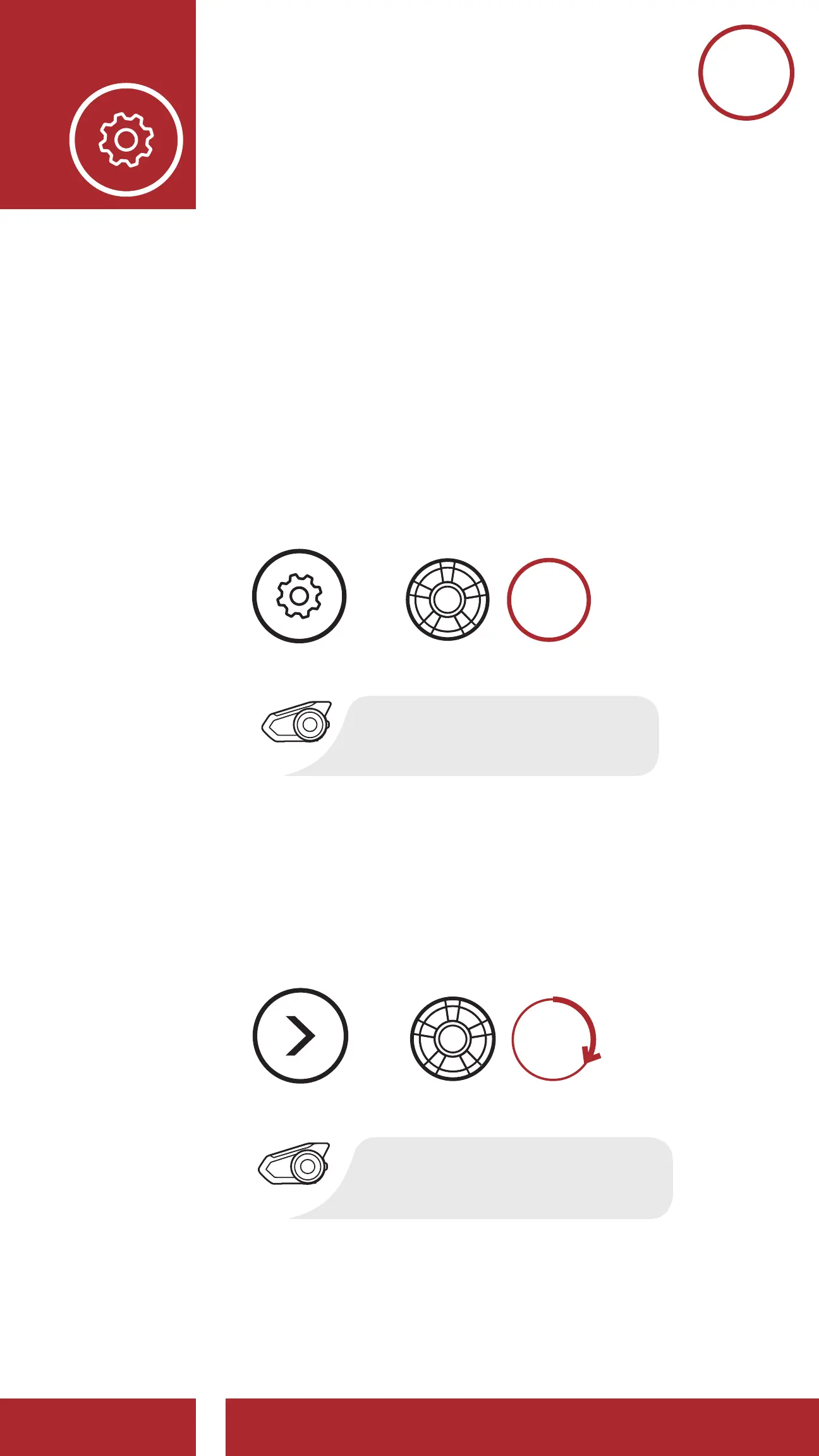
1. To access the Configuration Menu, press and
hold the Jog Dial for 10 seconds until you hear
the voice prompt, “Configuration menu.”
Accessing the Configuration Menu
10s
HOLD
=
“Configuration menu”
CONFIG.
MENU
2. Rotate the Jog Dial clockwise or
counterclockwise to navigate between the
menus. You will hear voice prompts for each
menu item. The list of functions is shown in the
“Headset Configuration Menu“on page 73.
Navigating Forward through the Menu
NAVIGATE
FORWARD
=
“[Menu prompt]”
12. CONFIGURATION
CHAPTER1



 To Next Page