30K Motorcycle Bluetooth Communication System with Mesh Intercom™
| 32
MENU
5. MOBILE PHONE USAGE
Making and
Answering Calls
Speed Dialing
5.2 Speed Dialing
5.2.1 Assigning Speed Dial Presets
Speed Dial Presets could be assigned in
the settings menu, accessible through Sena
Device Manager or Sena Motorcycles App.
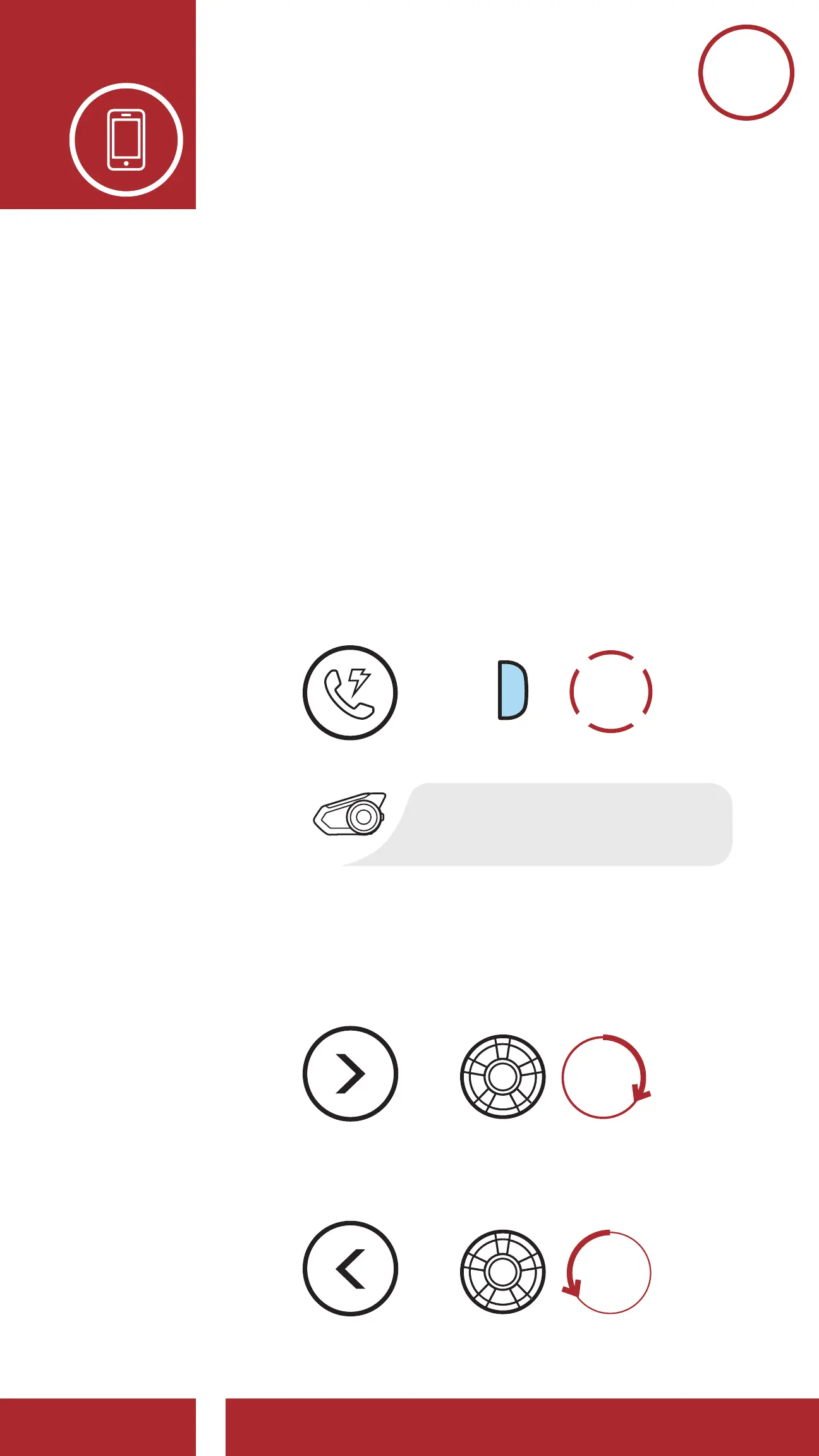
5.2.2 Using Speed Dial Presets
1. Tap the Phone Button twice to enter into
the Speed Dial menu. You will hear the
voice prompt, “Speed dial.”
Enter Speed Dial Mode
“Speed dial”
SPEED DIAL
=
2. Rotate the Jog Dial clockwise or
counterclockwise to navigate between the
Speed Dial Presets.
=
=
Navigate Forward through Speed Dial Preset Numbers
Navigate Backward through Speed Dial Preset Numbers
NAVIGATE
FORWARD
NAVIGATE
BACKWARD



 To Next Page