30K Motorcycle Bluetooth Communication System with Mesh Intercom™
| 65
MENU
8. BLUETOOTH INTERCOM
Intercom
Pairing
Last-Come,
First-Served
Two-Way
Intercom
Multi-Way
Intercom
Three-Way
Conference
Phone Call with
Intercom Users
Group Intercom
Mesh Intercom
Conference
with Bluetooth
Intercom
Participant
Universal
Intercom
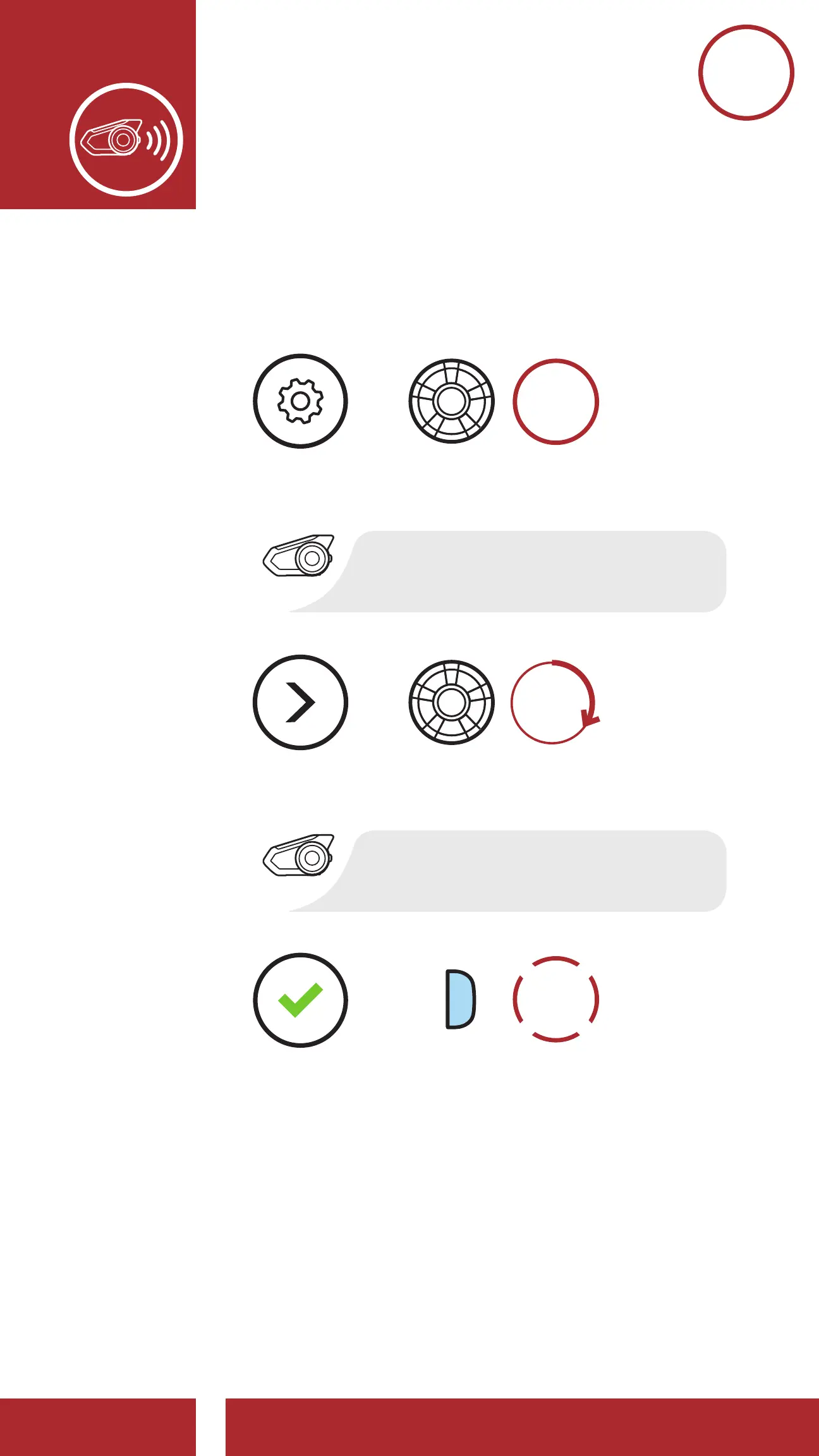
1. Execute Universal Intercom in the Headset
Configuration Menu.
“Universal intercom pairing”
“Configuration menu”
Access Universal Intercom in the Configuration Menu
EXECUTE
=
=
=
ACCESS
CONFIG.
MENU
NAVIGATE
FORWARD
2. Put the non-Sena Bluetooth headset in Pairing
Mode. The headset will automatically pair with a
non-Sena Bluetooth headset.



 To Next Page