SRL2
13
English
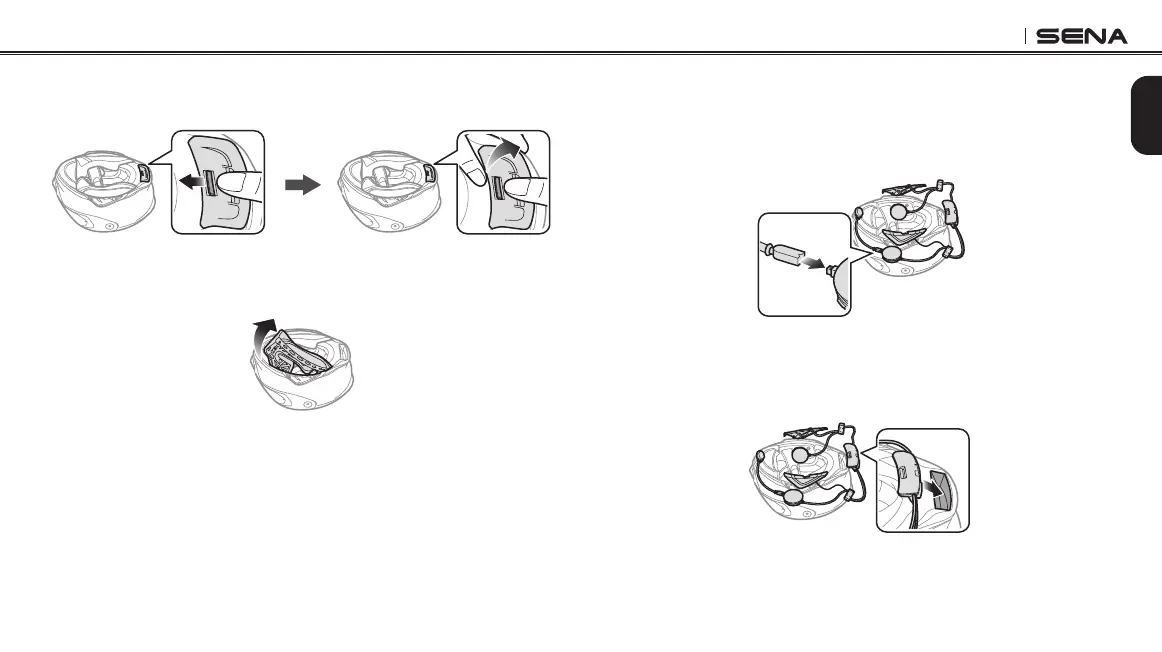
4. Push the tab on the rear cover and remove the rear cover with
your thumbs.
5. Detach the snap fasteners of the internal paddings and remove
the paddings from the helmet.
2.2.2 Installing the headset
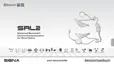
1. Align the arrows on the right side speaker unit with the microphone
cable and insert the microphone cable into the microphone
connector.
2. Facing the USB port on the Bluetooth module toward the rear of
the helmet, push the module into the corresponding slot until you
hear a click.



 To Next Page