SRL3 Motorcycle Communication System for Shoei Comlink | 16
3. GETTING STARTED
3.1 Downloadable Sena Software
3.1.1 Sena Motorcycles App
By simply pairing your phone with your headset, you can use the Sena
Motorcycles App for quicker, easier set up and management.
Sena Motorcycles
• Device Configuration Setting
• Download the Sena Motorcycles App on Google Play Store or App
Store.
3.1.2 Sena Device Manager
The Sena Device Manager allows you to upgrade firmware and
configure settings directly from your PC.
Sena Device Manager
• Download the Sena Device Manager at sena.com.
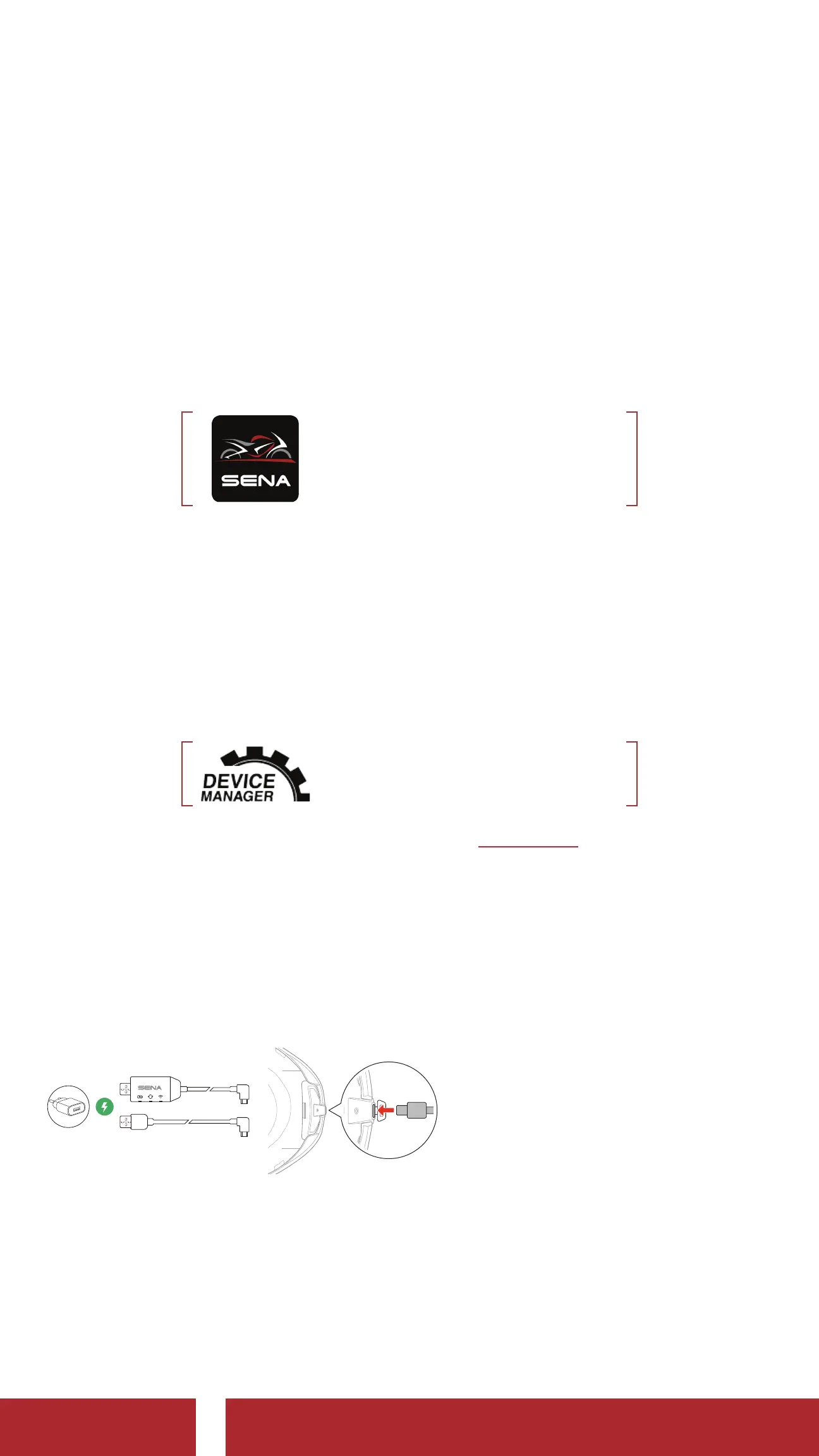
3.2 Charging
Charging the headset
You can charge the headset by
connecting the WiFi Adapter
or a USB Power & Data Cable
(USB-C).
A USB Power & Data Cable
(USB-C) is not included in the
package.
The headset will be fully charged in about 2.5 hours. (The charging time
may vary depending on the charging method.)
CHAPTER



 To Next Page