SRL3 Motorcycle Communication System for Shoei Comlink | 24
5. MOBILE PHONE USAGE
5.1 Making and Answering Calls
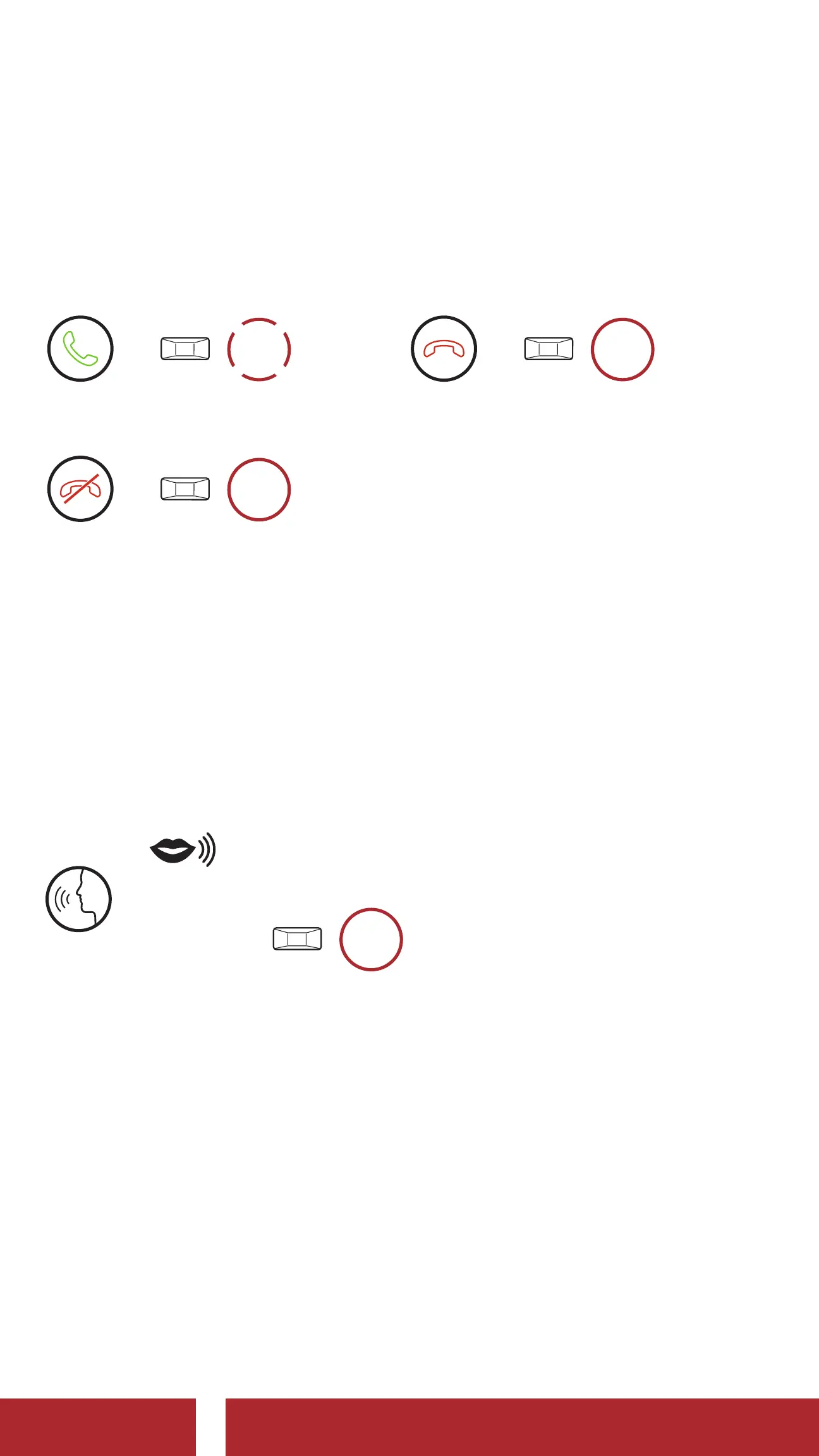
Answer a Call
=
1x
TAP
Reject a Call
=
2s
HOLD
End a Call
=
2s
HOLD
5.2 Siri and Google Assistant
The SRL3 supports the Siri and Google Assistant access directly.
You can activate the Siri or Google Assistant using the voice through
the SRL3’s microphone, a wake word will be used. This is a word or a
group of words such as “Hey Siri“ or “Hey Google.”
Activate the Siri or Google Assistant Installed on Your Smartphone
=
“ Hey Google” or “Hey Siri”
or
3s
HOLD
5.3 Speed Dialing
5.3.1 Assigning Speed Dial Presets
Speed Dial Presets could be assigned through the Sena Motorcycles
App.
CHAPTER



 To Next Page