SRL3 Motorcycle Communication System for Shoei Comlink | 48
10. USING THE FM RADIO
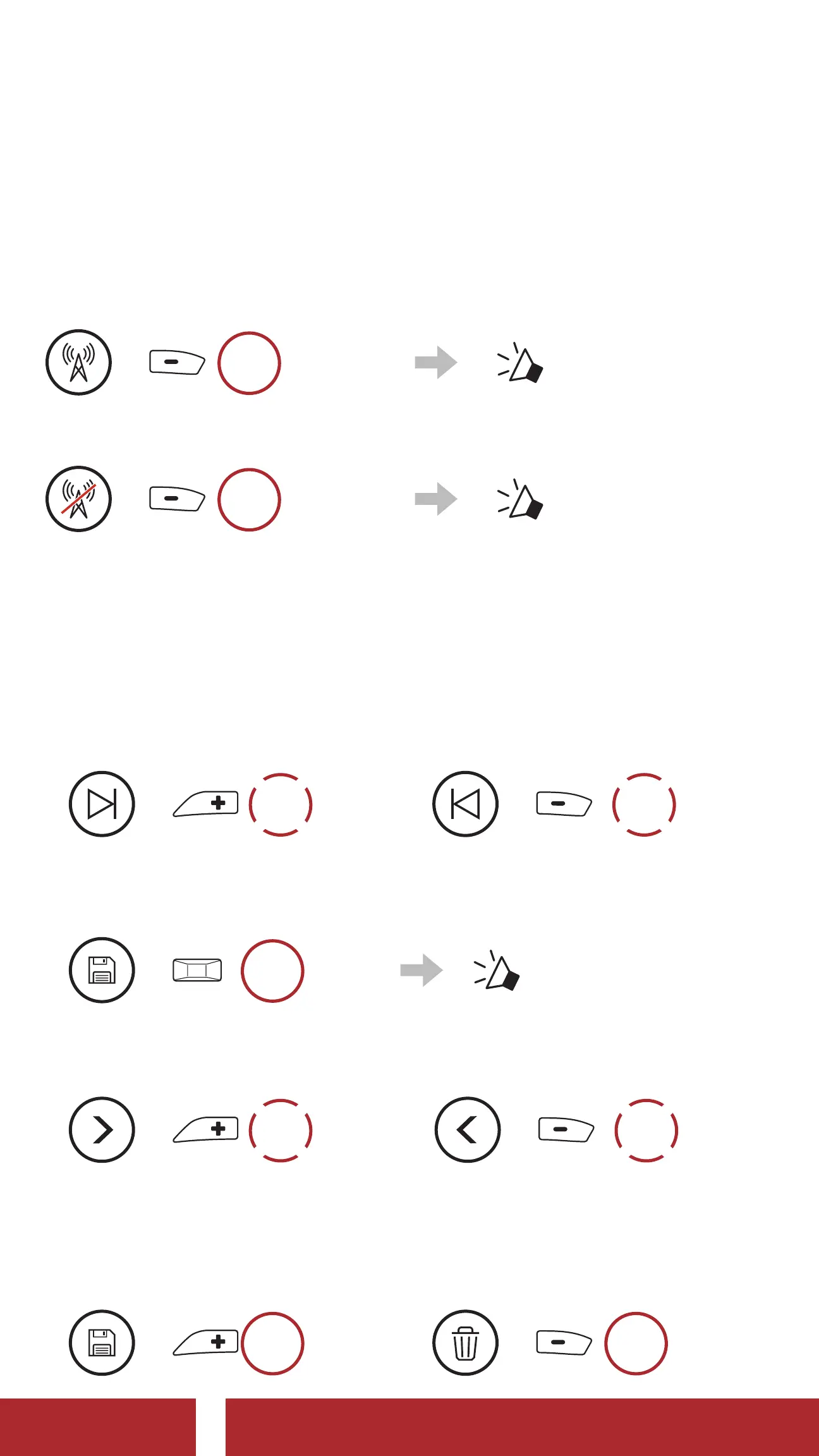
10.1 FM Radio On/Off
FM Radio On
=
1s
HOLD
“ FM on”
FM Radio Off
=
1s
HOLD
“ FM off”
10.2 Seek and Save Radio Stations
The “Seek” feature searches for radio stations.
1. Search for radio stations.
Seek Stations Forward
=
2x
TAP
Seek Stations Backward
=
2x
TAP
2. Save the current station.
Enter Preset Selection Mode
=
3s
HOLD
“ Preset (#)”
3. Navigate through the preset numbers that you want to store.
Navigate Forward/Backward Through Preset Stations
=
1x
TAP
or
=
1x
TAP
4. Save the station in the preset number you choose or delete the
station from memory.
Save Station to the
Preset Number
=
1s
HOLD
Delete Station from
Memory
=
1s
HOLD
CHAPTER



 To Next Page