7 MESH INTERCOM
SRL3 Motorcycle Communication System for Shoei Comlink | 31
3. Save the channel.
=
1x
TAP
“ Channel is set,
channel #”
Note:
• Channel Setting always starts with channel 1.
• If you do not press any button for approximately 10 seconds in a
specific channel, the channel is automatically saved.
• The channel will be remembered even if you turn off the SRL3.
• You can use the Sena Motorcycles App to change the channel.
7.4 Using Mesh in Group Mesh
7.4.1 Creating a Group Mesh
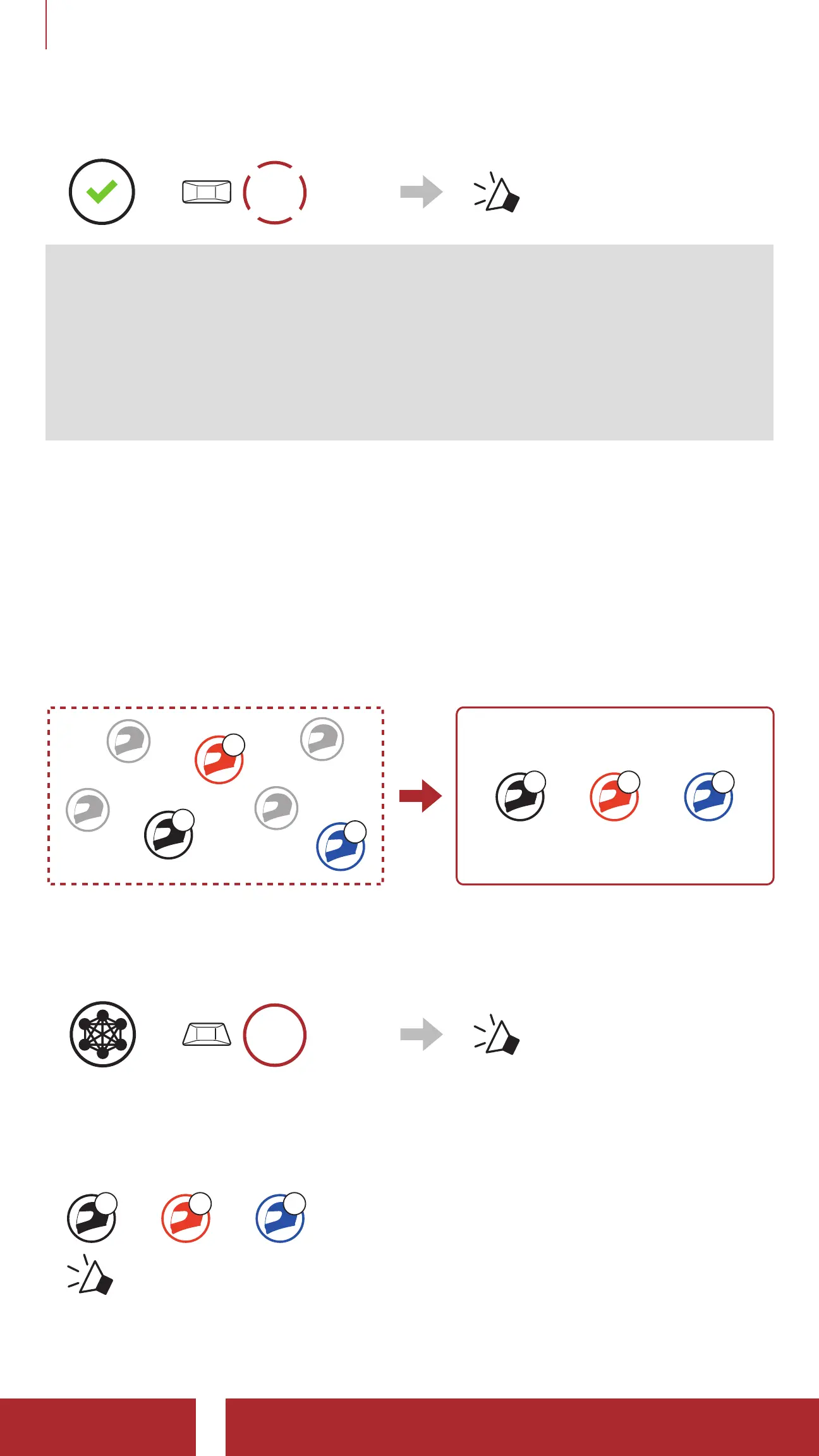
Creating a Group Mesh requires two or more Open Mesh users.
Open Mesh Group Mesh
B
C
You
B C
You
1. To enter Mesh Grouping to create a Group Mesh, press and hold
the Mesh Intercom Button for 5 seconds on the headset of the
users (You, B, and C).
=
5s
HOLD
“ Mesh grouping”
2. When Mesh Grouping is completed, the users (You, B and C) will
hear a voice prompt on their headsets as Open Mesh switches to
Group Mesh.
B C
You
“ Group Mesh”



 To Next Page