SRL3 Motorcycle Communication System for Shoei Comlink | 19
4. PAIRING THE HEADSET WITH
OTHER BLUETOOTH DEVICES
When using the headset with other Bluetooth devices for the first time,
they will need to be “paired.” This enables them to recognize and
communicate with one another whenever they are within range.
The headset can pair with multiple Bluetooth devices such as a mobile
phone or GPS via Mobile Phone Pairing, Second Mobile Phone
Pairing and GPS Pairing. The headset can also be paired with up to
three other Sena headsets.
Pairs with up to Three Sena headsets
Also Pairs with:
Mobile
Phone
GPS
Devices
4.1 Phone Pairing
There are three ways to pair the phone.
4.1.1 Initially Pairing the SRL3
The headset will automatically enter the phone pairing mode when you
initially turn on the headset or in the following situation:
• Rebooting after executing Factory Reset; or
• Rebooting after executing Delete All Pairings.
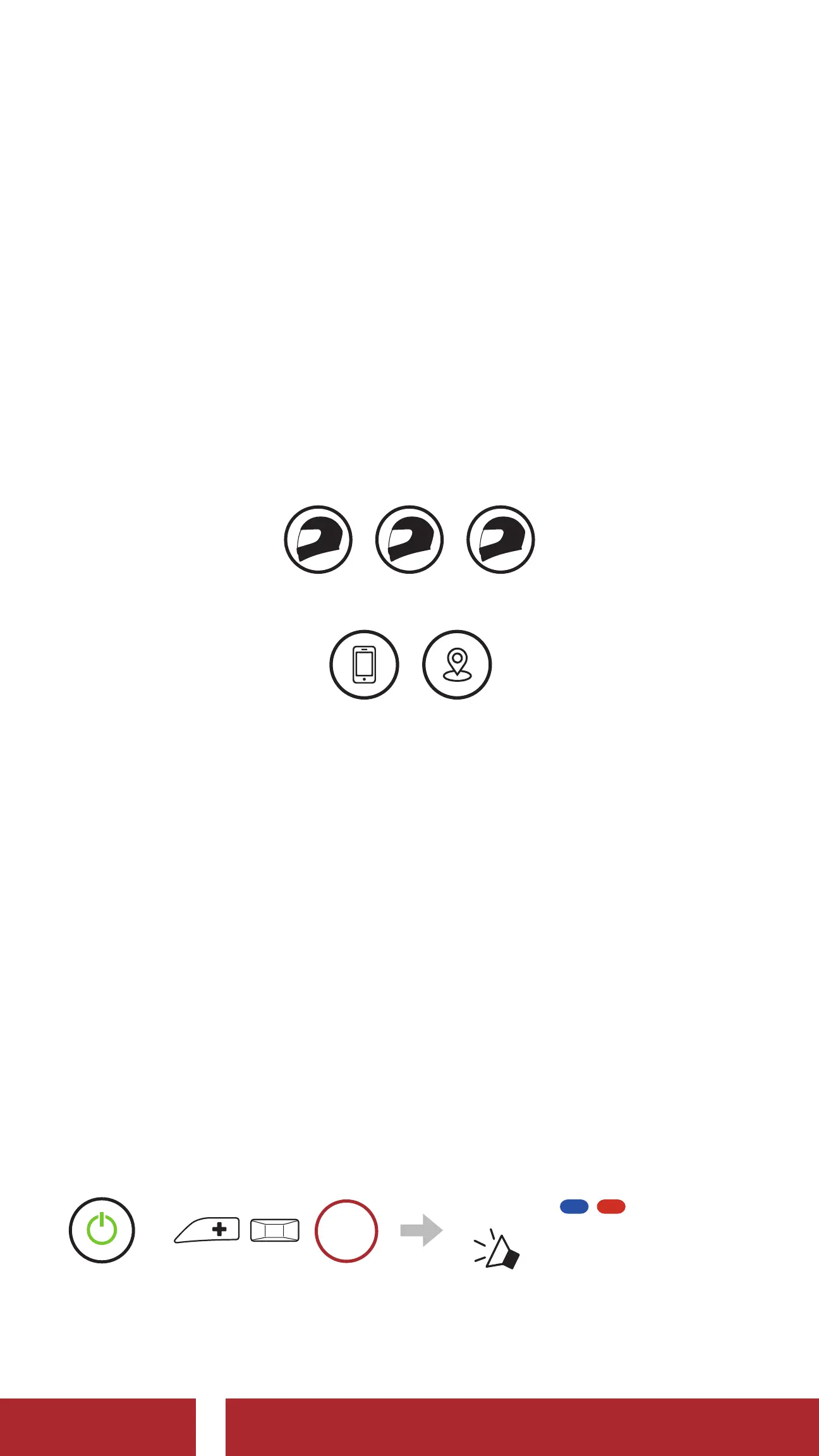
1. Press and hold the Center Button and the (+) Button for 1 second.
=
1s
HOLD
Blinking
“ Phone pairing”
CHAPTER



 To Next Page