5 MOBILE PHONE USAGE
SRL3 Motorcycle Communication System for Shoei Comlink | 25
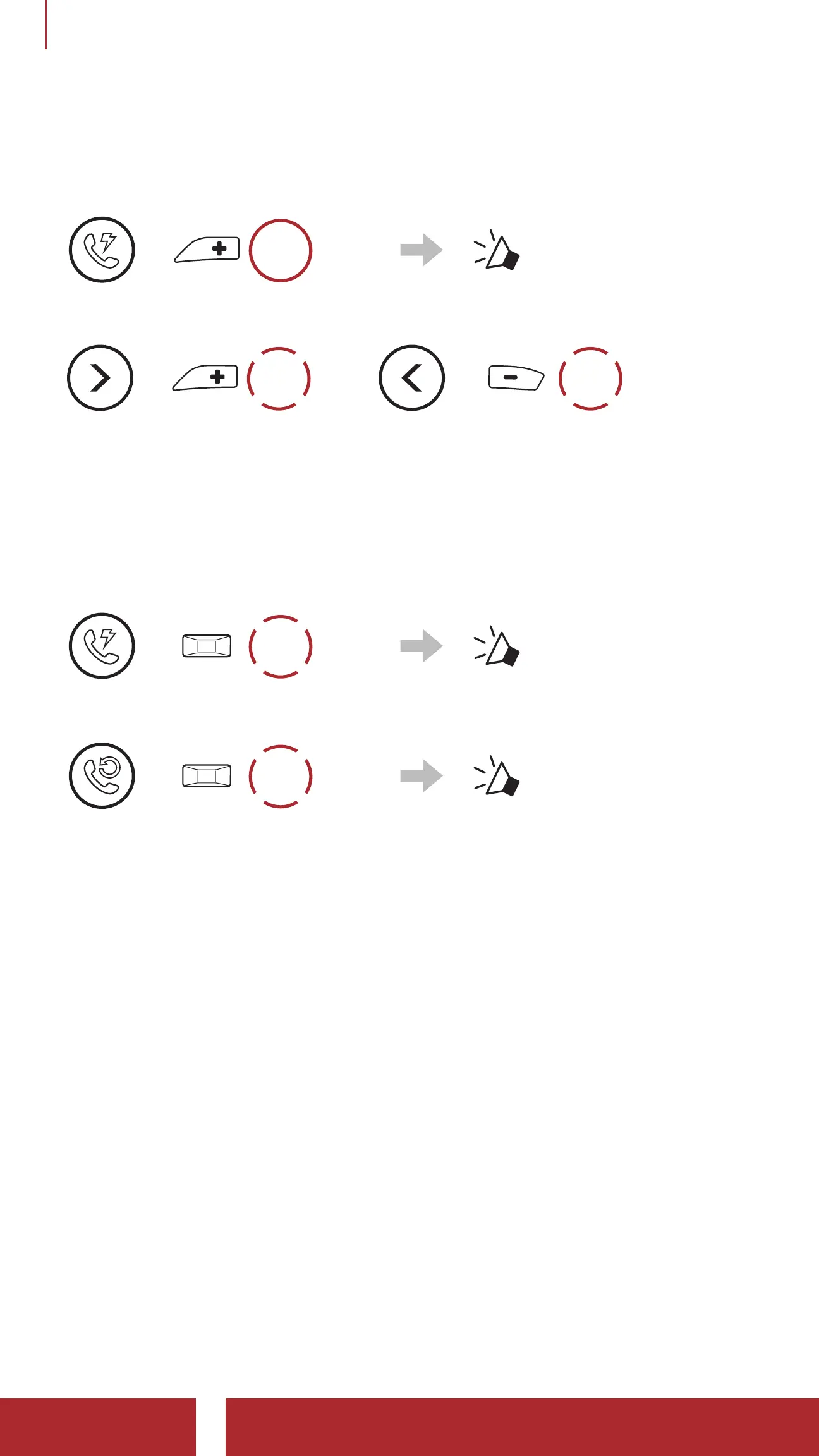
5.3.2 Using Speed Dial Presets
1. Enter into the Speed Dial menu.
=
3s
HOLD
“ Speed dial”
2. Navigate forward or backward through Speed Dial Preset numbers.
=
1x
TAP
or
=
1x
TAP
(1) Last number redial
(2) Speed dial 1
(3) Speed dial 2
(4) Speed dial 3
(5) Cancel
3. Call one of your Speed Dial Presets numbers.
=
1x
TAP
“ Speed dial (#)”
4. Redial the last number called.
=
1x
TAP
“ Last number redial”



 To Next Page