17
English
Tufftalk Lite
6 STEREO MUSIC
6.1 Bluetooth Stereo Music
The Bluetooth audio device must be paired with the Tufftalk Lite by
following the
section 4.1, “Mobile Phone Pairing - Mobile Phone,
Bluetooth Stereo Device”
procedure. The Tufftalk Lite supports the
Audio/Video Remote Control Prole (AVRCP), so if your Bluetooth
audio device also supports the AVRCP, you can use the Tufftalk Lite to
remotely control music playback. Not only can you adjust the volume
but you can also use functions such as play, pause, next track and
previous track.
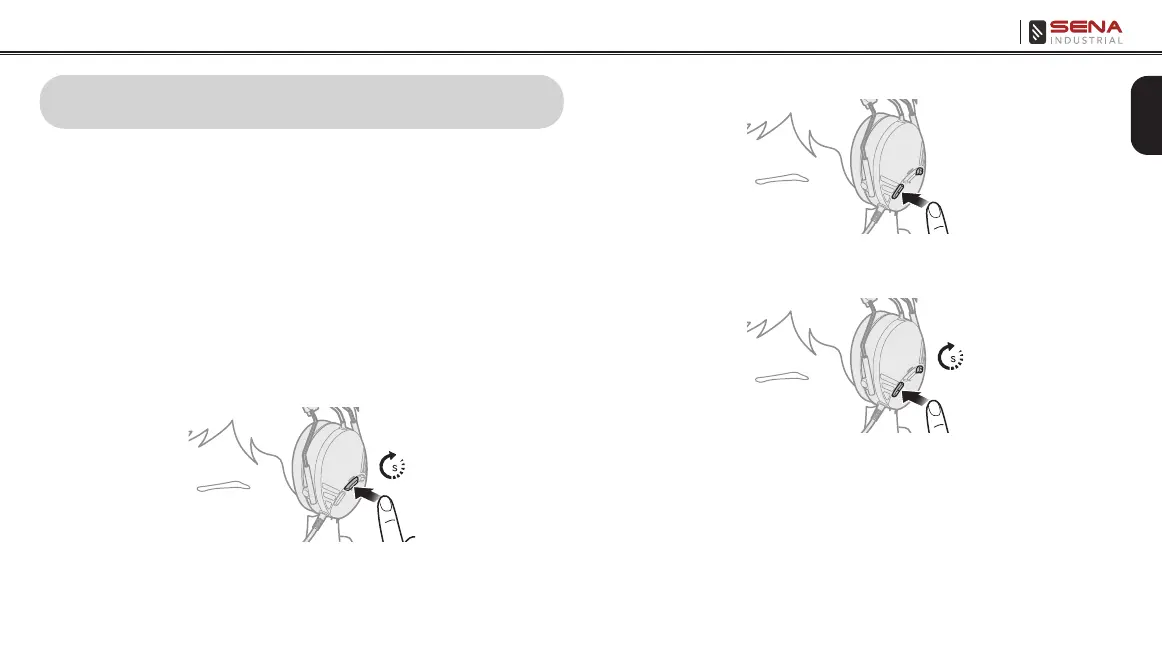
1. To play or pause music, press the Center Button for 1 second.
1
2. To adjust the volume, tap the (+) Button or the (-) Button.
3. To track forward or track back, press the (+) Button or the (-)
Button for 1 second.
1



 To Next Page