EM-XSW 1 DUAL rack receiver
49
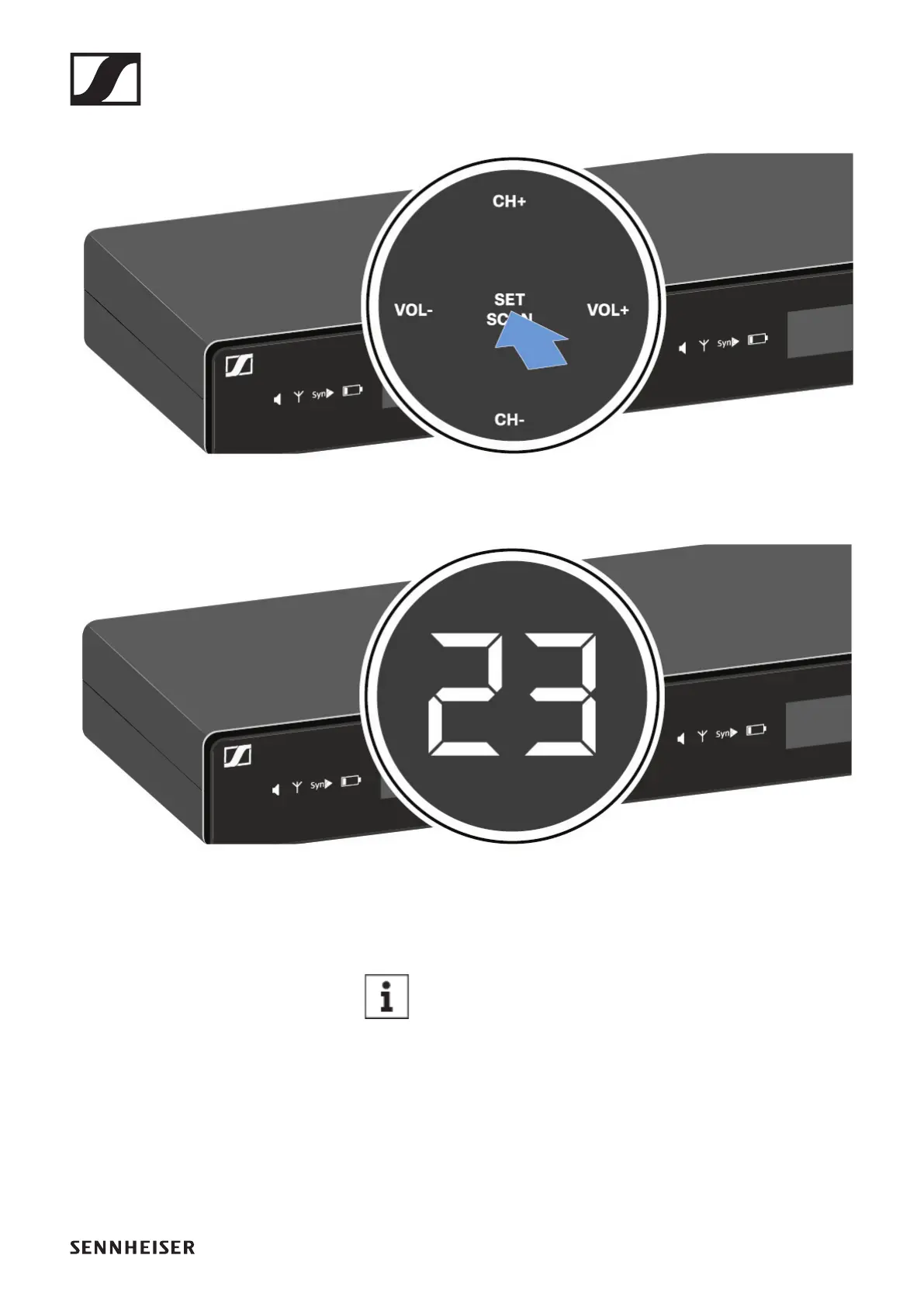
▷ Press the SET/SCAN button for approx. 3 seconds.
►
The scan starts automatically. An open channel is then
shown in the display (e.g. bank 2, channel 3).
►
►
▷ Press the SET/SCAN button to accept the displayed chan-
nel.
If you have set a new frequency, you must still syn-
chronize the receiver with the transmitter to es-
tablish the radio link (see „Establishing a radio link
| Synchronizing the receiver and transmitter“).












 To Next Page