PRODUCT INSTRUCTION MANUAL
Page 8 of 29
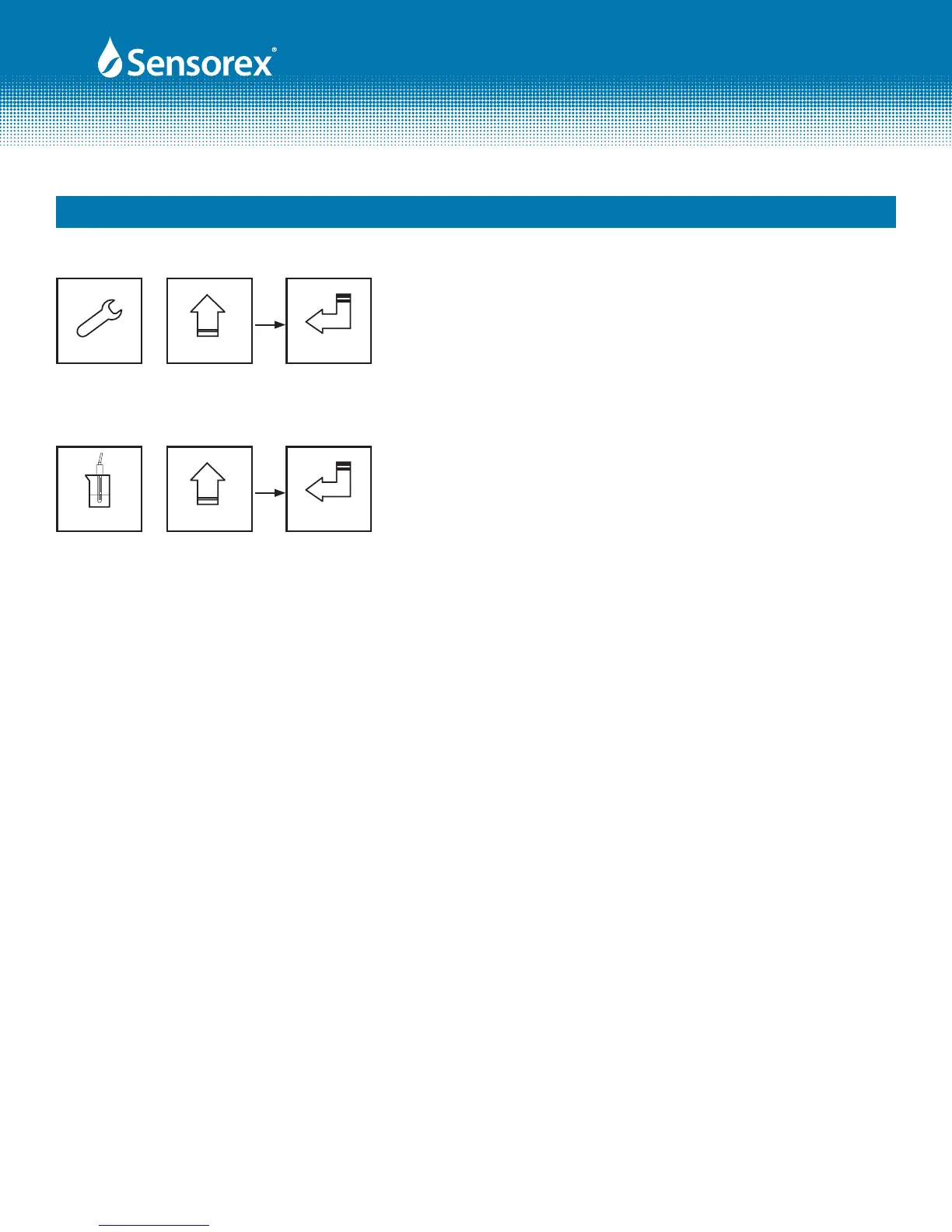
Master Reset-Restore factory default parameter’s settings
In the Measurement mode, press the "SETUP" and "MODE" keys
simultaneously for ve seconds, and then press the "ENTER" key
until you see a clock signal appearing on the display. Release all
keys and then factory default settings will be restored.
Setup Mode
+
Part 5 Conguration (cont.)
5 Seconds
Enter
Calibration Reset-Restore factory default calibration settings
In the Measurement mode, press the "CAL" and "MODE" keys
simultaneously for ve seconds, and then press the "ENTER" key
until you see a clock signal appearing on the display. Release all
keys and then factory default calibration settings will be restored.
Mode
+
5 Seconds
Enter
Cal.
5.3 LED indicators:
HI: High set point indicator light; when the high setting point is reached, the REL1 indicator will light.
B.L.: Light sensor; in the automatic display backlit mode, the lamp will light or go out depending on
environmental brightness.
WASH: Washing device indicator light; when the washing device is started up, the indicator will light.
LO: Low set point indicator light; when the high setting point is reached, the REL2 indicator will light.
Form: INSTRTX3000-Rev A



 To Next Page