5 SYSTEM OVERVIEW
This section provides a brief description of each component of the LuMon System (1.1), which is available in a
configuration for adults and children and in a configuration for neonates and infants.
The LuMon System comprises LuMon Monitors (5.1), belt connectors (5.2) to link Sentec belts
(5.3) being available in various sizes to the LuMon Monitor, as well as Sentec contact agents/sprays (5.4)
serving as a medium for impedance coupling between a belt Measuring tapes (5.5)
provided with the contact agents/sprays permit the user to measure the patient to determine the
recommended belt size, i.e. the size of the belt best fitting the respective patient.
5.1 LuMon Monitor
The LuMon Monitor (Figure 5-1, Figure 5-2) is a portable, bedside stand-alone EIT monitor available in two
configurations:
• ( ) The LuMon Monitor Adult, i.e. Adults/Children configuration, supports
SensorBeltConnectors (5.2.1) and SensorBelts (5.3.1) and/or LuMon Connector (5.2.2) and LuMon
Belt Adult (5.3.2)
• ( ) The LuMon Monitor Neonates/Infants configuration, supports LuMon
Connectors (5.2.2) and LuMon Belts Neo (5.3.3).
NOTE
The monitor housing, connectors and graphical user interface are common to both monitor configurations and
are described below.
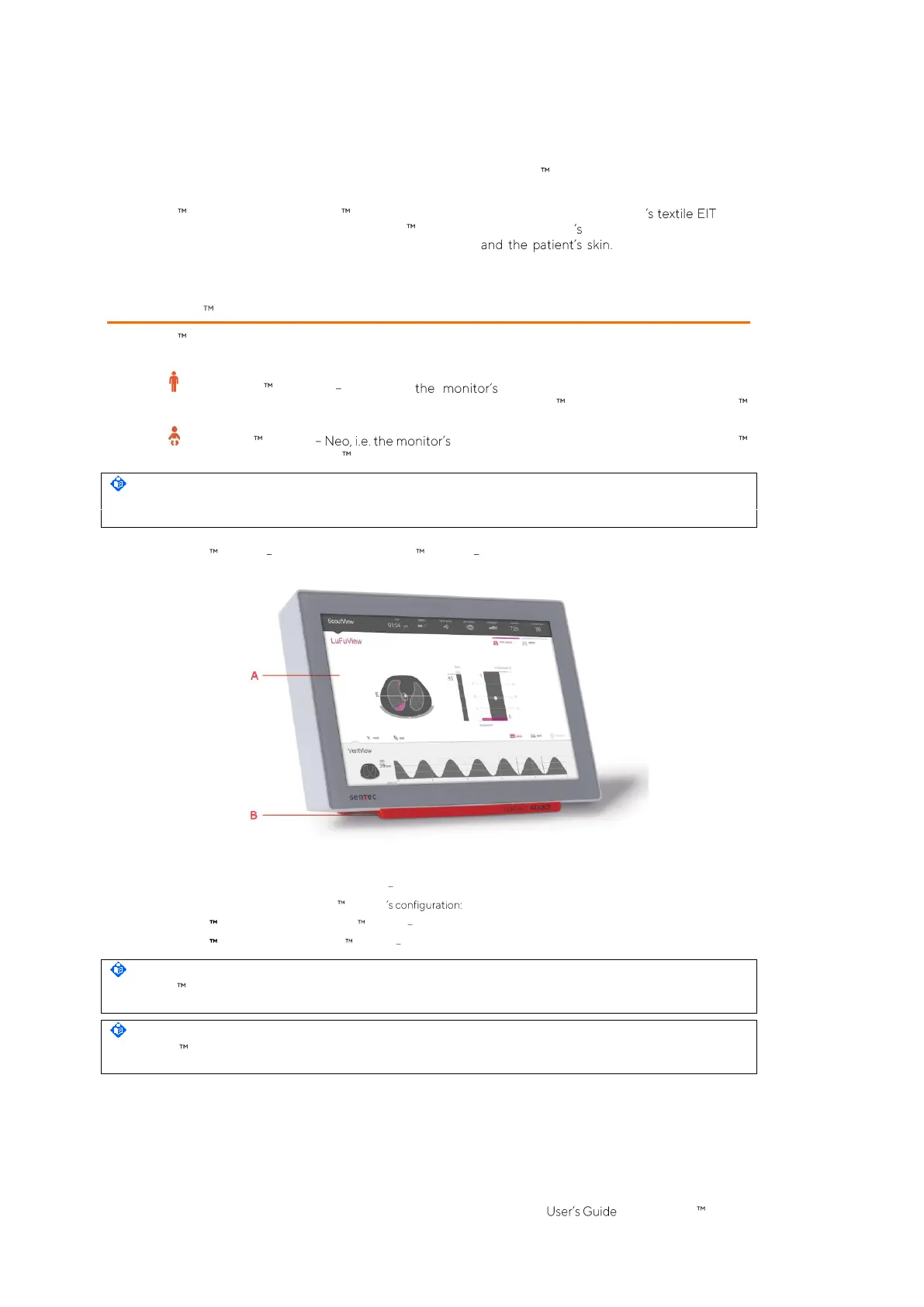
Figure 5-1: LuMon Monitor front panel (here a LuMon Monitor Adult)
A. Touch screen based Graphical User Interface GUI (6).
B. Support foot indicating the LuMon Monitor
LuMon ADULT identifies the LuMon Monitor Adult;
LuMon NEO identifies the LuMon Monitor Neo.
NOTE
The LuMon Monitor screen supports finger touch operation only. The use of rigid or sharp instruments on the
touch screen can permanently damage the display.
NOTE
The LuMon Monitor performs a calibration of its touch screen after it is switched on. To not disturb the
calibration of the touch screen, do not touch the screen the first few seconds after startup.


 To Next Page