NOTE
If monitoring is possible and if the time range for trends is 5 min in neonatal mode and 5 or 15 min in adult-mode
a new point is plotted:
• for
Respiratory Rate
once per calculated value
• for all other
indices
once per detected breath in
BB mode
or once every 15 seconds in
time-based
Analysis
Modes
(9.7).
For larger time ranges multiple trend points are averaged to a single trend point using a median filter (in adult
mode: 3 in case of 30 min and 1 h, 9 in case of 6 h, 27 in case of 24 h ranges; in neonatal mode 3 in case of 15 min,
9 in case of 30 min, 27 in case of 1 h, 81 in case of 6 h, 243 in case of 24 h ranges)
If monitoring was not possible during the selected trend period (6.6.2, 6.6.3, 6.6.4) the respective trend will be
displayed with blank spaces.
6.6 Visual indicators
6.6.1 Status icons
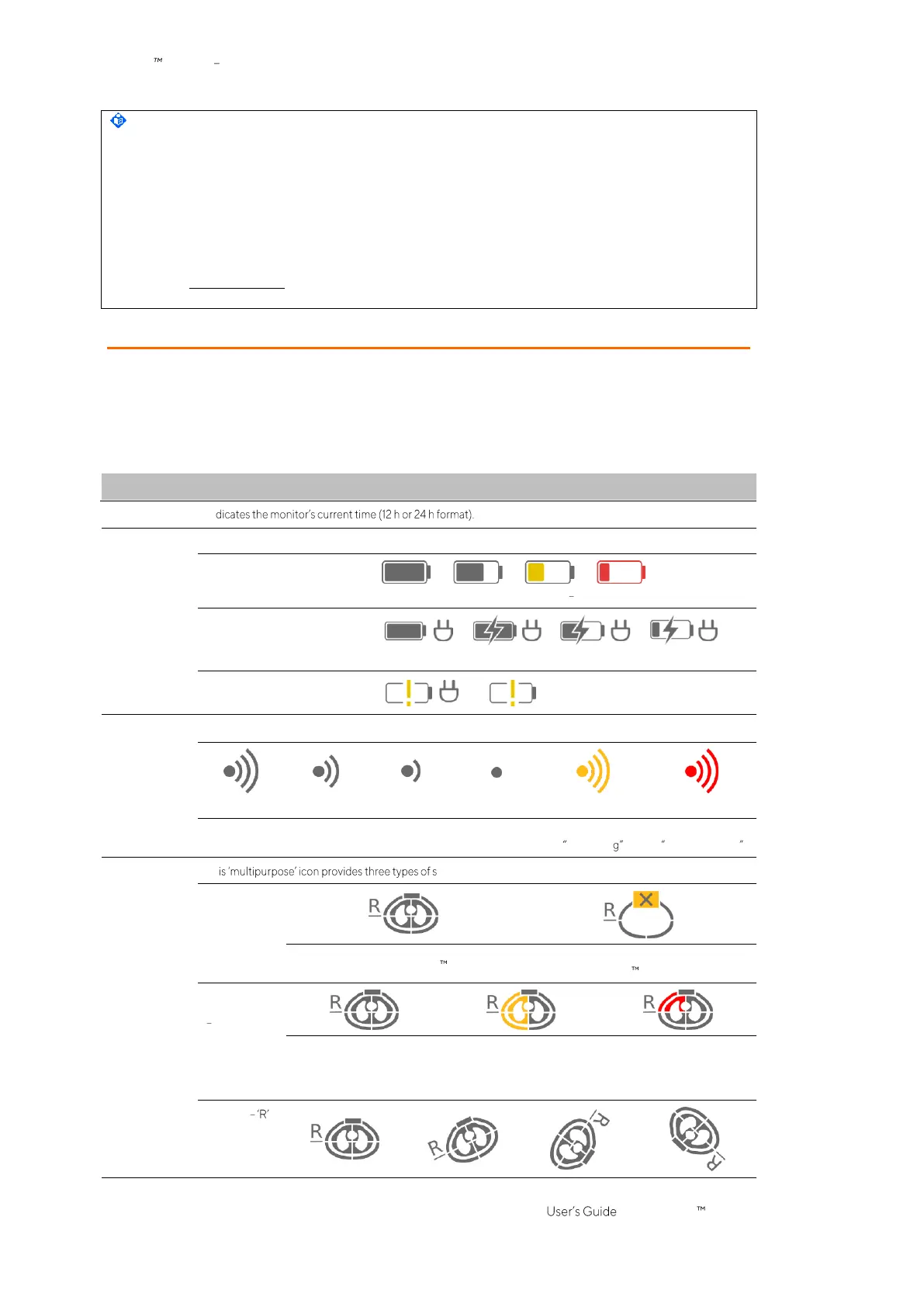
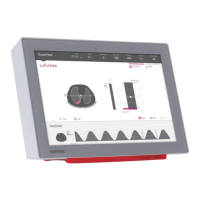
The Status bar corresponds to the part of the ScoutView that remains visible when ScoutView is minimized.
From left to right it provides the status icons in the sequence as listed in Table 6-1.
Table 6-1: Status icons
Indicates the
signal quality index
(9.3), influenced, among other, by the belt to skin contact quality.


 To Next Page