SCORPIO 38’ - 45’ - CONTROL DISPLAY INFORMATION - Operation menu
Version 1.02 May 27, 2022
60
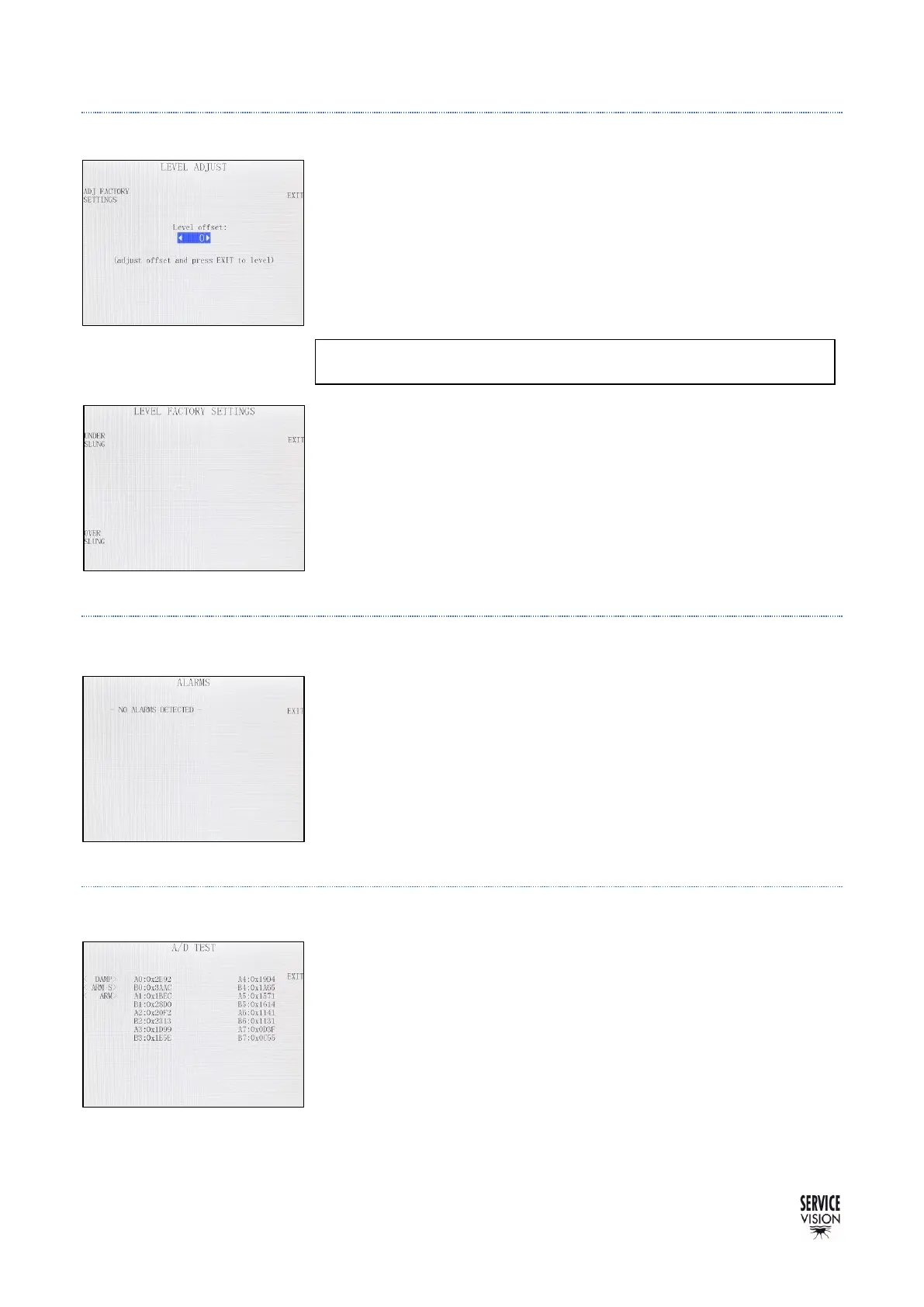
4.2.4.3 LEVEL ADJUST
In case the leveling head does not correct well (always off by the
same degrees in the same direction), An offset can be added to the
leveling head in order to compensate that difference.
To add the offset, change the value of the Level offset and press
EXIT to see the changes.
In case the offset is increased by more than 200, there is the
possibility to set a new 0 for the level set by the absolute encoder in
the ADJ FACTORY SETTINGS menu.
To do the factory level adjust, the crane needs to be leveled and with
the safety straps fixing it in the horizontal position. Once in that
position, if the leveling head is hanging under slung press the under
slung button. If the leveling head is in the over slung position, press
the over slung button.
4.2.4.4 ALARMS
The SCORPIO 45’ recognizes a series of different alarms. In case
the temperature of the motor is too high or the limits for the CWE are
disconnected will be displayed in this screen.
4.2.4.5 ADC TEST
Displays the readings for the Analog/Digital converters. This screen
is for troubleshooting, in case one potentiometer does not work, here
is possible to see if the CCU have a reading for that potentiometer.



 To Next Page