SCORPIO 38’ - 45’ - SPECIAL CONFIGURATIONS - Interface with Scorpio Heads
Version 1.02 May 27, 2022
86
8.1.4 TRACKING MODE
The Scorpio systems have fully encoded information regarding the position of the crane and the
head in space. From a reference point called Zero Position, the system knows how many degrees the
crane or the remote head has changed in every axis. This is why it’s important to set the Zero position
of the remote head and the crane always the same: with the camera facing the column of the crane
in the horizonal position (see chapter 8.1.2 Set up).
With that information, the Motion Generator allows the system to
generate one tracking point in the space and to keep the camera
looking to that point even if the crane change the position of the
camera in the space (fig. 08.12).
The only thing that the system needs to know is where to generate
the tracking point. The way to do this is by giving to the system the
distance from the center of the remote head to the point to be tracked.
It is important to notice that there will always be possible to move the
remote head from the control. The only difference is that instead of
moving the axes of the head, the user will be moving the tracking point
in the space depending on the distance to the tracking point. This can
be used to readjust the point where the shot requires.
Depending on how the distance to the tracking point is introduced to the system, there are three
different modes: Manual, Focus M., and Focus. To use the Focus M. and the Focus modes a Scorpio
Focus or a Servo Lens Control needs to be connected to the system, otherwise they will not be
displayed.
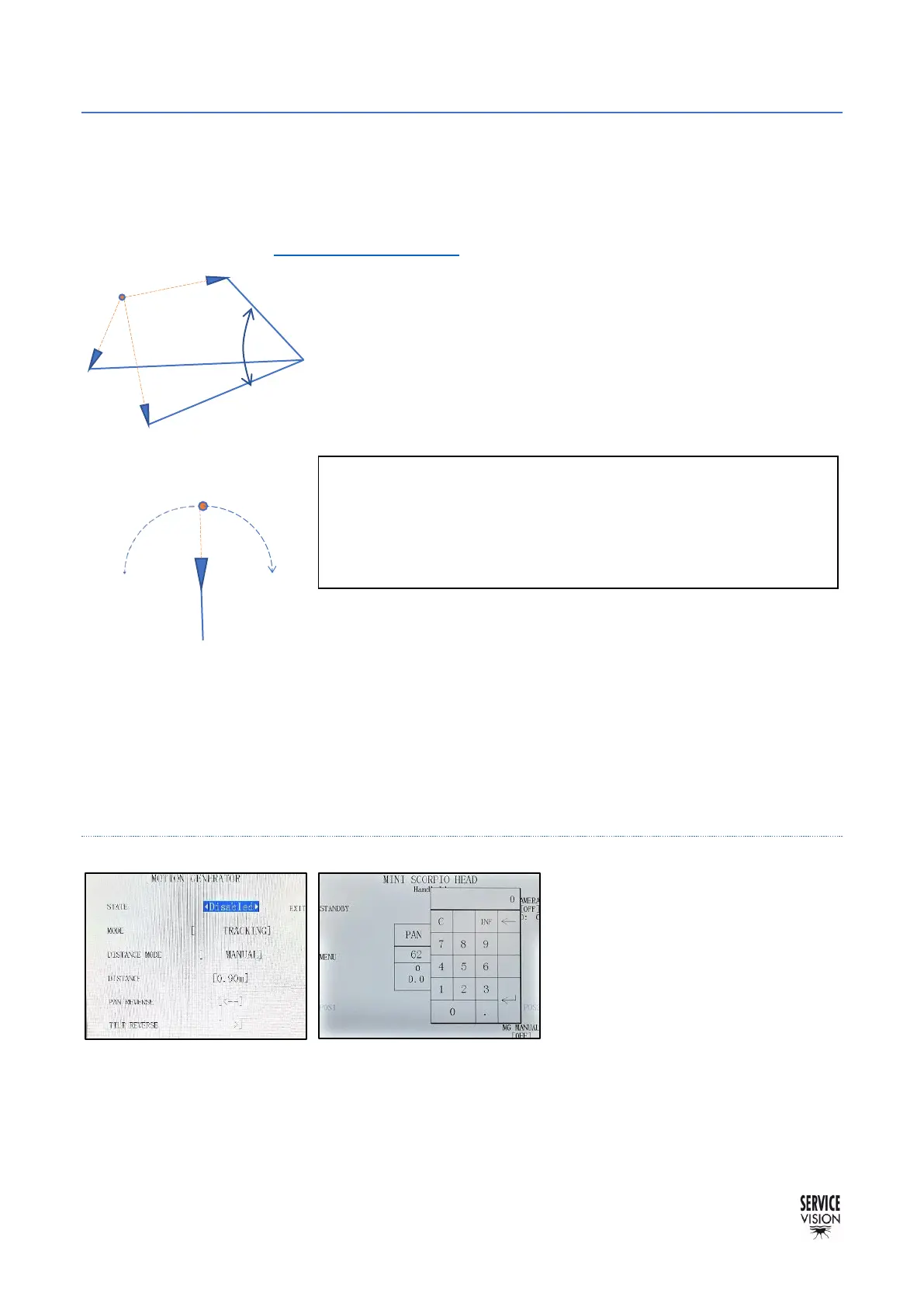
MANUAL DISTANCE
When the manual mode is selected,
we can introduce a distance to set the
tracking point. If the number between
the brackets in the DISTANCE MODE
tab is pressed, a keypad will be
opened to introduce the distance from
where the camera is to the target.
Measure this distance from the center
of the head. The minimum distance is
always 0.20cm (7.8 inches).
There is also the possibility to reverse the pan and the tilt in case the head is mounted over slung and
the corrections in those axes are in the wrong direction. If there is a shortcut to the M.G., just by
pressing the shortcut the keypad will be opened to introduce the distance.



 To Next Page