SCORPIO 38’ - 45’ - CONTROL DISPLAY INFORMATION - Operation menu
Version 1.02 May 27, 2022
SERVICEVISION BIS SL
Ríos Rosas, 20 · 08940 CORNELLA DE LLOBREGAT (Barcelona) Spain · Tel. 34 93 223 86 30 · Fax 34 93 223 86 31 61
comercial@servicevision.es · www.servicevision.es
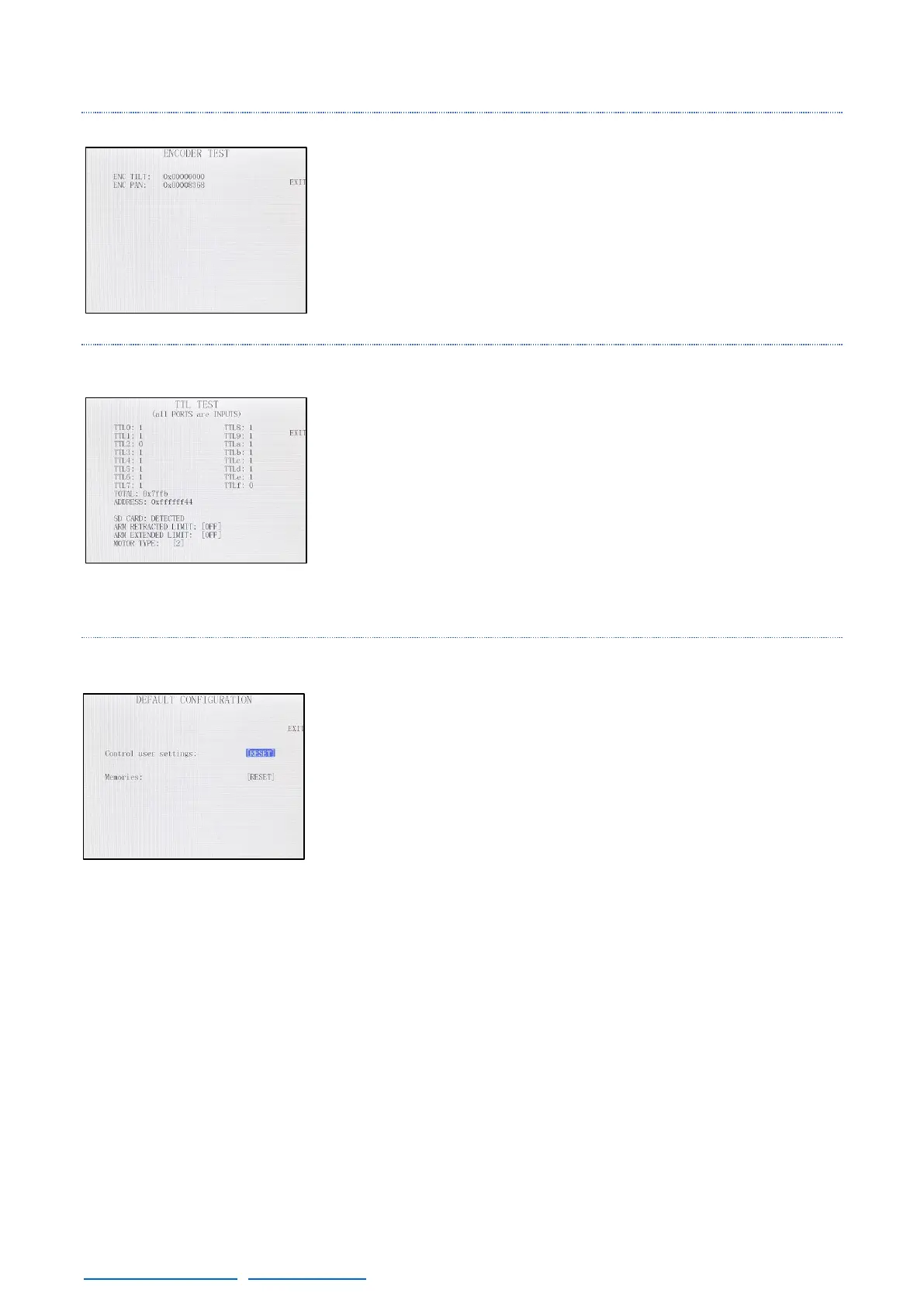
4.2.4.6 ENCODERS
Displays the readings of the encoders connected to the CCU. In case
the encoder signal does not change when the controller is moved,
there is a problem with that controller.
4.2.4.7 TTL
Displays the digital inputs (buttons, selectors…). In case one button is
pressed or one controller is connected a change in this screen will be
seen.
Also shows if one the magnetic limits is detecting or if the SD card is
connected.
4.2.4.8 DEFAULT CONFIGURATION
In this is screen is possible to reset the memories and set the user
settings (CWE points, L. Head configuration…) back to the factory
settings.



 To Next Page