6. Menu / Operation PRIMUS+
24
6 Menu / Operation PRIMUS+
This chapter starts with a short manual and cross references in order to familiarise the reader with the
most important settings. Following this, all setup menus are described.
6.1 General Operation
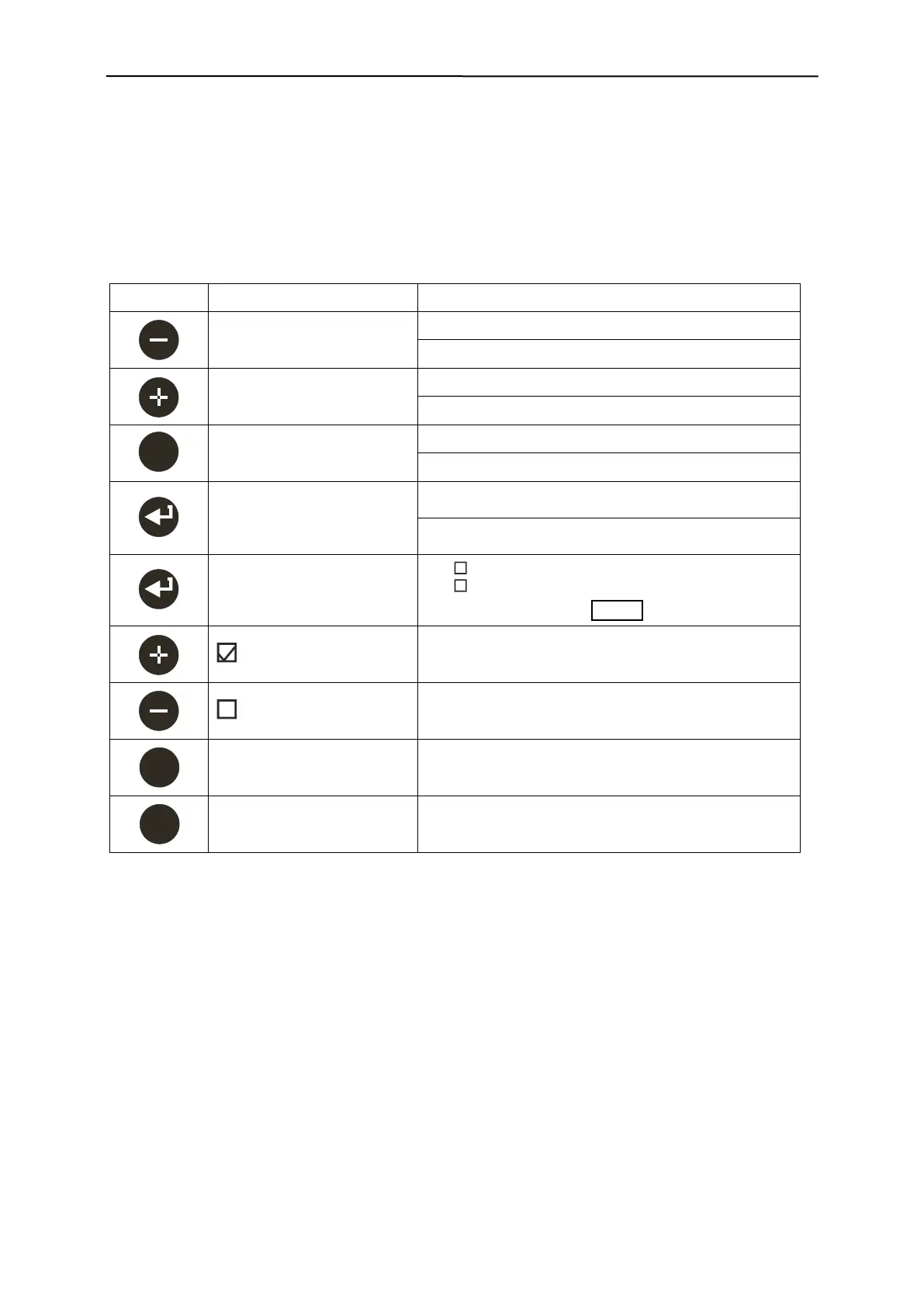
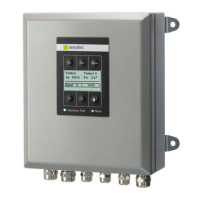
The control unit can be operated with 4 keys of the membrane keypad. These keys are used both for
navigation in menu selections and for setting parameters.
Parameter decrease the value
Parameter increase the value
Back to the next highest menu level
Exit parameter settings without any changes
Several functions
Confirm / Accept /
Select function
Select individual menu
items by pressing the key
Function 1
Function 2
Reset mode Autom.
Displayed function activate
Displayed function deactivate
Activates the separation process at metal separators
Resets a metal message
Resets a fault message


 To Next Page