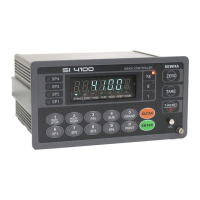
Digital Weighing Indicator
SI 4100
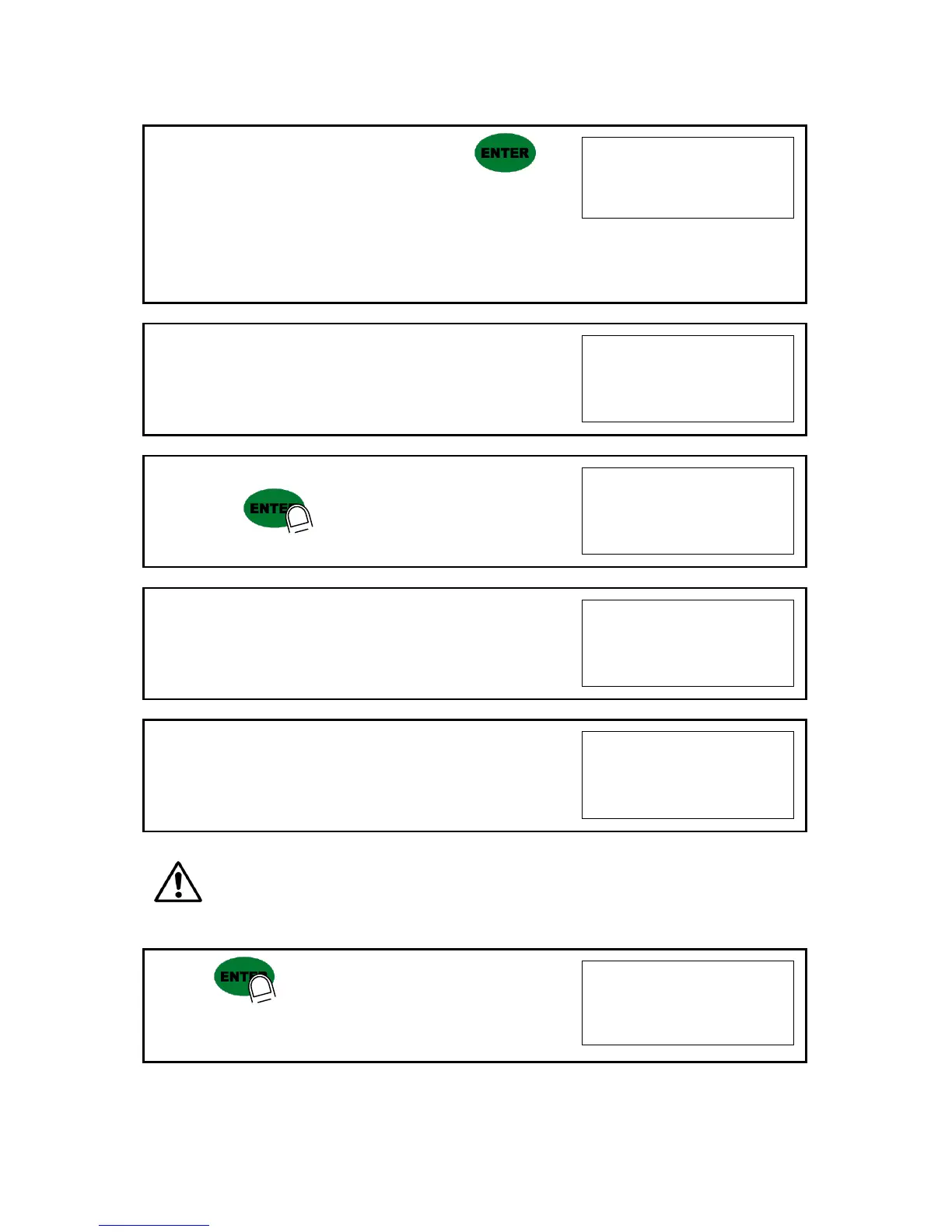
12. Input the weight of your “Test weight”. And press key.
Ex) Load Cell CAPA : 20kg, division 0.001
Use test weight which is at least 10% of
max CAPA(20kg) = minimum 2kg of test weight is needed.
Input test weight 2.000 to indicator.
13. When “UP” is displayed, load your test weight on the scale (weigh
bridge) Ex) Load Cell CAPA : 20kg, division 0.001
14. And press key.
Do not remove the test weight from weigh bridge.
15. Indicator will calculate span value during 5sec.
16. After finish calculation, span value will be displayed.
Please remove the test weight from weigh bridge.
※ Caution : The “Test Weight’s value” must be at least 10% Max capacity of weighing scale.
“at least 10%” means to guarantee precise weighing process you have to make standard with at least
10% of the max capacity weight.
We programmed the calibration will not be done, when you load less than 10% of the max capacity.
17. Press key to save all calibration process.
After then it resets automatically.
Now, fasten the Calibration Bolt on the front panel.


 To Next Page