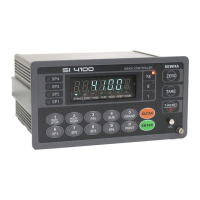
Digital Weighing Indicator
SI 4100
5-3. Simulation Calibration Mode (Calibrate without Test weight)
Through this “Simulation Calibration Mode” you can do simple calibration process without Test weight.
This calibration mode uses “Load cells’ max capacity” and “Rated output value(mV)”.
Simulation calibration’s degree of accuracy is lower than test weight calibration.
By simulation calibration’s characteristic, measured weight can be different with actual weight, according to
load cell’s actual output.
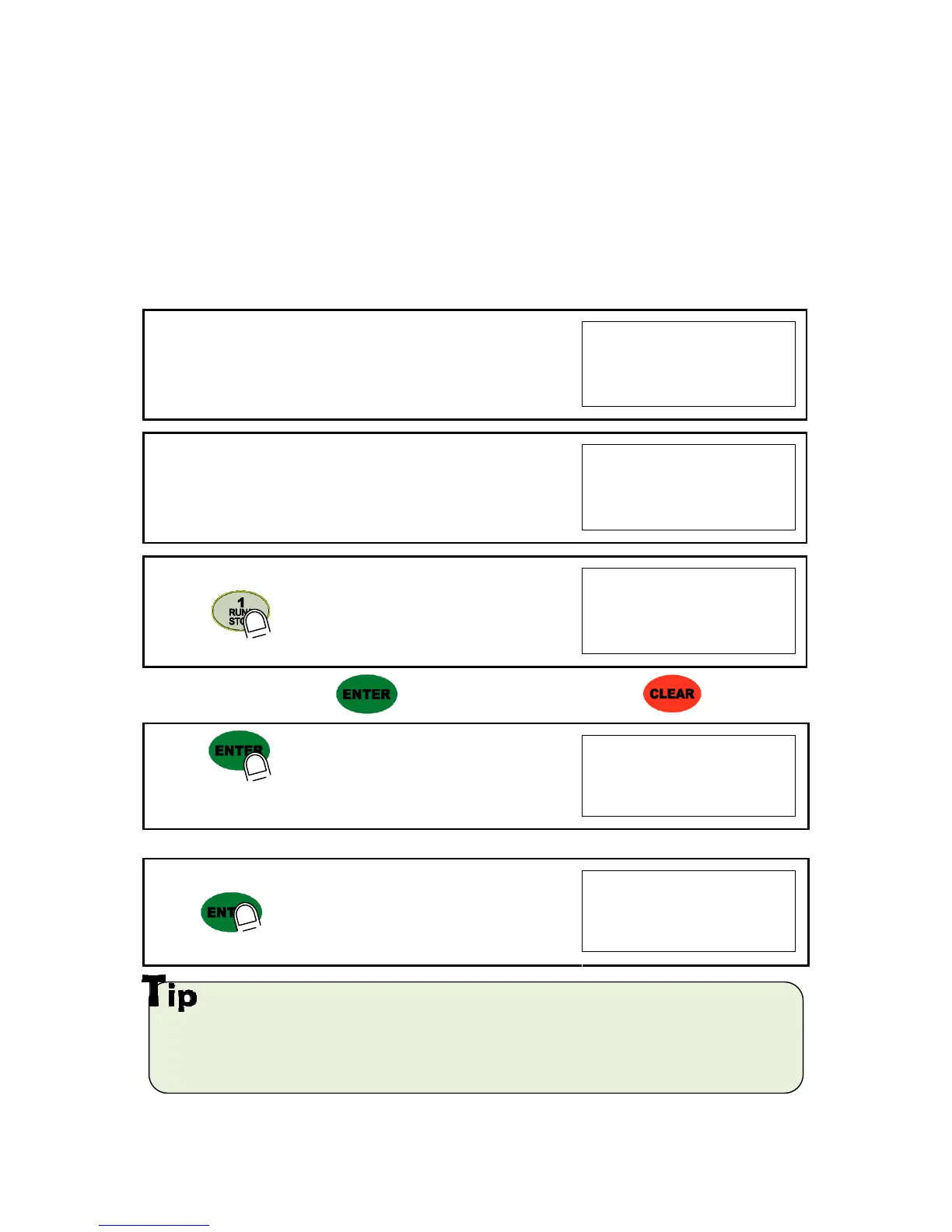
1. At normal mode, remove “CAL-BOLT” on the Front panel
2. And press “CAL - LOCK S/W” inside.
Check the “SET-CAL. Message on display.
3. Press key, to start Simulation Calibration Mode
※ To save the each step, press key, for the cancel or move back, press key.
4. Press key to enter calibration mode.
After “CAPA” is displayed, Check the max Capacity of your load cell.
(Refer the label on the load cell, or test report.)
5. After input max capacity of your load cell (at the label),
press key
Ex) Load cell CAPA : 30kg, division : 0.01 Input 3000
In case of multiple pieces of load cells are installed, make sum of each load cell’s capacity and make setting
with max capacity. EX) There are 4pcs of load cells, and each load cell’s Max capa is1,000kg.
Then, total Max Capacitywill be 4,000kg(1,000 x 4) and you have to input 4,000.


 To Next Page