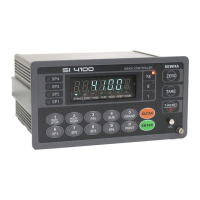
Digital Weighing Indicator
SI 4100
SPAN Calibration Value Check
Span Calibration Value Check
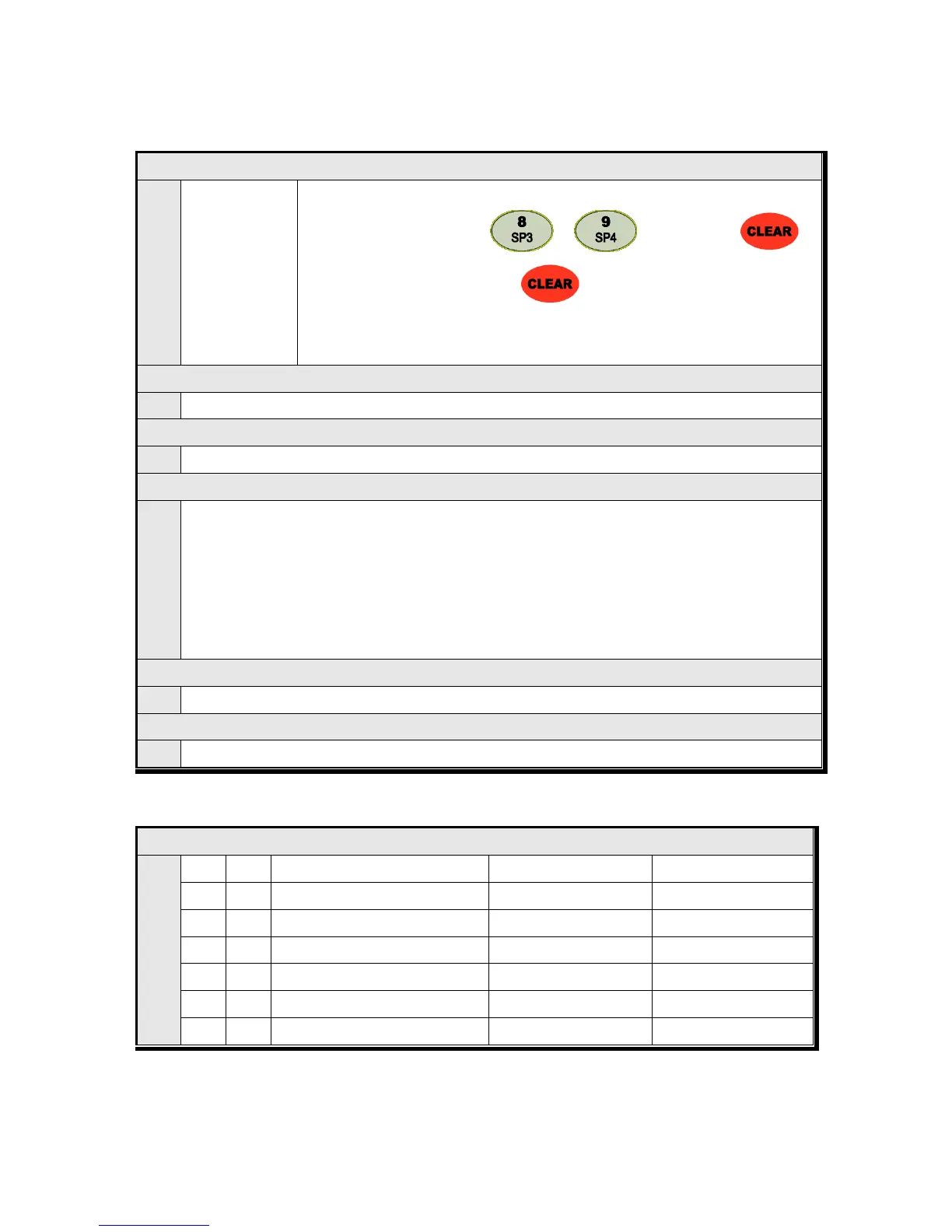
Under F-function mode, enter “ ”, “ ” key and press “ ”.
After checking the value and press “ ” to exit
※ If you have difficulty to process Calibration again, the best way to matching the net
weight and display weight is doing Calibration process once again.
Check Current DATE data or you can Change to new date
Check Current TIME data or you can Change to new date
Set the pass word and change
You can set the pass word and change it.
How to set : When “P-W” is displayed ,input the password .
1) If “1” display, input password (4 numbers)
2) If “2” display, recheck the password
“0000” is saved as basic password.
When setting password you cannot start “SETUP” mode without password, do not forget your password.
Program & Hard ware Version Check
Check the Program & Hard ware version (H/W : X.XX, S/W : X.XX.X)
Check the Product’s Production Year and Month.
■ Communication Mode setting (Serial Port 2. - Optional Serial port)
Parity Bit selection Mode


 To Next Page