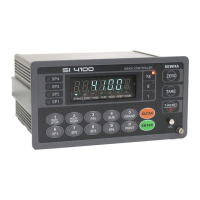
Digital Weighing Indicator
SI 4100
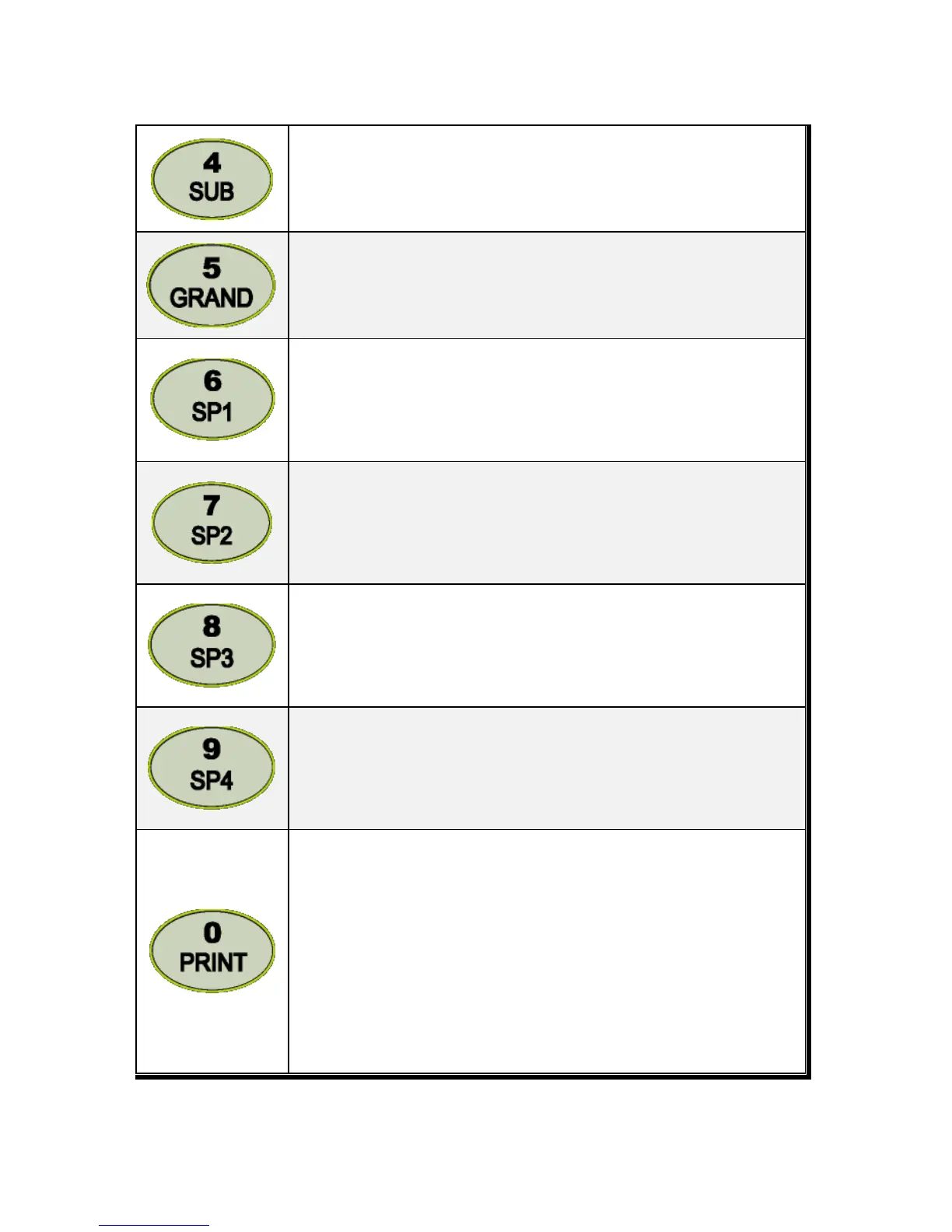
Under Print installation, you can print out the “Sub-total data” of current P/N.
Printed Data : Accumulated count and weight of current P/N.
Under Print installation, you can print out the “Grand-total data” of current P/N.
Printed Data : Accumulated count and weight of All P/N.
Sp1 set value setting or Check
Value setting : Press this key set Sp1 value with No. keys. Press Enter and save
new set value.
Check set value : Press this key Sp1 value will be display during 5sec.
Sp2 set value setting or Check
Value setting : Press this key set Sp2 value with No. keys. Press Enter and save
new set value.
Check set value : Press this key Sp2 value will be display during 5sec.
Sp3 set value setting or Check
Value setting : Press this key set Sp3 value with No. keys. Press Enter and save
new set value.
Check set value : Press this key Sp3 value will be display during 5sec.
Sp4 set value setting or Check
Value setting : Press this key set Sp4 value with No. keys. Press Enter and save
new set value.
Check set value : Press this key Sp4 value will be display during 5sec.
1. Manual Print
Whenever press this key, you can print out.
2. Calibration mode
- Digit setting
Whenever pressing “0”key, digit will be change 1, 2, 5, 10, and 50.
- Decimal point position
Whenever pressing “0”key, decimal point will be change.
※Decimal Point set will be done in the calibration mode.


 To Next Page