8
PART NAMES AND FUNCTIONS
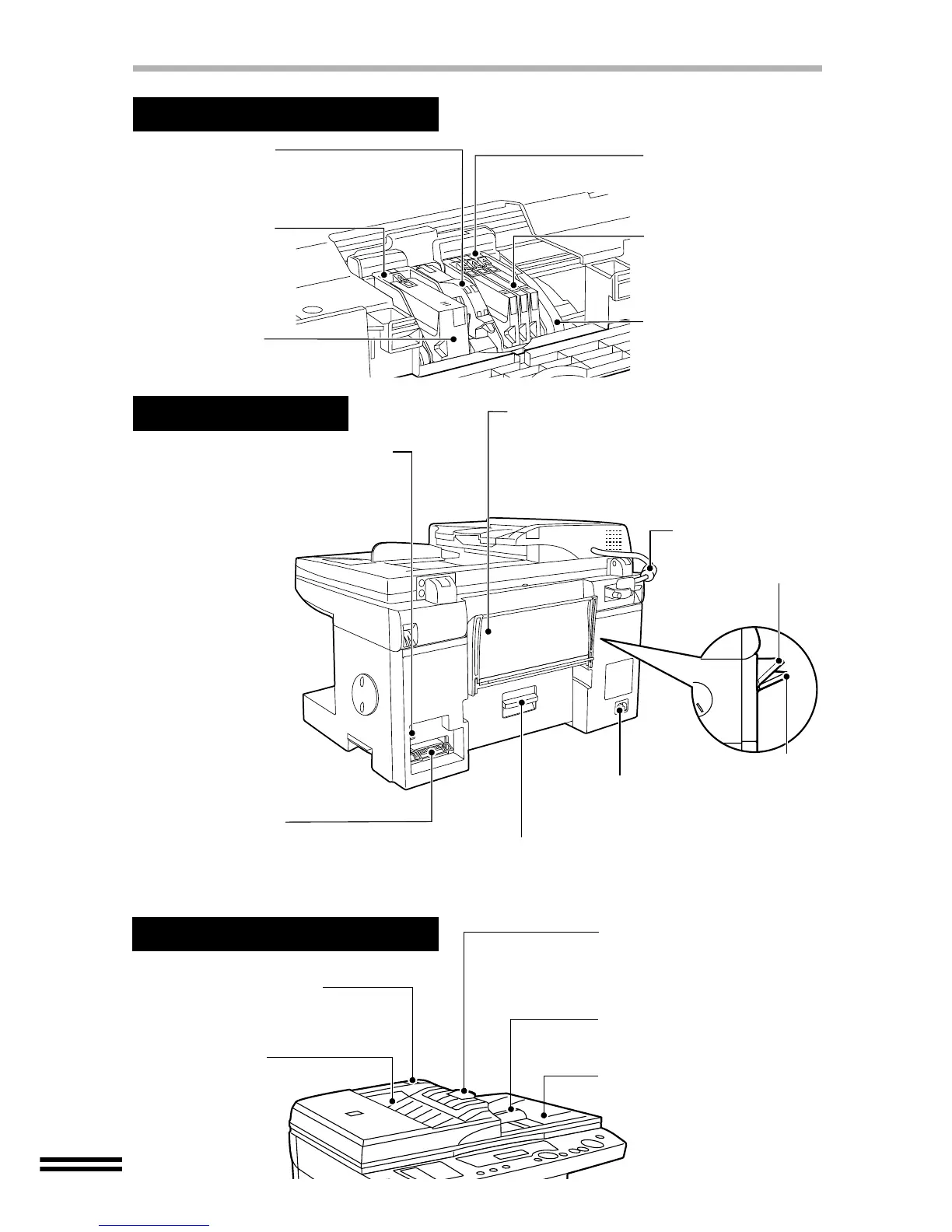
Print head latch
Use this to remove or install
the print heads.
Black ink tank
Cyan ink tank
Yellow ink tank
Magenta ink tank
Carriage
Black print head
Applies ink onto the
paper.
Print heads and Ink tanks
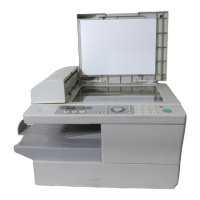
Bypass tray
Use this tray to copy or print on a single page.
Insert paper into the tray copy or print side up.
When copying or printing onto thick paper,
open the tray until it reaches position 2.
(The tray has two stop positions.)
Power socket
Plug the power cord into the
socket.
Jam cover
Open this cover to remove
jammed paper.
Rear Side
Parallel interface
connector (36pin)
Use if you will be using a parallel interface
cable (IEEE1284) to connect the unit to your
computer.
USB interface connector (B type)
Use if you will be using a USB cable
to connect the unit to your computer.
It is possible to insert the cable after
the unit has been switched on.
Colour print head
Applies ink onto the
paper.
SPF (Single pass feeder)
SPF output tray
When using the SPF,
the original exits here
after being copied or
scanned.
SPF output tray extension
Open the SPF output tray
extension by pressing the edge
to place a large sized original in
the SPF.
Original guide
Align the original guide to the
placed original.
SPF input tray
Place originals to be copied or
scanned face down here.
Original release button
Depress this button to remove
the jammed original.
SPF connection
cable
Position 1
Position 2



 To Next Page