36
GENERAL INFORMATION
USER PROGRAMS
4
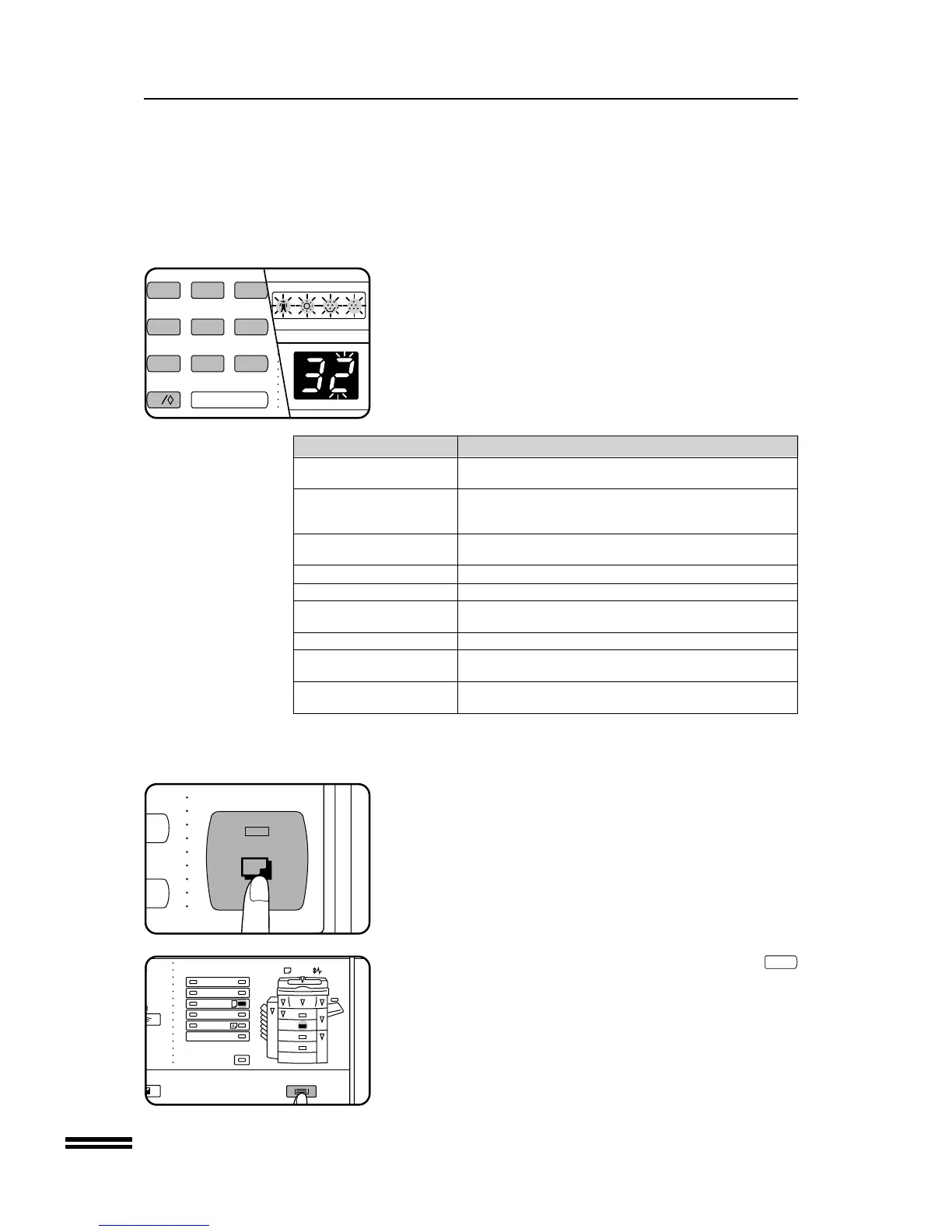
Select the desired parameter using the 10-key pad.
●
The entered parameter number will blink on the right side of the
copy quantity display.
●
The parameters are shown in the table below.
For example, to change the setting of the auto power shut-off
timer to “30 min.”, press key 2.
Program name Parameters
Auto clear time 0 e OFF 1 e 30 sec. * 2 e 60 sec.
3 e 90 sec. 4 e 120 sec.
Preheat mode 1 e 1 min. * 2 e 15 min. 3 e 30 min.
4 e 60 min. 5 e 120 min. 6 e 150 min.
7 e 180 min. 8 e 210 min. 9 e 240 min.
Auto power shut- 1 e 5 min. 2 e 30 min. * 3 e 60 min.
off timer 4 e 90 min. 5 e 120 min. 6 e 240 min.
Auto power save control * 0 e OFF 1 e ON
Stream feeding mode * 0 e OFF 1 e ON
Override sorter bin 0 e OFF * 1 e ON
capacity limit
Sorter bin access mode 0 e OFF * 1 e ON
Auto paper select 0 e OFF * 1 e ON
setting
Auto power shut-off 0 e OFF * 1 e ON
setting
Factory default settings are indicated with an asterisk (*).
NOTE:
If you select “0” (OFF) in a program, the corresponding function will be disabled.
5
Press the START key.
●
The right-hand number in the copy quantity display will be
steadily lit and the entered value will be stored.
6
To continue with other user programs, press the
C
key and then repeat steps 2 to 5. To exit the user
program mode, press the TRAY SELECT key.
●
All the alarm indicators will go out.
User programs



 To Next Page