47
GENERAL INFORMATION
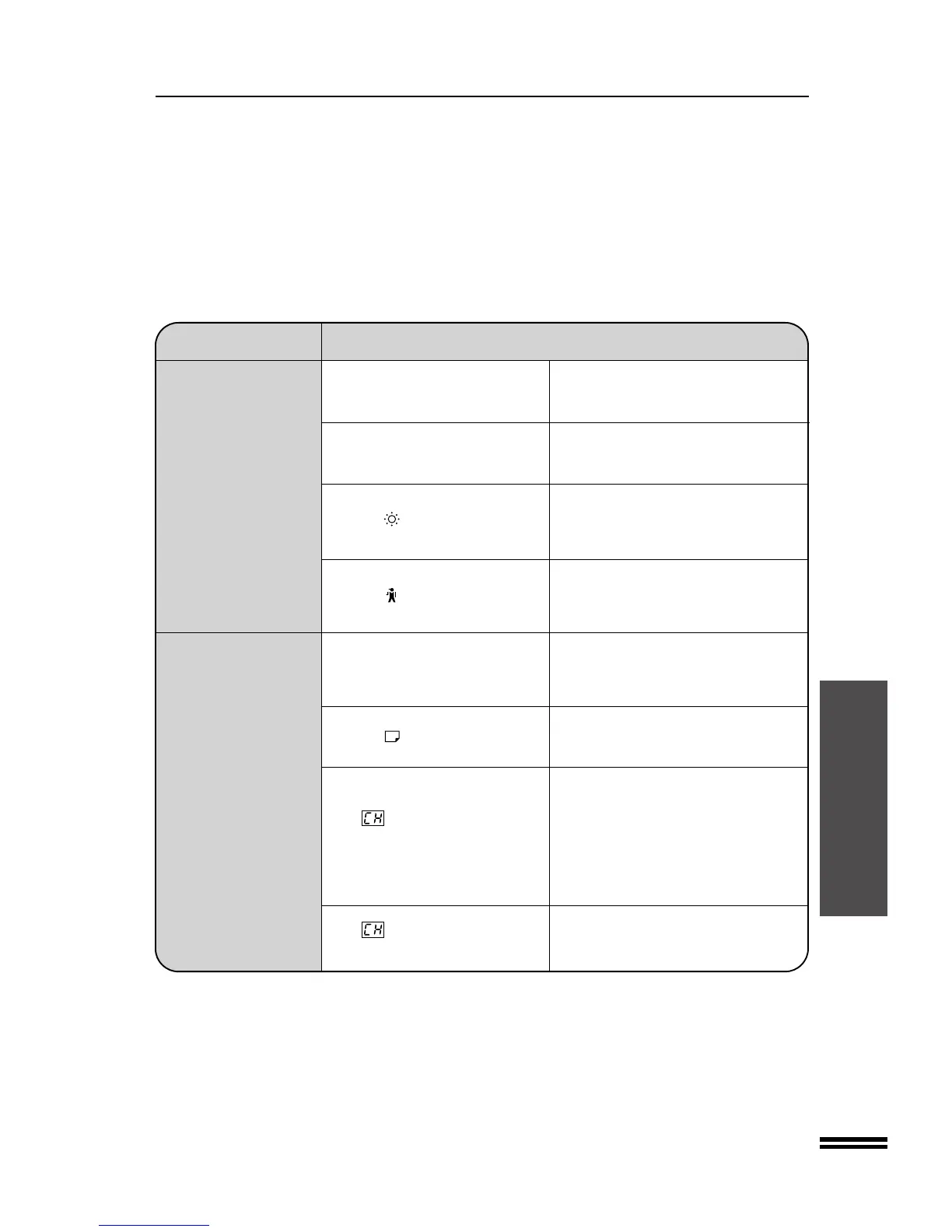
COPIER TROUBLE?
Copier trouble?
Problem Solution
●
Document glass or document Clean regularly. See page 45.
cover dirty?
●
Original smudged or blotchy? Use a clean original.
Dust, dirt, smudges
appear on copies. Developer is required. Contact your
●
Is the indicator on? Sharp Service Center as soon as
possible. See page 28.
Maintenance is required. Contact your
●
Is the indicator on? Sharp Service Center as soon as
possible. See page 29.
Wait until warm-up is complete.
●
Is the START key indicator off? Warm-up time is approximately 60
seconds.
●
Is the indicator on?
Copy paper is needed. See page 4,
LOADING COPY PAPER.
Power is on but copying 1. Check the covers, including those of
is not possible. optional equipment, to ensure that
●
Is steadily lit in the copy they are all closed.
quantity display?
2. If an optional sorter or staple sorter is
installed, slide the sorter or staple
sorter toward the copier to latch it
into place.
●
Is blinking in the copy Reinstall the toner hopper securely.
quantity display? See page 7.



 To Next Page