38
GENERAL INFORMATION
3
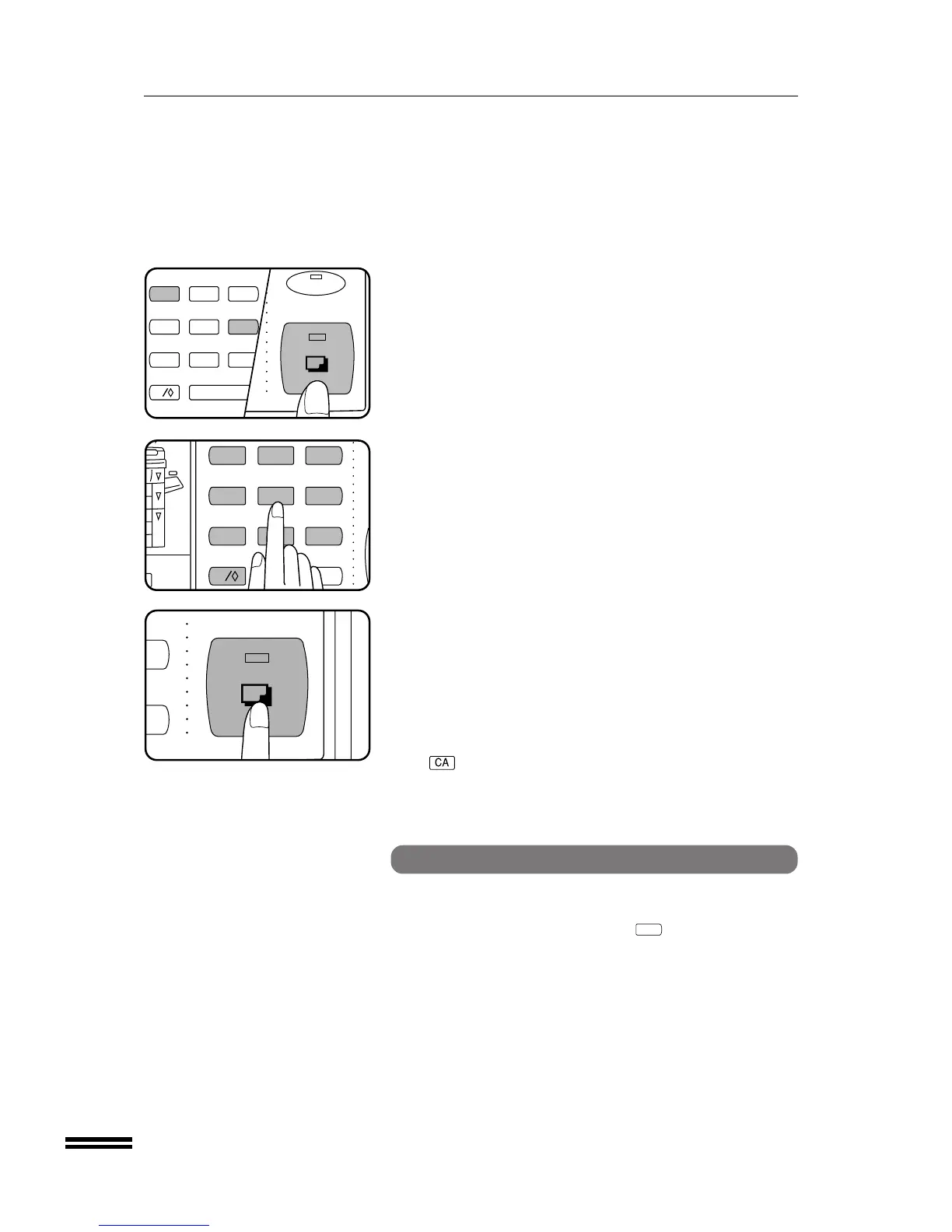
Enter the number 16 using the 10-key pad and press the
START key.
4
Choose a new 3-digit code number and enter it using the
10-key pad.
5
Press the START key.
●
The code number will change from the previous setting to the
new setting.
●
“ ––” will appear again in the copy ratio display.
6
To continue with other auditing programs, enter the
appropriate program code number.
To exit the auditing programs, press the CLEAR ALL
(
) key.
AUDITING PROGRAMS
Auditing programs
Setting for auditing accounts
Setting for auditing programs varies with the program number. For
setting of all programs, first follow steps 1 and 2 in “Auditing code
number” on page 37. (Press the clear (
C
) key, the INTERRUPT
key, and the clear key again. Enter the auditor code number using the
10-key pad.) Then enter the program number using the 10-key pad
and press the START key. Follow the appropriate instructions for the
program.



 To Next Page