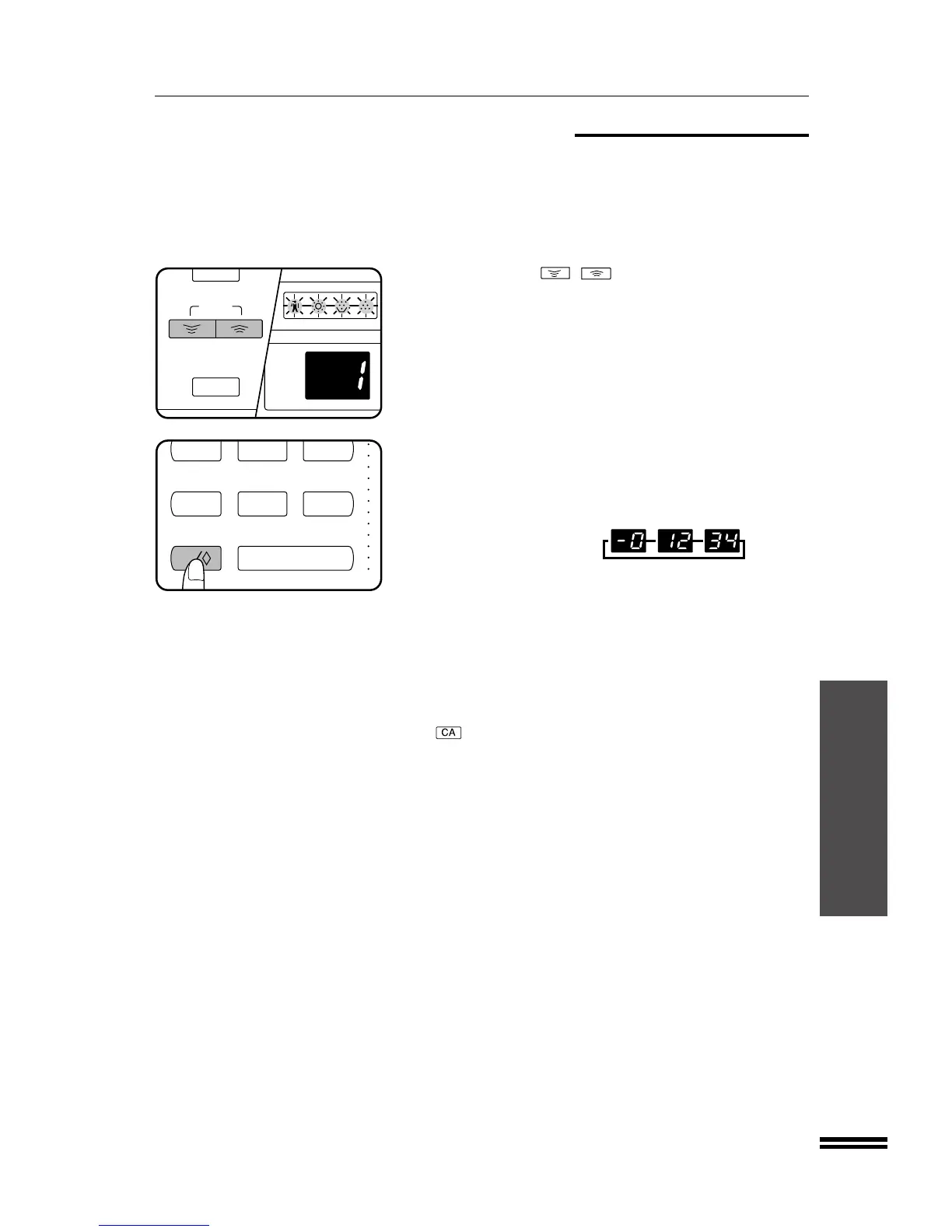
Program No. 14: Number of copies per account
Program No. 14 is used to display the total number of copies made
against each account number. When program No. 14 is entered, an
account number will appear in the copy quantity display.
1. Use a ZOOM ( , ) key to select the account
number.
2. Press and hold the 0 key.
●
The number of copies made against the specified account
number will be displayed. The number will appear in three steps,
each with two digits (the first digit is “–”) while the 0 key is
pressed.
Example: 1,234 copies
▼
▼
▼
●
The upper limit for the number of copies is 49,999. If the number
of copies made reaches 50,000, the number will be reset to 0
and counting will start again from 0.
3. Repeat steps 1 and 2 for other account numbers.
4. To continue with other auditing programs, press the
INTERRUPT key and then enter the desired program
number. To exit the auditing program mode, press the
key.
AUDITING PROGRAMS
Auditing programs



 To Next Page