77
OPTIONAL EQUIPMENT
SF-S56 20-bin staple sorter
1
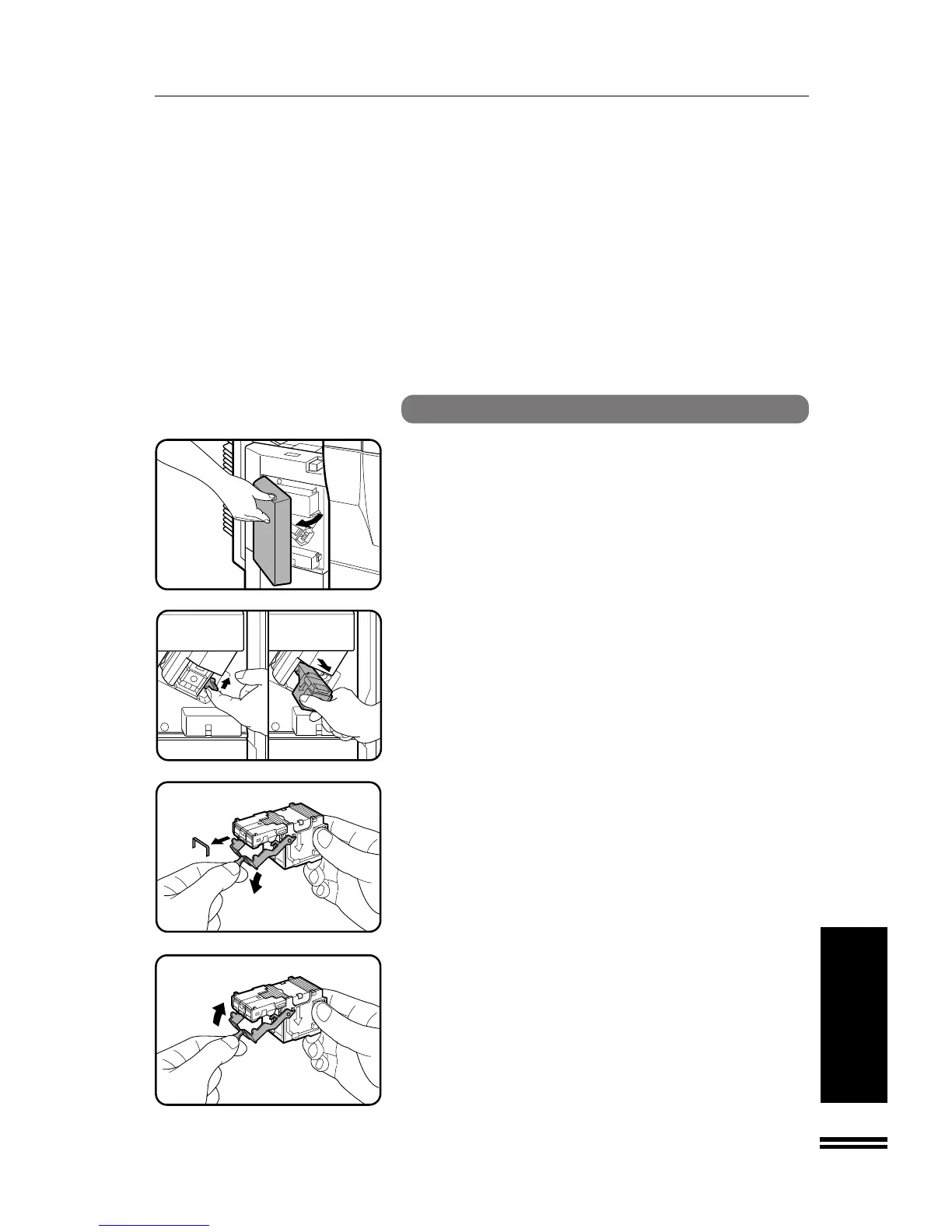
Open the stapler cover.
2
Lift the release lever and pull out the staple box.
●
Lift the release lever to unlock the staple box. Then pull out the
box.
3
Lower the lever at the end of the staple box and remove
the jammed staples.
4
Return the lever to its original position.
20-BIN STAPLE SORTER (SF-S56)
20-bin staple sorter (SF-S56)



 To Next Page