15
Adding / Removing menu selected
When the menu is selected the LED will be on blue, for maximum of 10 seconds.
Adding / Removing menu - while pressing S- button - Add/Remove process
selected
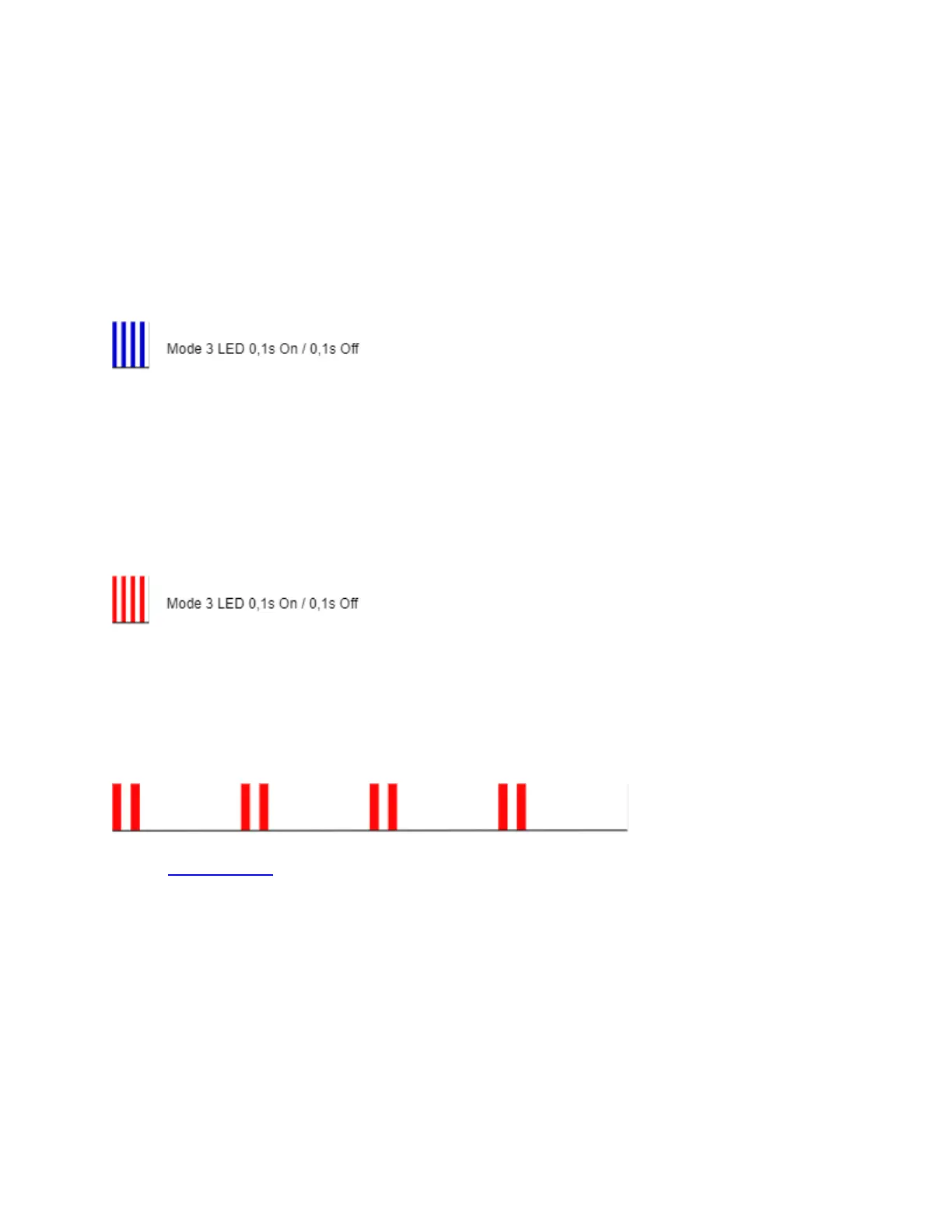
When the menu is executing the LED will be blinking blue in Mode 3.
Factory reset menu selected
When the menu is selected the LED will be on red, for maximum of 10 seconds.
Factory reset - while pressing S - button - Factory reset process selected
When the menu is executing the LED will be blinking red in Mode 3.
Alarm Mode
Overheat detected
The LED will be blinking red in Mode 4
• Andi Pelegrini preveri ali je vse v redu
10. Z-Wave® Parameters
Parameter No. 1 - SW (SW1) Switch type
This parameter defines how the Device should treat the switch (which type) connected to the
SW (SW1) terminal.
Value size: 1 Byte


 To Next Page