3.2 System Administration Tool
3.2.4 Security
23
TOC-V Administrator’s Manual
Data Profile Export
Select this item to output the measurement results Data Profile after each measurement.
If this item is selected at installation, it cannot be changed thereafter. The Data Profile
is output in the following situations.
• Upon completion of each sample measurement
• When performing recalculation of measurement results
• When excluding a value from the measurement results
PDF Report Export
Select this item to output a data profile report file in PDF format when the data profile
is output. This item is only displayed when Data Profile Export is selected.
Use PDF Writer/Distiller
Select the output driver for the PDF output. This item is only displayed if PDF Report
Export is selected.
User ID/Password
Select this item to enable the User ID and Password functions. If this item is selected at
installation, it cannot be changed thereafter.
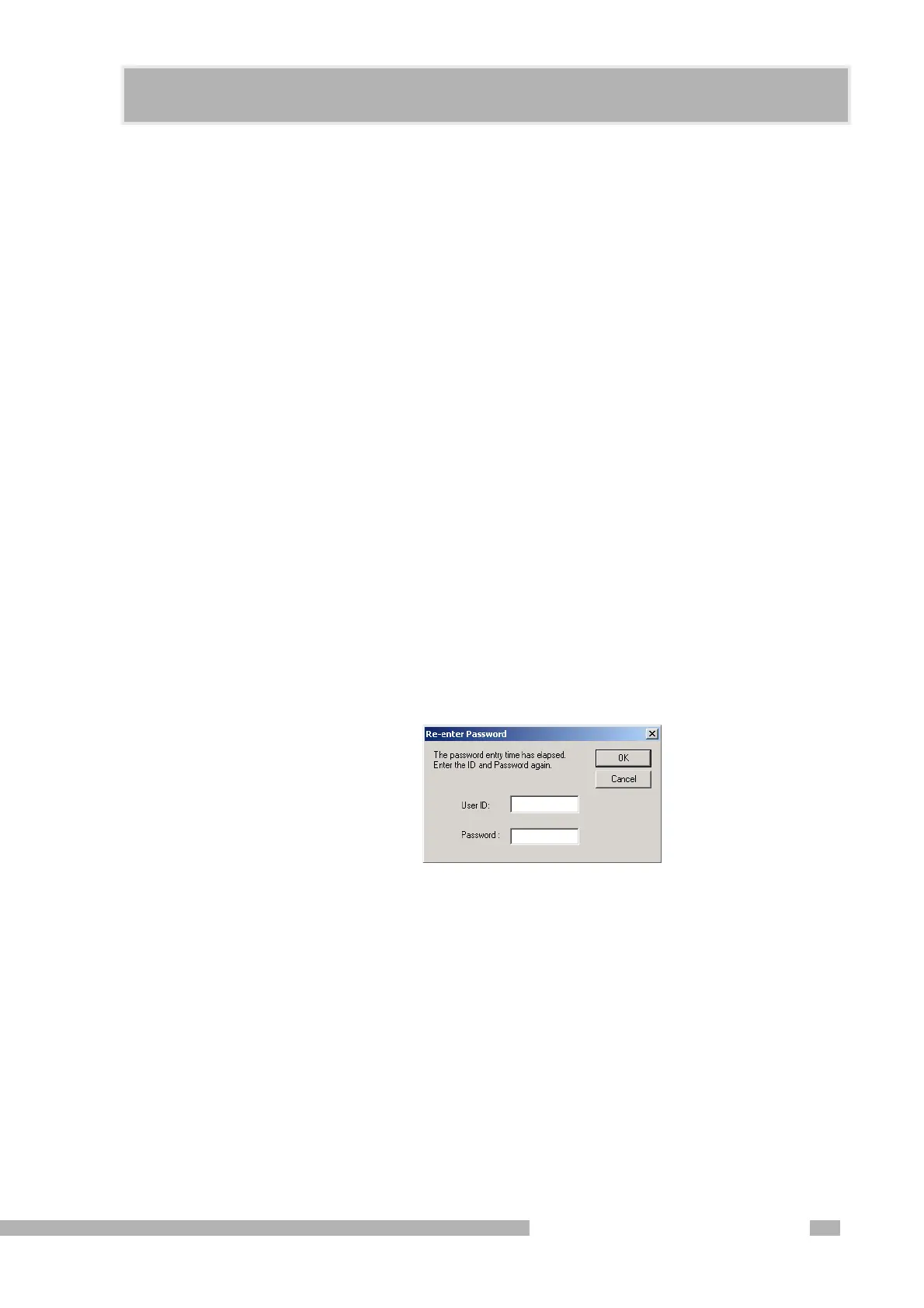
Re-enter Password
Select this item to require the user to re-enter the User ID and Password after the
instrument remains idle for a specified period of time. If the specified time is set to 0, it
is equivalent to having not selected this item.
Figure 3.12 Re-enter Password Dialog Box










 To Next Page