3.2 System Administration Tool
3.2.4 Security
TOC-V Administrator’s Manual
24
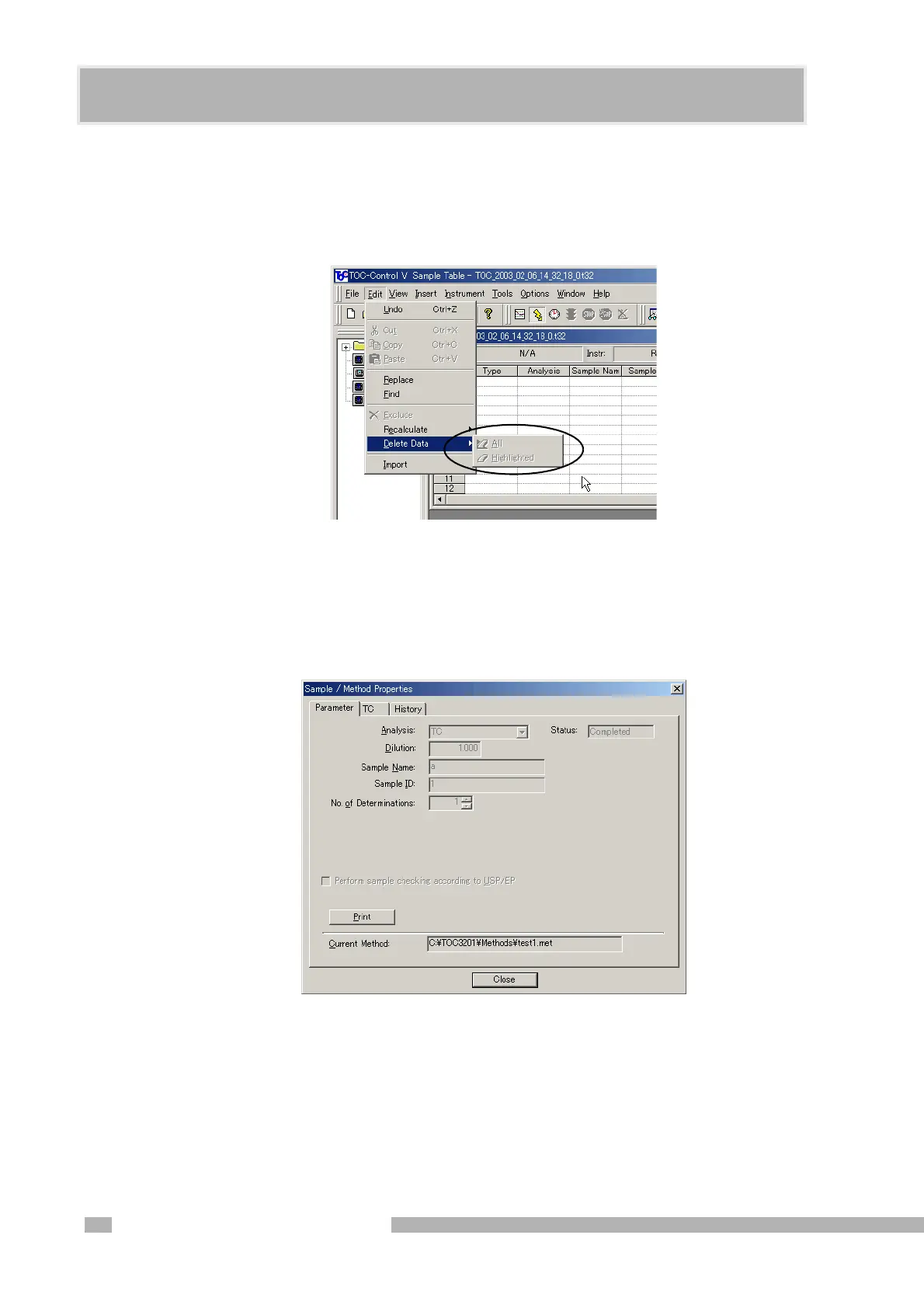
Prohibit Deletion of Measured Data
Select this item to prohibit measurement data from being deleted from the sample table
after measurement. If this item is selected at installation, it cannot be changed
thereafter.
Figure 3.13 Prohibit Deleting Measured Data
Prohibit Editing Measured Data
Select this item to prohibit editing of any measurement data information after
measurement. Editing of property items, deletion of data, recalculation, and deletion of
measurement data are all prohibited.
Figure 3.14 Example of “Prohibit Editing of Measured Data” Status
Delete Temporary Data on Local PC
Select this item to delete all temporary files, including *.t32 files and *.pkt files in the
“install folder\Data” folder, and all *.txt files in the “install folder\Export1” and
“\Export2” folders when the Sample Table Editor is closed.










 To Next Page