ShoreTel IP Phone 230/230g Enabling or Disabling Handsfree Mode
1
ShoreTel IP Phone 230/230g User Guide 27
Available options for agents are LoggedIn and LoggedOut, and available options for supervisors
are Logged In, Logged Out, and Wrap-Up. Scroll to the desired option and press the OK soft
key.
Press the Done soft key.
Enabling or Disabling Handsfree Mode
Handsfree mode is for analog telephone users who are using headsets.
With handsfree mode enabled, you can place or receive calls by using a headset or the speakerphone.
By default, handsfree mode is disabled. You can enable handsfree mode by doing the following:
Press the Options button , followed by your password and then .
Scroll to Handsfree Mode or press 6 on the keypad until 6. Handsfree Mode is highlighted.
Press the Edit soft key.
Available options for Handsfree mode are Disabled and Enabled. Scroll to the desired option and
then press the OK soft key.
Press the Done soft key to exit.
DIRECTORY
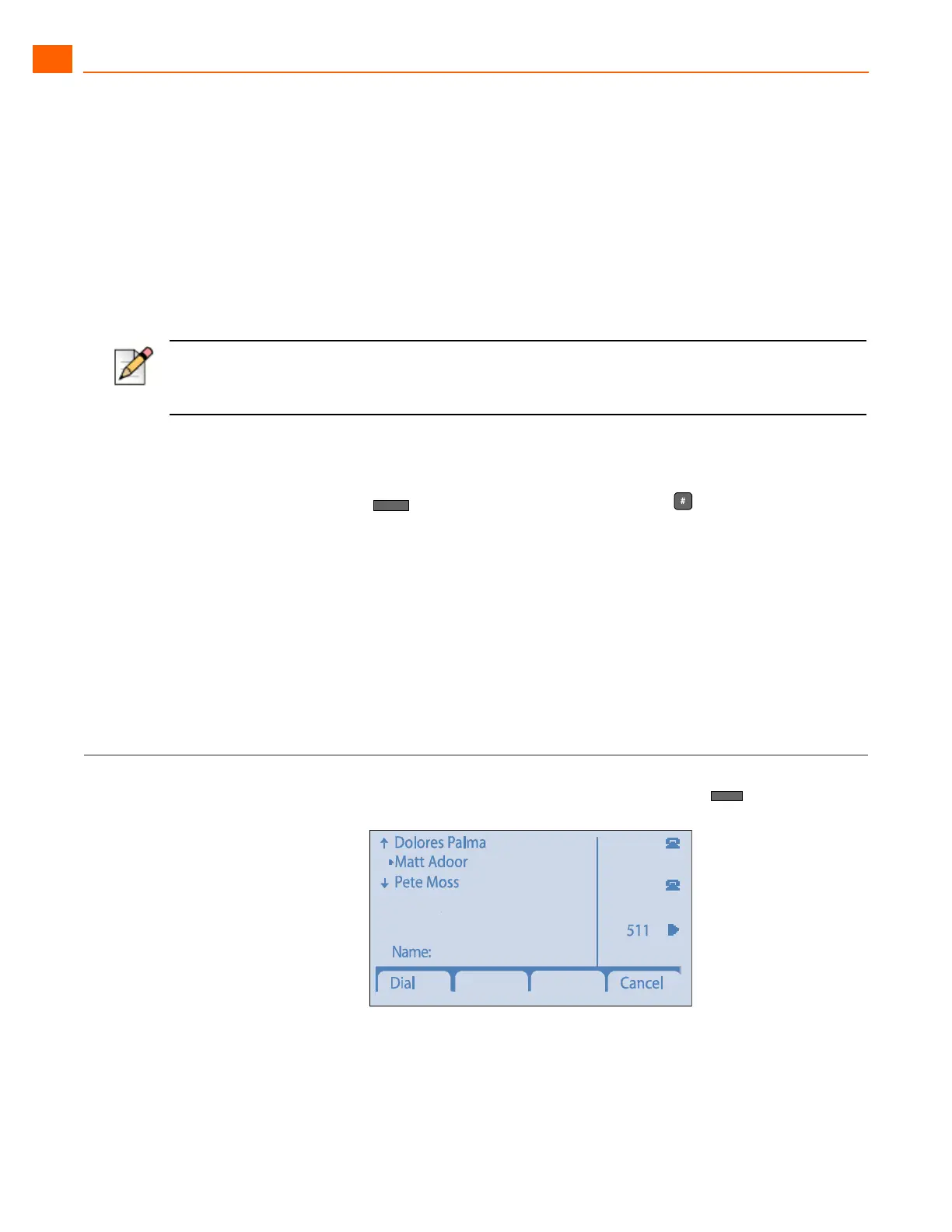
You can use the Directory to find phone numbers on your network by pressing , then:
Note
IP phone users should instead choose the Auto Off-Hook Preference. See Changing Automatic Off
Hook Preference on page 25 for more information.



 To Next Page