ShoreTel IP Phone 230/230g Adjust Display Contrast
1
ShoreTel IP Phone 230/230g User Guide 41
Dial R-E-S-E-T on the keypad and then press . Your phone reboots.
Adjust Display Contrast
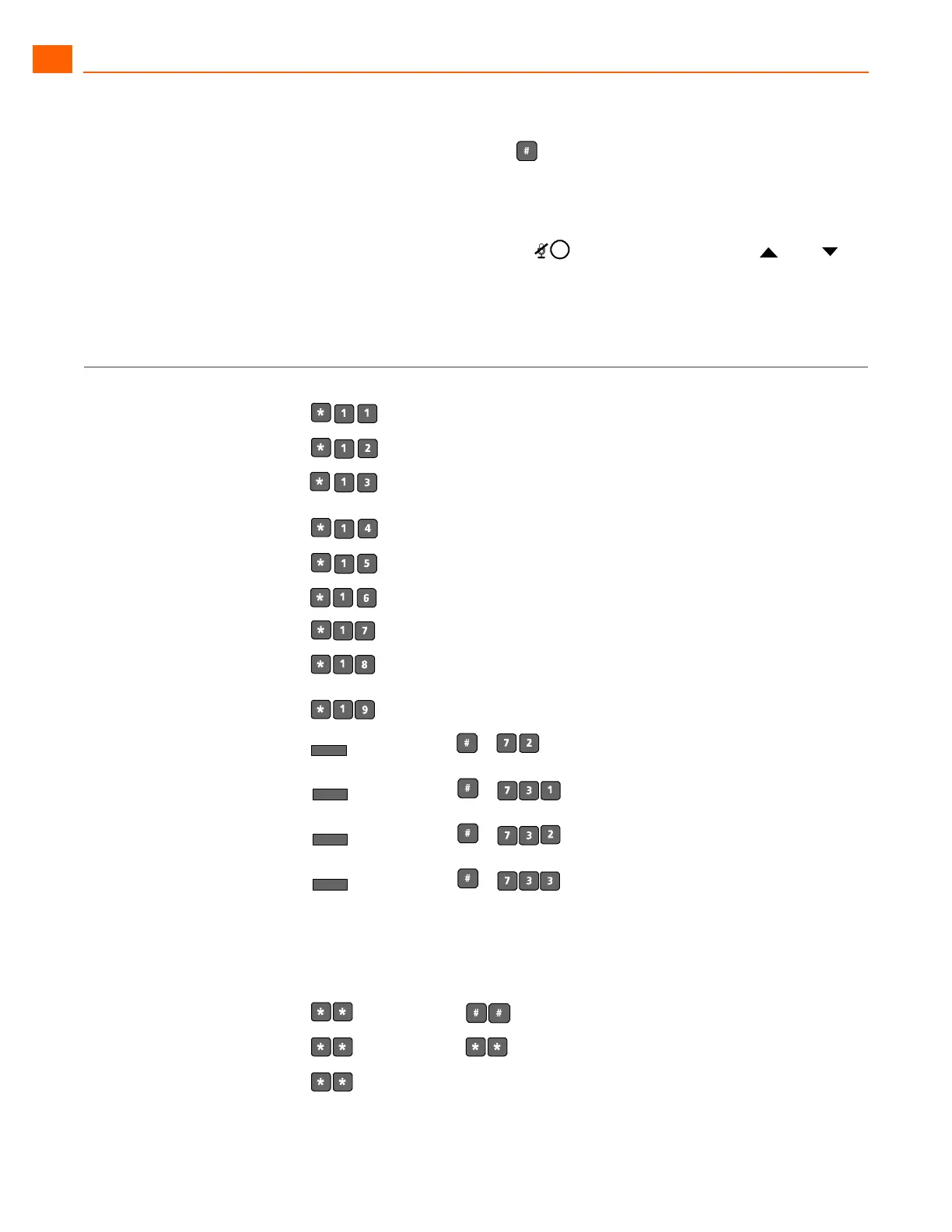
To adjust the contrast of your display, press and hold while repeatedly pressing and on
the Scroll button (located to the left of the telephone display) to add more or less contrast.
QUICK REFERENCE OF COMMON STAR CODES
Office Anywhere Features
Park a call
+ ext.
UnPark a call
+ ext.
Picking Up a Remote
Extension
+ ext.
Picking Up the Night Bell
Using the Intercom
+ ext.
Barge In
+ ext.
Silent Monitor
+ ext.
Toggling the Hunt Group
Status
+ HG ext.
Whisper Page
+ ext.
Changing Availability State
and Forwarding
+ password + +
Changing Extension
Assignment
+ password + +
Unassign Extension
Assignment
+ password + +
Assign Extension to External
Number
+ password + +
Transfer a call
+ destination +
Conference a call
+ destination +
Hold a call



 To Next Page